New Product Release! Repairit For Email Gets online!
Автор: Wondershare Recoverit Data Recovery
Загружено: 2022-09-09
Просмотров: 5176
Описание:
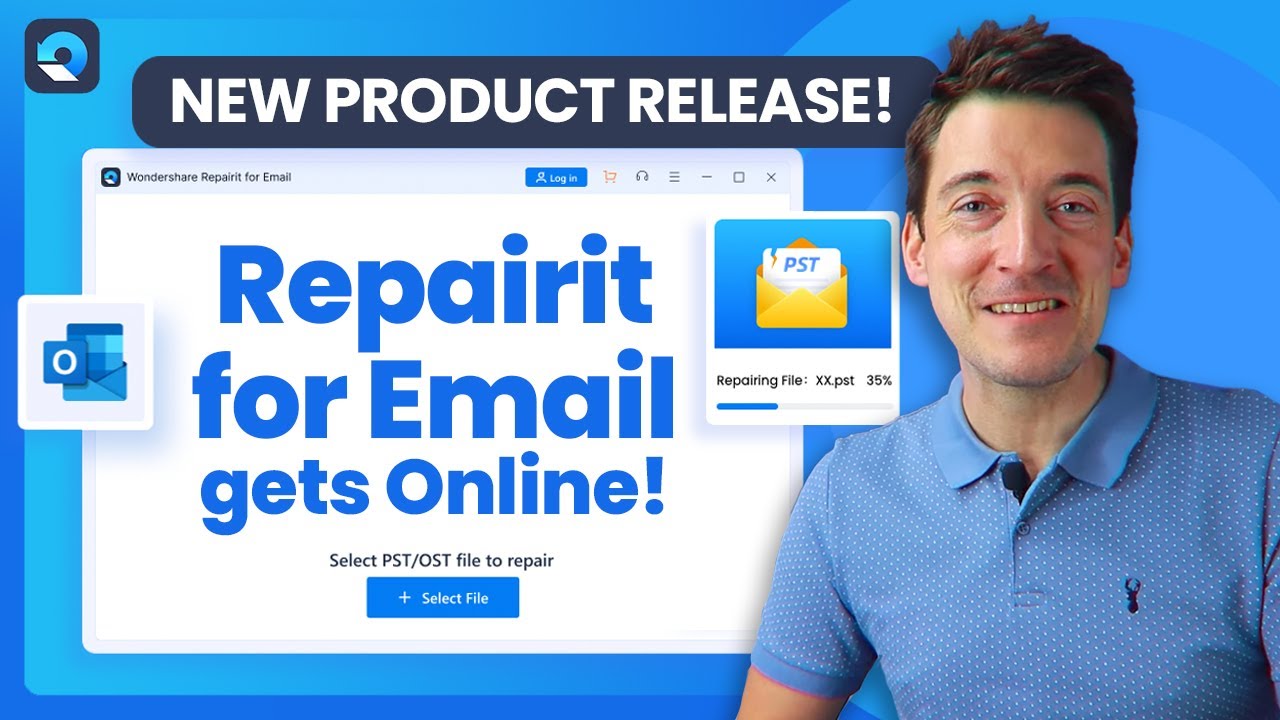
Today, we are going to share with you our new product Repairit for Email! Repairit for Email is a tool specially designed to resolve Email file corruption issues and fixes them in a matter of seconds. Try it directly: https://bit.ly/3RMU2Rm
Timestamps:
0:00 Intro
1:02 Key Features of Repairit for Email
2:38 Step by Step Tutorial - Repair Emails
3:36 For Windows devices
4:53 For Mac devices
5:38 Summary
Part 1: Key Features of Repairit for Email
• Better support to email formats
• Great Scanning Ability
• Repair for Any error in Batch
• Preview Before Save Option
• Restore and Recovery
• Supports Various Email Corruption Scenario
Part 2: Step by Step Tutorial - Repair Emails
Now that you have learned what Repairit for Email does, let’s now learn about how you can repair your damaged email file with a few simple steps.
To repair your corrupted email files on Repairit for Email, first, you need to launch Wondershare Repairit for Email. To launch the app on Windows, you can follow one of the ways. If the “Wondershare Repairit for Email” icon appears on your PC, then simply double-click the icon. If you don’t see the icon on your computer, you can enter the product name “Wondershare Repairit for Email” in the search box on your PC. Then you can click on the app to open it.
To launch the tool on Mac you can follow these simple steps:
1. Simply double-click on the tool icon on your Mac PC
2. If you don’t find it, don’t worry, you can find the tool on Finder. When you get it, double-click on it.
For Windows devices
For those who have a Windows PC, you can follow three simple steps to repair your emails. These simple steps include:
• Upload corrupt emails
• Start the repairing process
• Preview and choose a path to save
Let’s understand these steps in detail.
Step 1: Upload your corrupt emails
On the home screen of “Repairit for Email”, click on the “+Select File” icon and upload your corrupt email.
Step 2: Repair the uploaded emails
When you successfully add the emails, your next step is to click on the “Repair” button. Here, Repairit for Email will recover the corrupt emails in no time.
Step 3: Preview and save the fixed emails
Now, you can see all of your repaired emails on the left side panel of the screen. You can double-click any of the email for preview and then select a path to save it.
For Mac devices
If you use a Mac device then, follow these three steps to restore the email. The three steps include:
• Add the PST/OST files
• Click “Repair” to start the repairing process
• Preview and save repaired emails on your Mac
Now, let’s cover these steps in detail
Step 1: Select the repaired email
First, hit on the “+Select File” button to upload the damaged email file. Then, select the number of email file you want to repair.
Step 2: Start repairing damaged emails
Now, click on the “Repair” button. The email will get repaired after few seconds.
Step 3: Preview and save the repaired emails on your Mac
When the repair process gets completed, you can check any of the repaired email. After that, you can choose a location to save the email on your Mac device.
So, that’s it for this video. With the help of “Repairit for Email” tool, you can easily restore your corrupted email files from your Windows device. All you have to do is follow the tutorial shown in the video and recover the email quickly. We hope you find this video helpful. Don’t forget to like and comment below. And do subscribe to our channel for latest videos. Thanks for watching!
#Wondershare #Repairit #RepairitForEmail
SUBSCRIBE to get more solutions: https://www.youtube.com/c/RecoveritDa...
▶Follow us on TikTok / wondersharerecoverit
▶Follow us on Facebook / recoveritdatarecovery
▶Follow us on Twitter / ws_recoverit
▶Follow us on Instagram / wondershare.recoverit
▶Follow us on Quora Space: https://www.quora.com/q/recoverit
▶Follow us on our Quora account: https://www.quora.com/profile/Recover...
Повторяем попытку...
Доступные форматы для скачивания:
Скачать видео
-
Информация по загрузке:



![How to Recover Gmail Account Password Without Recovery Email [2024 Full Guide]](https://imager.clipsaver.ru/xeUI70FEhH0/max.jpg)








