ycliper

Популярное

Музыка Кино и Анимация Автомобили Животные Спорт Путешествия Игры Юмор

Интересные видео

2025 Сериалы Трейлеры Новости Как сделать Видеоуроки Diy своими руками

Топ запросов

смотреть а4 schoolboy runaway турецкий сериал смотреть мультфильмы эдисон
Скачать

Blender 3.0 for Production - 2D & 3D Tracking Workflow - 11 Semi-automatic Tracking Workflow

Blender

b3d

Blender3d

vfx

2D-Tracking

3D-Tracking

Camera-Tracking

Automatic Tracking

Semi-automatic Tracking

Syntheyes

Lens Distortion

Focal Length

Blender for Production

Blender in Film

Blender Featurefilm

Helge Maus

pixeltrain

Tutorial

Training

Blender scene reconstruction

Blender Tracking Workflow

3D-Object Integration

Shadow Catcher

Tracker

3D Camera Solve

Автор: pixeltrain - 3D & VFX Trainings

Загружено: 2022-02-16

Просмотров: 2829

Описание: In this tutorial series, we will talk about Blender as a solution for 3D Camera and Object Tracking. Step by Step you will learn how to use Blender for preparing your footage in the Video Sequence Editor (VSE) and getting used to the Movie Clip Editor. Then we will cover the important fundamentals of 2D-Tracking in Blender and also some use-cases for directly using these data. Then we build upon these 2D-Tracks and start solving a 3D-Camera and talk about good and bad tracks, nodal shots, tricks like offset-tracking, joining of tracks, and analyzing solve problems. In the final tutorials, we will finish with Object-tracking for props replacement. After this tutorial series, you have a solid understanding of Blender's Camera and Object Tracking and how to use the solved data inside of Blender or in other applications like Maya, Cinema, or Houdini.

If you have questions or topics, which should be added, please let me know.

If you want to support me for publishing more free tutorials you could join my Patreons:
👉   / pixeltrain3d  

or give me a fast Coffee time Tip:
👉 PayPal: https://paypal.me/pixeltrain

Want to start learning Blender Fundamentals with Helge?
👉    • Publication Trailer - pixeltrain Blender F...  

These topics are covered in this tutorial:

When to use semi-automatic Camera-Tracking
Analyzing the shot
Finding problems before tracking
Detect features function
Predefine the tracker settings
Last operation menu
Defining tracker areas with annotations
Workflow with zero-weight trackers
Using annotations as masks
Margin, Threshold & Distance
Remove problematic trackers
Tracking
Hiding disabled trackers
Adding more automatic trackers
Analyzing the trackers amount
Killing short living trackers
Clean-up panel
Filter tracks by Frames
Working with the tracking graph
Understanding speed curves
Solving the shot
Looking for good keyframes
Search for high re-projection errors
Clean-up by error
Search for parallax
Focal length
Lens Distortion
Setting up the scene orientation
Re-adjust the geometry
Making a playblast

If you want to use the same footage, here is my Gumroad link:
https://pixeltrain3d.gumroad.com/l/GEdjT

Be aware, that these files are included in my Patreon ;-)
  / pixeltrain3d  

This tutorial series „Blender for Production“ focuses on Blender as a full Production Suite for (Indie) 3D- & VFX Productions. In these tutorials, I will explain how to work with the different Modules of Blender and how they are connected. I will give you an introduction to the specific functionalities, but also the production context and workflows, which can help you to use Blender in your productions.

As a Senior 3D & VFX Trainer, Helge Maus teaches 3D- & VFX Applications for 20 years. His focus lies on VFX, but he also works with many studios and agencies from different visualization areas. He focuses on Houdini FX, Blender, and NUKE for his daily work and training.

If you have questions or topics, which should be added, please let me know.

If you want to support me for publishing more free tutorials you could join my Patreons:
  / pixeltrain3d  

or give me a fast Coffee time Tip on
PayPal: https://paypal.me/pixeltrain

Find more information on www.pixeltrain.net

YouTube:    / pixeltrain3dvfxtrainings  
LinkedIn:   / pixeltrain  

Mastodon: https://mastodon.art/web/@pixeltrain3d
BlueSky: https://bsky.app/profile/pixeltrain3d...

Flipped Normals: https://flippednormals.com/creator/pi...
Blender Market: https://blendermarket.com/creators/pi...

Не удается загрузить Youtube-плеер. Проверьте блокировку Youtube в вашей сети.
Повторяем попытку...
Blender 3.0 for Production - 2D & 3D Tracking Workflow - 11 Semi-automatic Tracking Workflow

Поделиться в:

Доступные форматы для скачивания:

Скачать видео

  • Информация по загрузке:

Скачать аудио

Похожие видео

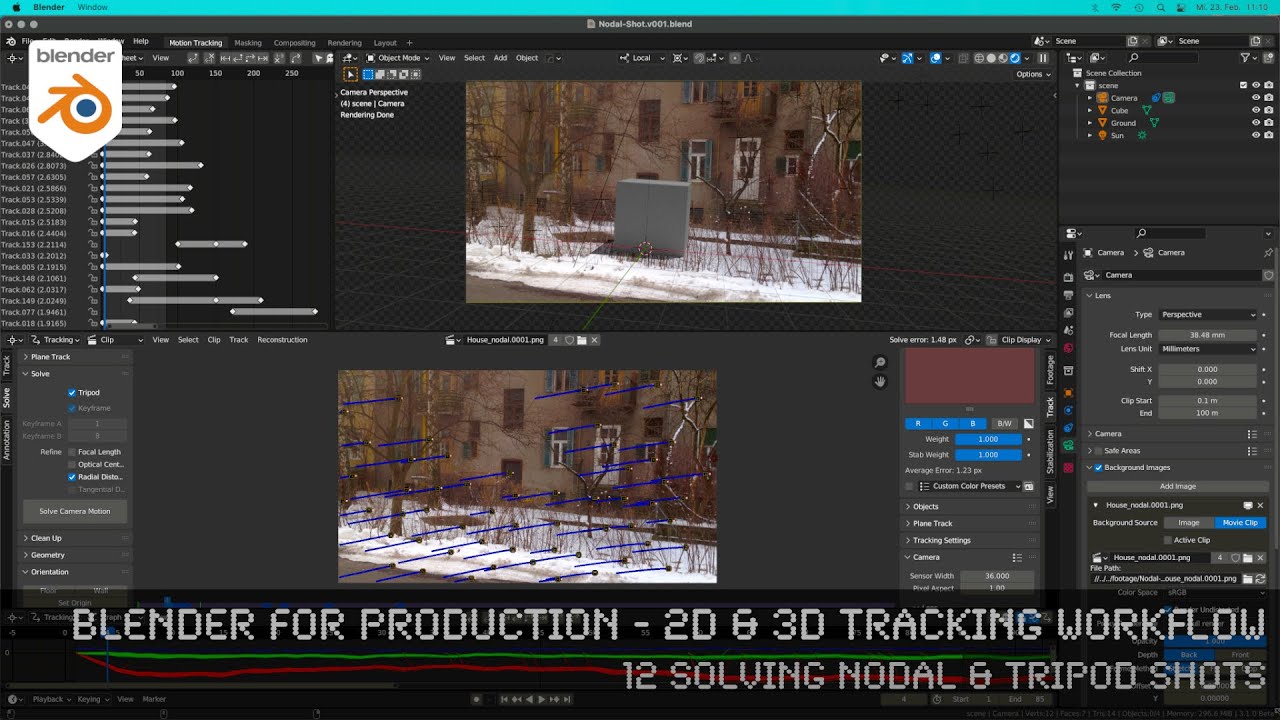
Blender 3.0 for Production - 2D & 3D Tracking Workflow - 12 Solving Nodal & Tripod Shots

Blender 3.0 for Production - 2D & 3D Tracking Workflow - 12 Solving Nodal & Tripod Shots

Fusion for Production - VFX Compositing with Fusion - 03 Deep Pixel Fundamentals, Tools & Workflows

Fusion for Production - VFX Compositing with Fusion - 03 Deep Pixel Fundamentals, Tools & Workflows

3D-отслеживание уже никогда не будет для меня прежним... (рабочий процесс COLMAP)

3D-отслеживание уже никогда не будет для меня прежним... (рабочий процесс COLMAP)

Уход LEICA, работа за КОПЕЙКИ, глушение спутников и интернета. Что будет с геодезией в России?

Уход LEICA, работа за КОПЕЙКИ, глушение спутников и интернета. Что будет с геодезией в России?

Фильм Алексея Семихатова «ГРАВИТАЦИЯ»

Фильм Алексея Семихатова «ГРАВИТАЦИЯ»

6 месяцев работ за 78 минут РЕМОНТ УБИТОЙ КВАРТИРЫ своими руками /

6 месяцев работ за 78 минут РЕМОНТ УБИТОЙ КВАРТИРЫ своими руками /

Путин рассекретил план врага:

Путин рассекретил план врага: "Турецкий поток" на грани взрыва. Эксклюзив с коллегии ФСБ

Материалы Unreal Engine 6 уровней сложности

Материалы Unreal Engine 6 уровней сложности

Fusion for Production - VFX Compositing with Fusion - 04 Compositing with Merge & Channel Booleans

Fusion for Production - VFX Compositing with Fusion - 04 Compositing with Merge & Channel Booleans

Comment incruster un objet 3D dans une vidéo ? Blender Motion Tracking

Comment incruster un objet 3D dans une vidéo ? Blender Motion Tracking

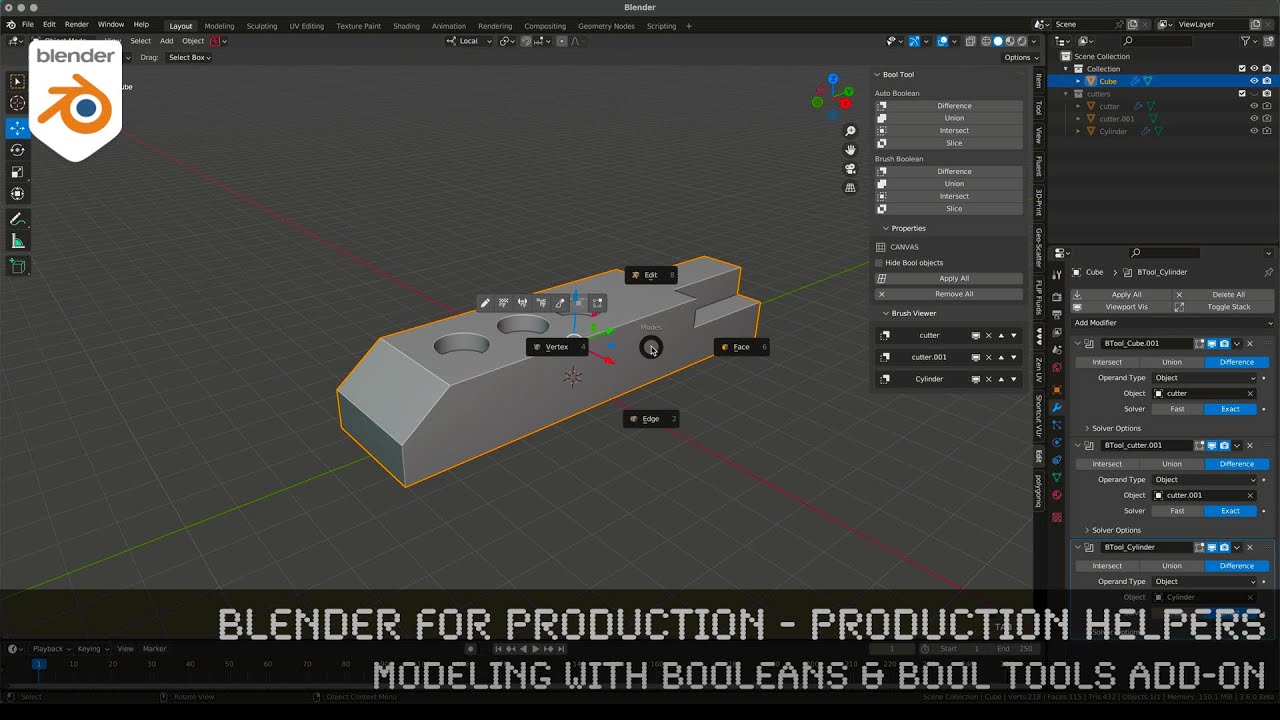
Blender for Production - Production Helpers - Modeling with Booleans & Bool Tools Add-on

Blender for Production - Production Helpers - Modeling with Booleans & Bool Tools Add-on

ФЛИС - материал, который ОБОЖАЮТ Туристы и КРИТИКУЮТ Экологи. От УНИТАЗА до ЭВЕРЕСТА

ФЛИС - материал, который ОБОЖАЮТ Туристы и КРИТИКУЮТ Экологи. От УНИТАЗА до ЭВЕРЕСТА

The Internet Was Weeks Away From Disaster and No One Knew

The Internet Was Weeks Away From Disaster and No One Knew

Как сделать так, чтобы Blender выглядел как Cinema4D/Redshift (освещение и композитинг)

Как сделать так, чтобы Blender выглядел как Cinema4D/Redshift (освещение и композитинг)

Как Делать Split-S На FPV Дроне - Подробная Инструкция | Продвинутые Техники Гоночных Элементов

Как Делать Split-S На FPV Дроне - Подробная Инструкция | Продвинутые Техники Гоночных Элементов

Fusion for Production - VFX Compositing with Fusion - 02b Fusion Compositing inside DaVinci Resolve

Fusion for Production - VFX Compositing with Fusion - 02b Fusion Compositing inside DaVinci Resolve

Доведение моделирования до предела возможностей для поиска порядка в хаосе.

Доведение моделирования до предела возможностей для поиска порядка в хаосе.

Fusion for Production - VFX Compositing with Fusion - 05 Fundamentals of Masks in Fusion

Fusion for Production - VFX Compositing with Fusion - 05 Fundamentals of Masks in Fusion

How to Color Grade Phone Log Footage in DaVinci Resolve Like a Pro (Oppo Workflow)

How to Color Grade Phone Log Footage in DaVinci Resolve Like a Pro (Oppo Workflow)

Motion Tracking avec Blender | Ajoutez des éléments 3D à vos vidéo | Tuto

Motion Tracking avec Blender | Ajoutez des éléments 3D à vos vidéo | Tuto

© 2025 ycliper. Все права защищены.


  • Контакты
  • О нас
  • Политика конфиденциальности


Контакты для правообладателей: [email protected]