How to Animate Effects | VideoPad Video Editing Tutorial
Автор: NCH Software
Загружено: 2018-09-06
Просмотров: 146798
Описание:
An updated version of this tutorial is now available, here: • How to Animate Effects | VideoPad Video Ed...
This tutorial will show you how to animate effects with VideoPad video editing software.
Download VideoPad to get started: https://www.nchsoftware.com/videopad/...
For more VideoPad video editing tutorials, visit https://www.nchsoftware.com/videopad/...
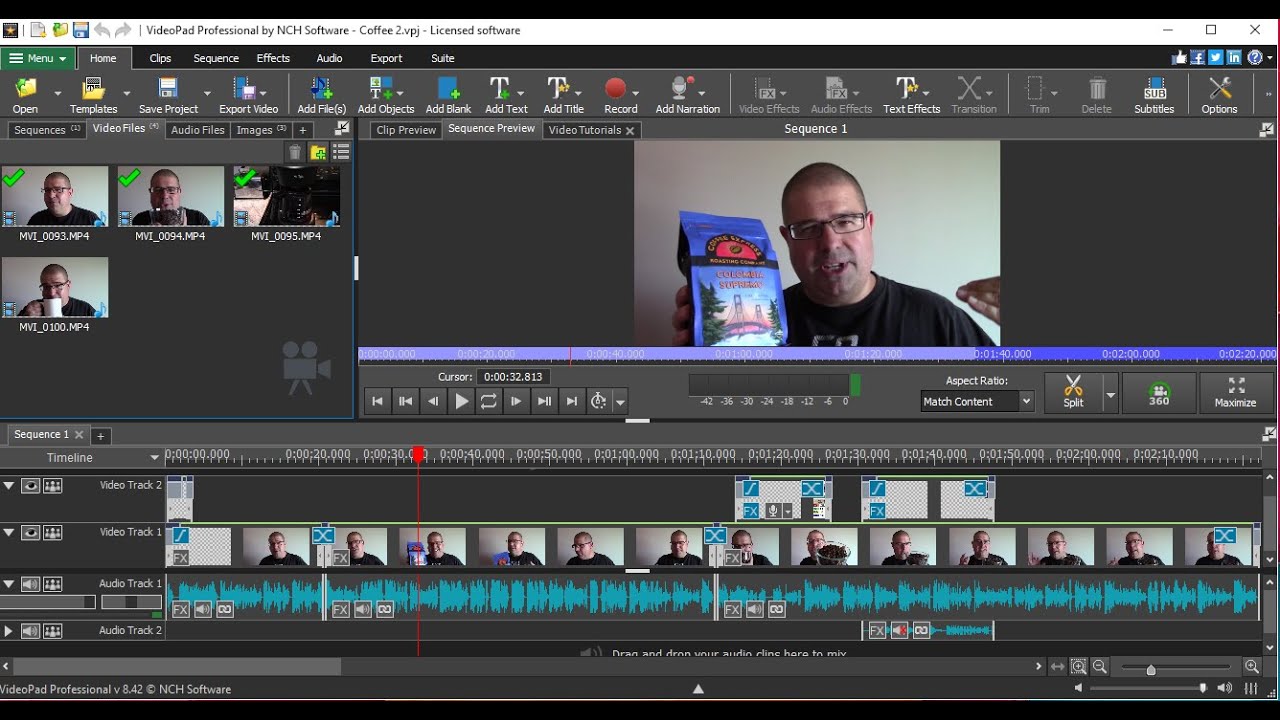
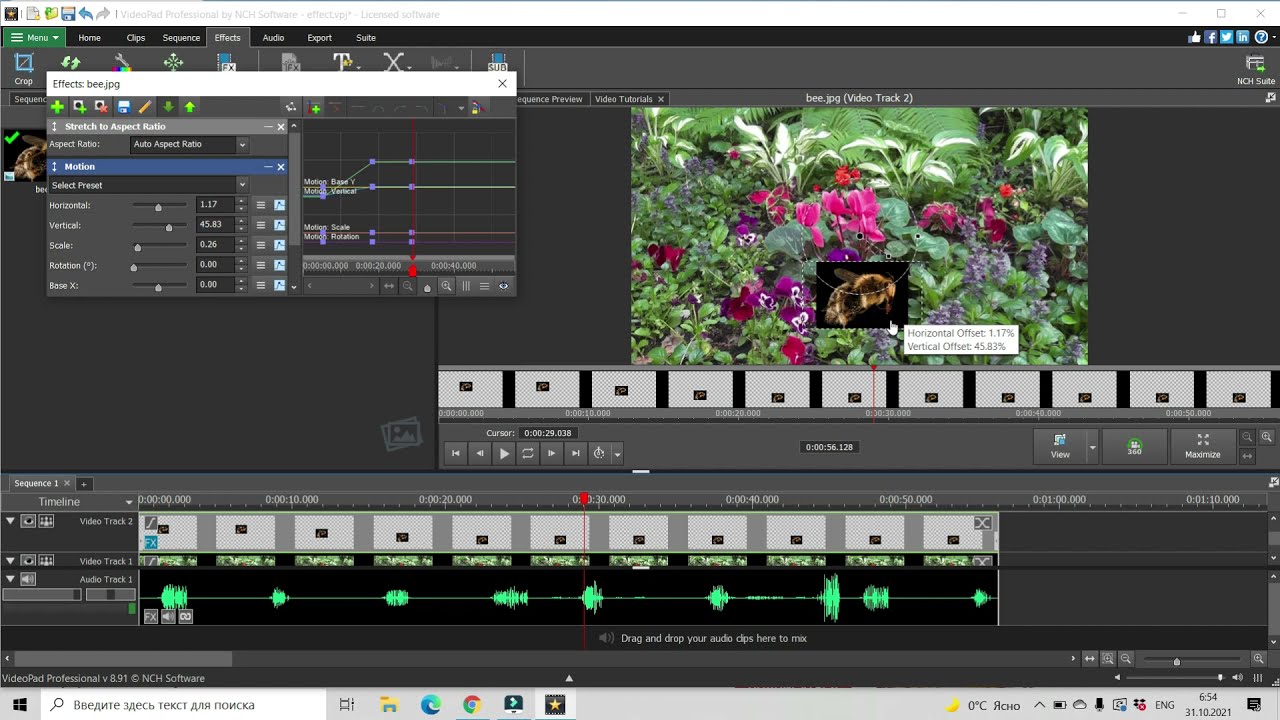
Click the FX button for a clip on the Timeline to open the Effects dialog. Select or add the effect you wish to animate and then click the “Show the effect animation editor” button. Click the Parameter Menu button and select a pre-defined animation line. In the Clip Preview, click Play to preview your animation.
To view more VideoPad video editing tutorials, visit https://www.nchsoftware.com/videopad/...
Need help using VideoPad?
Check the VideoPad Help Manual: http://help.nchsoftware.com/help/en/v...
Visit the VideoPad Forum: http://nch.invisionzone.com/index.php...
Or contact the VideoPad Support Team: https://www.nch.com.au/support/suppor...
Повторяем попытку...
Доступные форматы для скачивания:
Скачать видео
-
Информация по загрузке: