Скачать
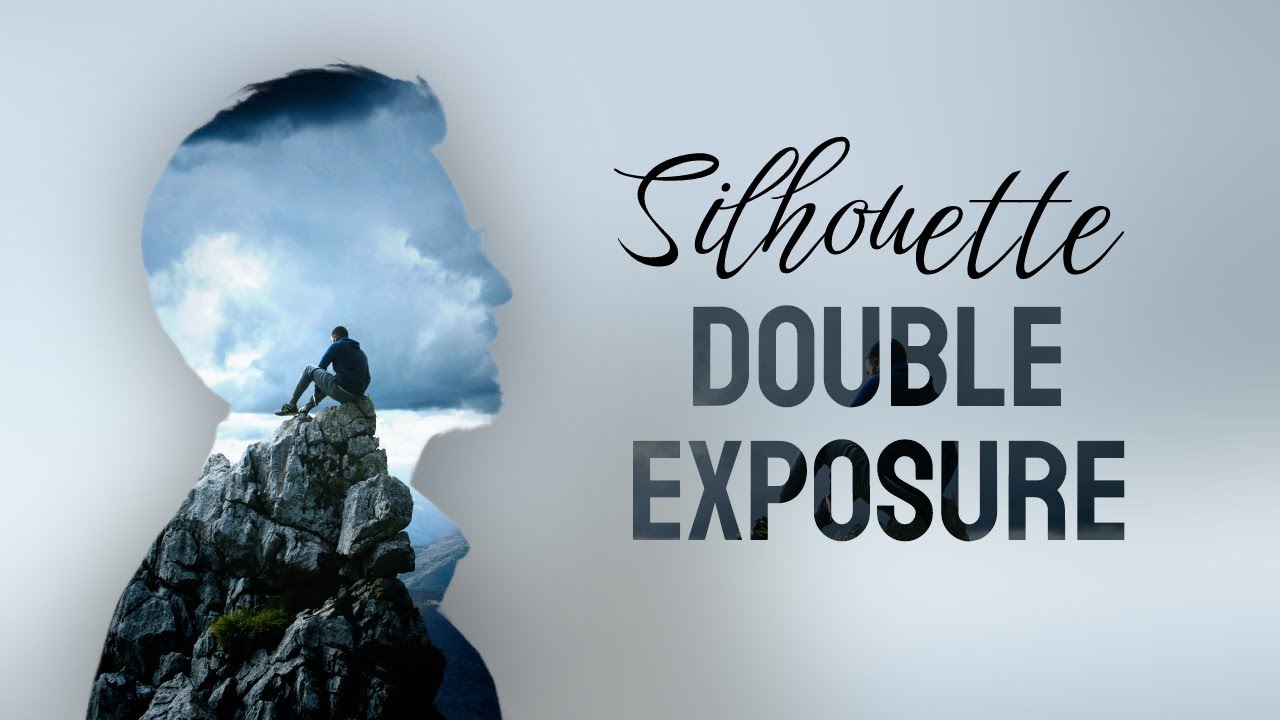
Photopea - Silhouette Double Exposure | Free Photoshop
Автор: f&D
Загружено: 2024-03-05
Просмотров: 1701
Описание:
Silhouette Double Exposure
Hi Everyone, This is Daniel from f&D. In this video, We are going to see How to create Silhouette Double Exposure Effect using Photopea
Steps:
1. Open Photopea
2. Create a New Image
3. Drop your Silhouette Image
4. Remove BG
5. Drop the Image need to be inside
6. Add Clipping Mask
7. Do some minor editings
That's it. You just create Silhouette Double Exposure
Thanks for Watching
Also Watch
Dual Photo Effect: • Photopea Dual Photo Effect | Free Photosho...
Subscribe us:
http://bit.ly/Subscribe-fandD
Не удается загрузить Youtube-плеер. Проверьте блокировку Youtube в вашей сети.
Повторяем попытку...
Повторяем попытку...
Доступные форматы для скачивания:
Скачать видео
-
Информация по загрузке:


