How to Enable Performance Menu on Holden VF Commodore Instrument Cluster
Автор: OBDSync
Загружено: 2024-09-03
Просмотров: 4854
Описание:
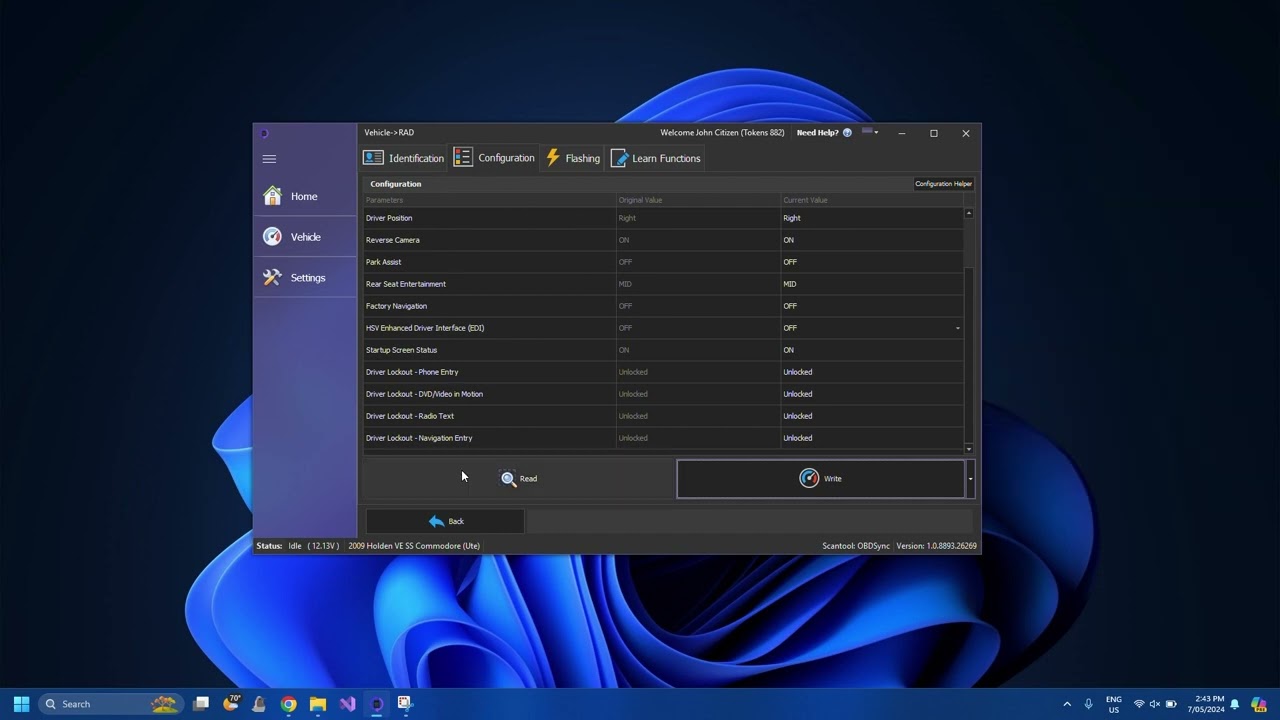
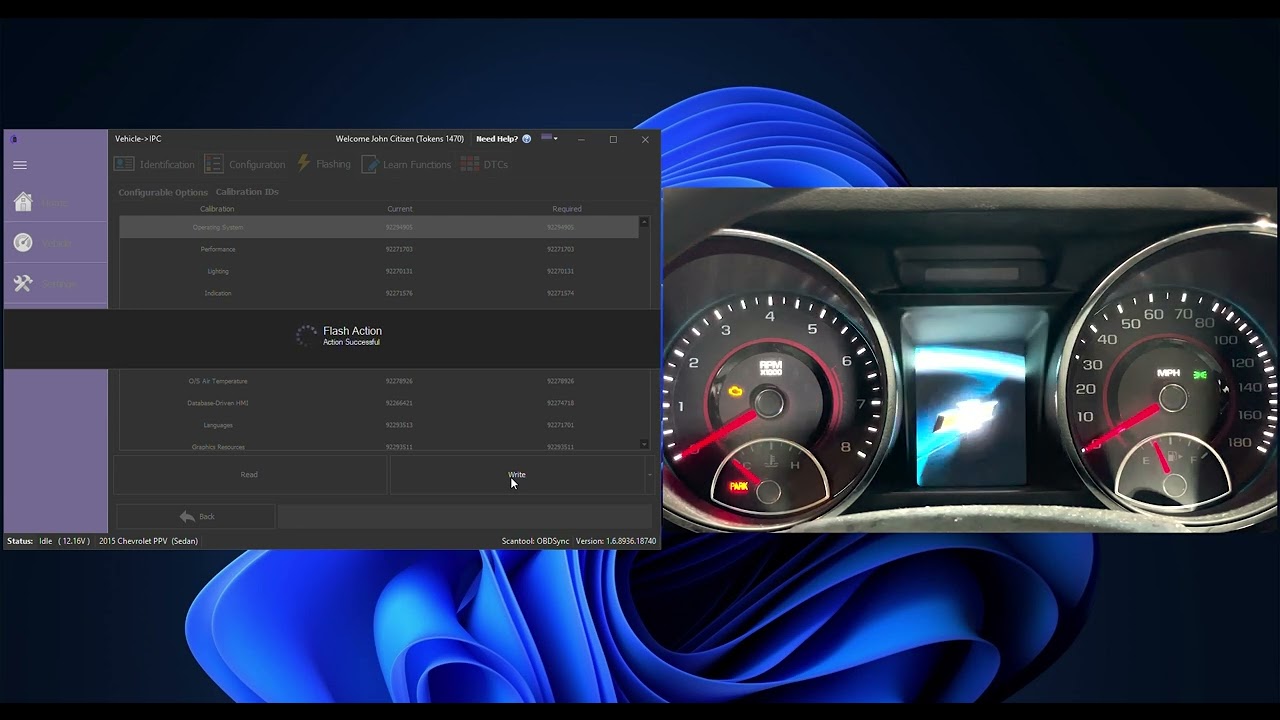
Activating the Performance Menu is so simple with OBDSync, that it can be done in under 60seconds with only a few clicks!
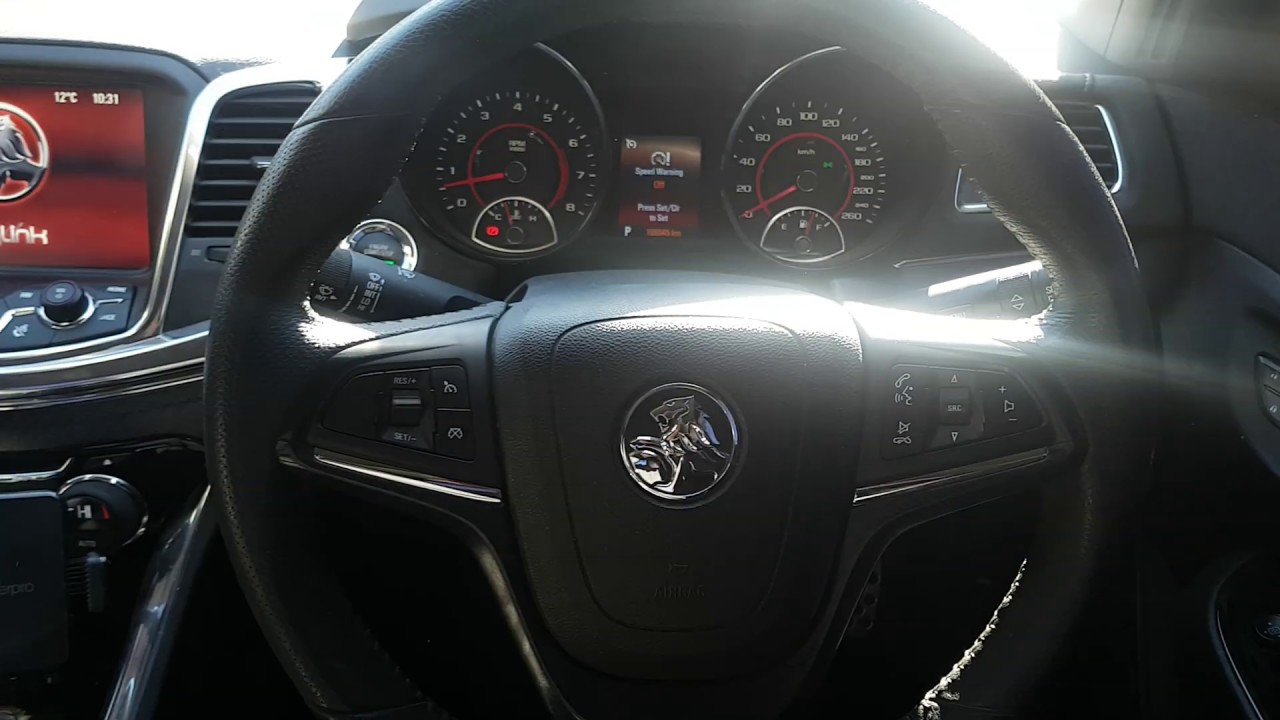
On a SSV, HSV, Calais and Chevrolet SS vehicles with the colour screen instrument cluster, the performance menu allows displaying various new screen options including:
-Oil Temperature
-Oil Pressure
-Coolant Temperature
-Battery Voltage
-Lap Timer
-Performance Test (0-100km/hr or 0-60mph timer)
On the non colour screen clusters (Black and white screen), the performance menu does include an additional G-force menu.
Our videos speak for themselves to demonstrate just how easy it is to make edits in your vehicle, so grab yourself a kit today from: https://obdsync.com/product/obdsync-s...
Повторяем попытку...

Доступные форматы для скачивания:
Скачать видео
-
Информация по загрузке: