How to Install LAVNA LS11 Cabinet/Drawer/Wardrobe Lock | Complete Installation Guide
Автор: Lavna Locks
Загружено: 2026-01-30
Просмотров: 479
Описание:
Looking to upgrade your home or office security? In this video, we provide a step-by-step guide on how to install the LAVNA LS11 Smart Cabinet Lock. Whether you want to secure your wardrobe, office desk, or kitchen cabinets, this biometric solution offers premium protection without the hassle of traditional keys.
You can easily install this product just by watching this video. 👇
📋 What’s Inside the Box?
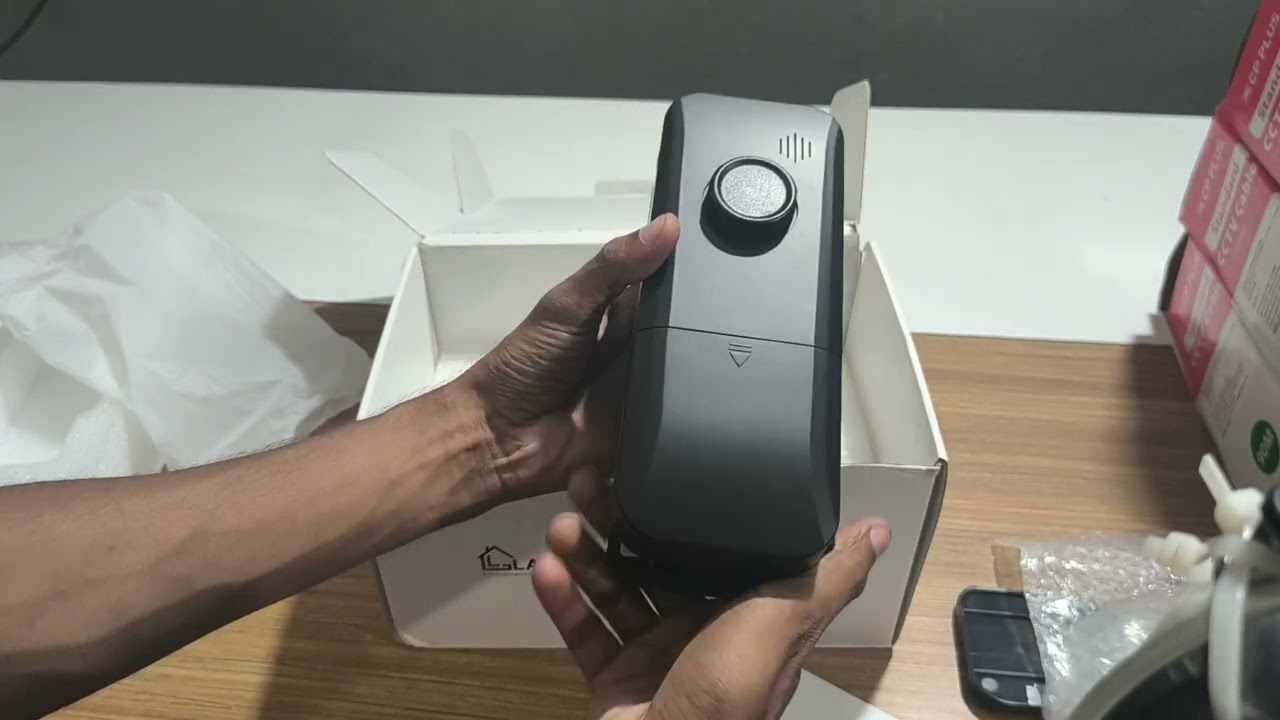
1- Before we begin the installation, here is a quick look at the components:
2- Front Panel: High-sensitivity fingerprint sensor.
3- Back Panel: Main lock body and battery compartment.
4- Installation Cardboard: A precise template for marking drill holes.
5- Hardware Kit: Includes the catch key, mounting plates, and screws.
🛠️ Step-by-Step Installation Guide
1- Find the Center: Use an inch-tape to locate and mark the exact center of your cabinet drawer.
2- Template Alignment: Place the provided installation cardboard on your markings and trace the points for the screw holes and the wire passage.
3- Drilling: Carefully drill the holes as per the template markings to ensure a perfect fit.
4- Mounting the Front Panel: Pass the main wire through the center hole and secure the front panel using the mounting plate and screws.
5- Back Panel Connection: Connect the front panel wire to the back unit.
6- Securing the Unit: Align the back panel with the latch and screw it firmly into place.
7- Battery Installation: Use 3 AAA Duracell long-lasting batteries for optimal performance.
8- Catch Key Setup: Mark the position for the catch key inside the cabinet and screw it in tightly.
9- Final Testing: Test the lock with any finger (as it starts in setup mode) to ensure the latch and catch key are perfectly aligned.
🕒 Video Chapters:
00:00 - Introduction to LAVNA LS11
00:04 - Scanning for Customer Support
00:17 - Unboxing and Box Contents
01:04 - Measuring and Marking the Center
01:11 - Using the Installation Template
01:16 - Drilling the Installation Holes
01:24 - Installing the Front Fingerprint Panel
01:31 - Mounting the Front Panel Plate
01:39 - Connecting the Wire to the Back Panel
01:49 - Fixing and Screwing the Back Unit
01:59 - Battery Installation (AAA Batteries)
02:08 - Marking and Installing the Catch Key
02:17 - Final Testing and Demonstration
02:25 - Outro and Contact Information
✨ Key Features of LAVNA LS11
1- Biometric Access: No more lost keys; your finger is the key!
2- Sleek Design: Minimalist and modern aesthetic that fits any furniture.
3- Low Power Consumption: Long battery life with emergency USB power support.
4- Versatile Use: Perfect for drawers, cupboards, and lockers.
Secure | Convenient | Easy to Install
For inquiries, demos, or to buy now:
Visit: https://www.lavnalocks.com
WhatsApp: +91-9971427608
To buy this product, visit our website - https://lavnalocks.com/
You can also buy this product on Amazon - https://www.amazon.in/stores/LAVNASma...
Follow us for more :
Instagram - / lavnalocks
Facebook - / bhagwnshrilocksprivatelimited
LinkedIn - / lavna-locks
YouTube - / @lavnalocks
#smartdoorlock #digitaldoorlock #digitallock #smartdoorlock #woodendoors #glassdoors #smartglass #doorlock #bluetooth #wifi #rfidcardlock #lavnalocks #automaticdoorlock #smarthomeautomation #security #smartsecurity #homesecurity #smartdoorlock #smartdoorlock #setupvideo #smartdoorbell #installationvideo #features #smartlock #smartlock #fingerprintlock #smartlocks #automatic #faceid #smartlock
Повторяем попытку...

Доступные форматы для скачивания:
Скачать видео
-
Информация по загрузке: