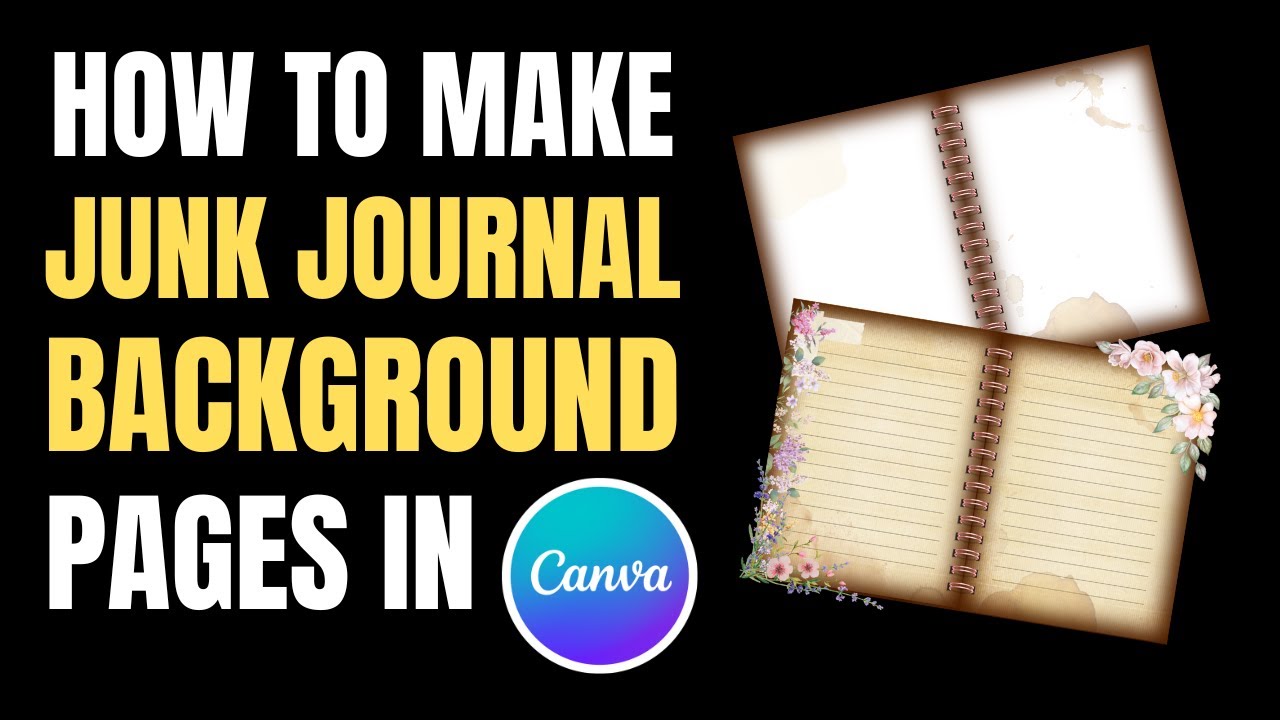
How to create JUNK JOURNAL Overlay Windows | Canva Tutorial!
Автор: Build Lamp
Загружено: 2025-08-01
Просмотров: 715
Описание:
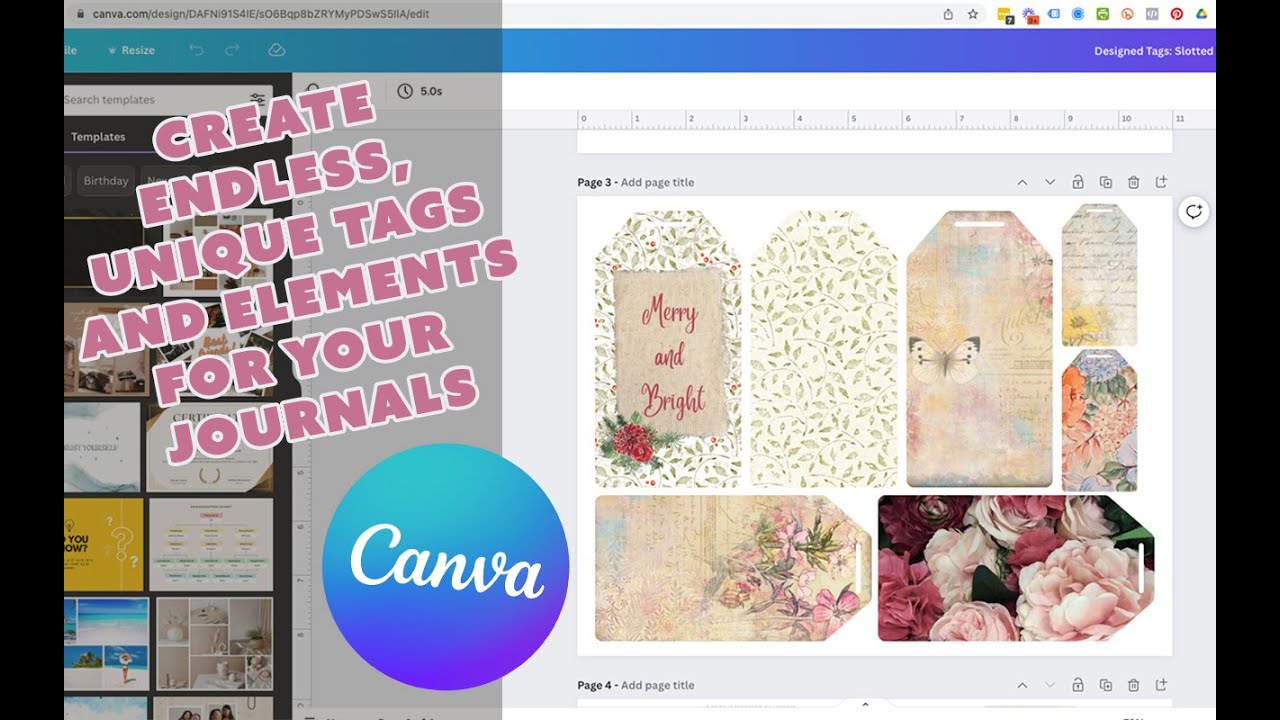
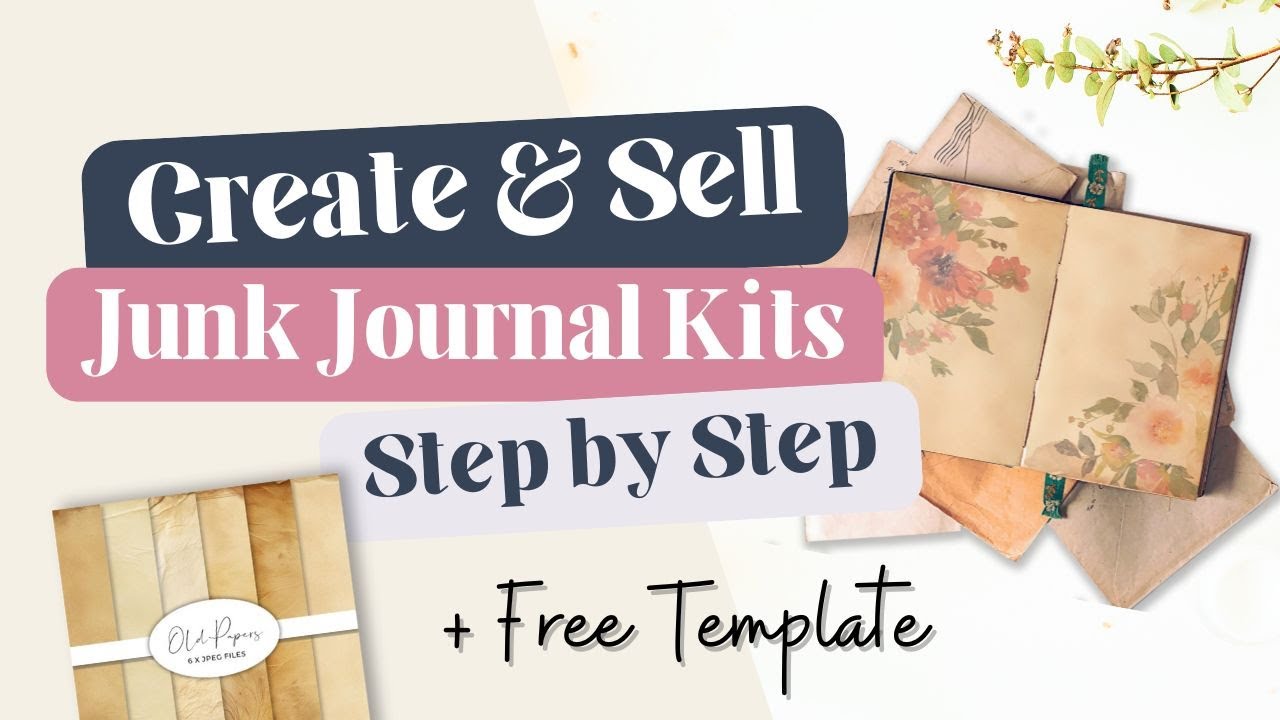
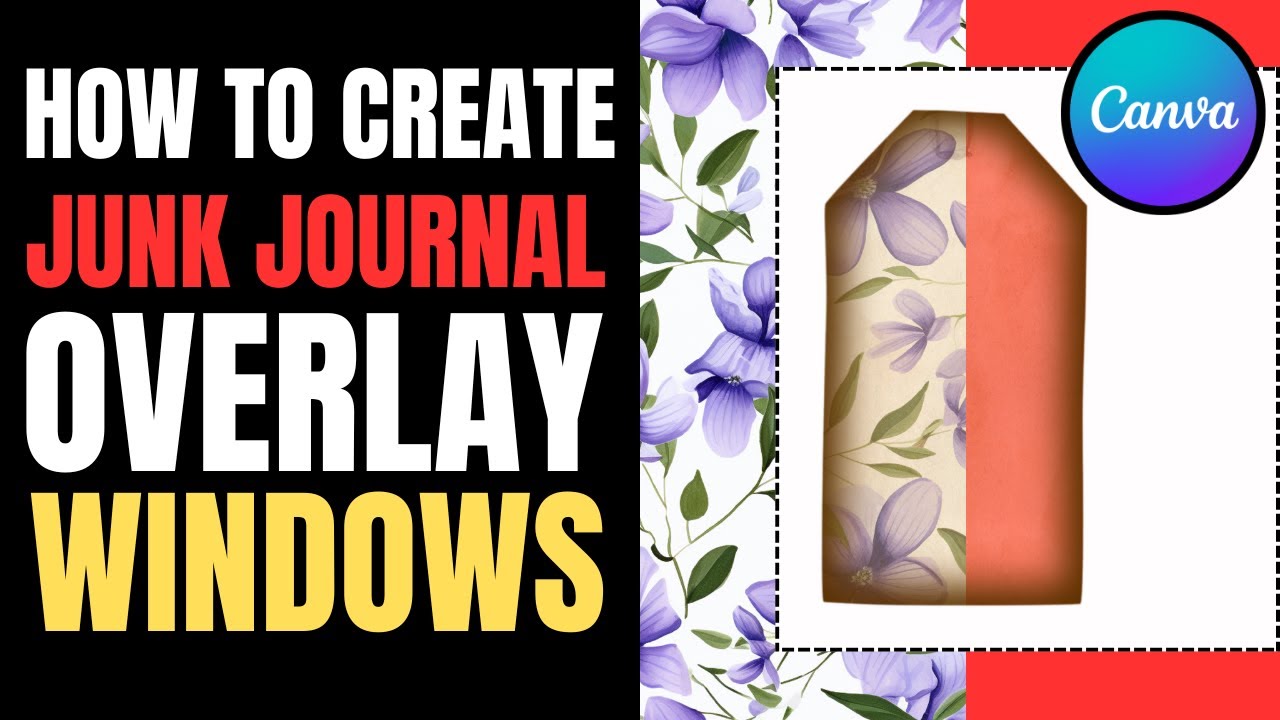
In this Canva tutorial, I show you how to create transparent overlay windows that can be used to make beautiful vintage-style luggage tag designs—perfect for junk journals, altered books, printable ephemera, and digital kits.
You'll learn how to:
Select and use a vintage luggage tag element from Canva's library
Cut out a transparent window to create an aged tag overlay effect
Add a brown glow and transparency to simulate wear and vintage depth
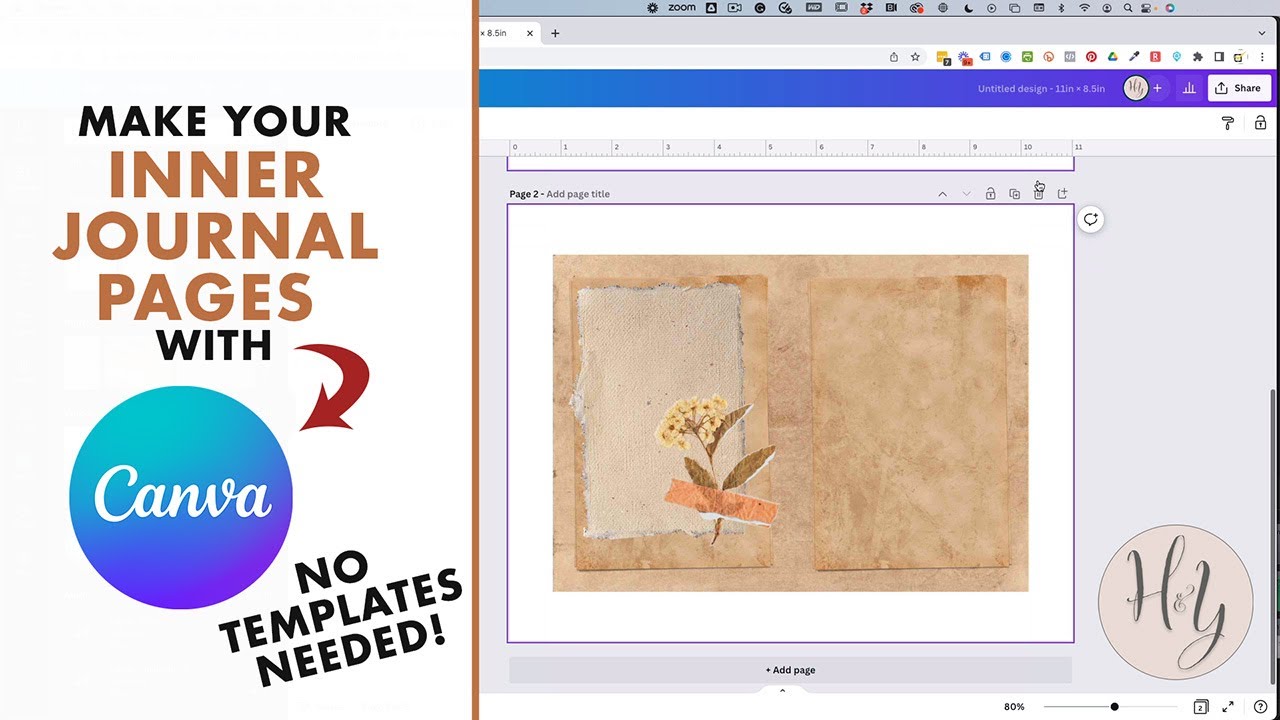
Layer your elements and save as a reusable PNG for any background or printable
Use the final overlay to mass-produce matching tags on different fabric or paper textures
This method is quick, beginner-friendly, and ideal for anyone looking to build a consistent junk journal aesthetic across printable kits, ephemera sets, or hybrid journaling.
✅ Great for vintage printables
✅ Easy digital ephemera design
✅ Works for physical and digital junk journals
✅ Perfect for mass-producing journal tags with different backgrounds
👉 Like, share, and subscribe for more tutorials, ideas, and Canva hacks!
Повторяем попытку...
Доступные форматы для скачивания:
Скачать видео
-
Информация по загрузке: