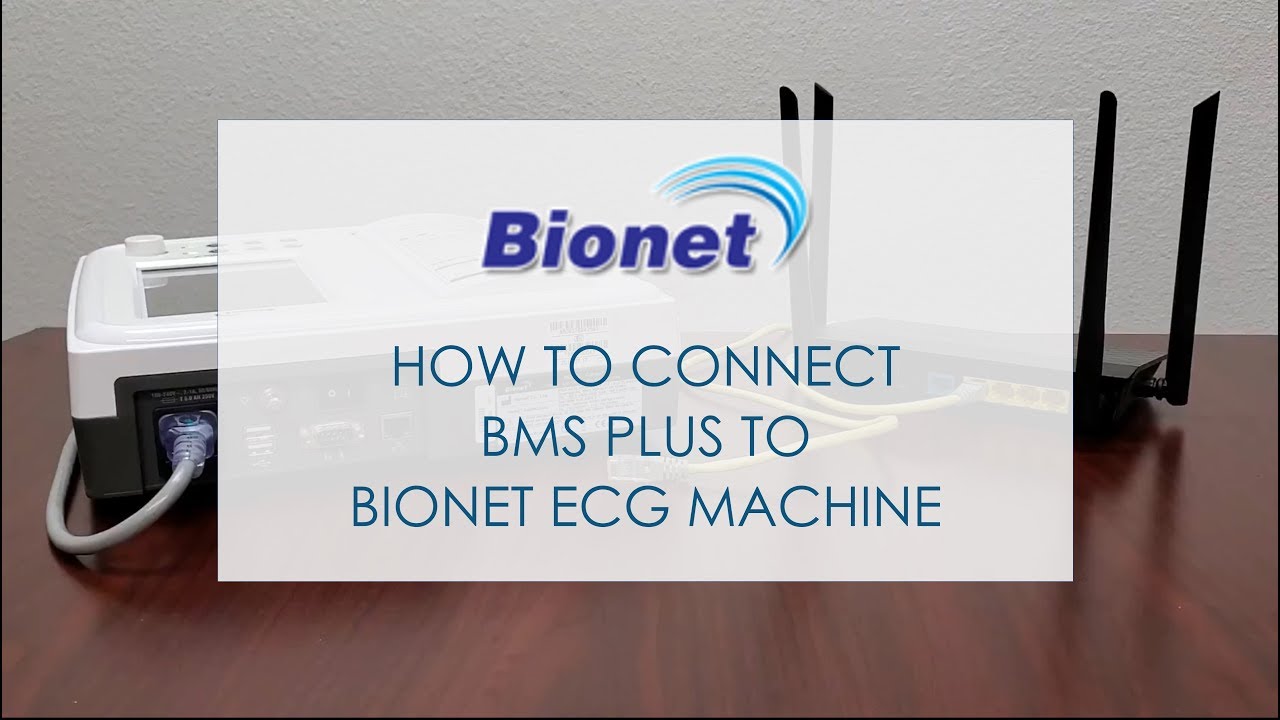
How to connect BMS Plus to Bionet ECG machine
Автор: Bionet America
Загружено: 2019-07-16
Просмотров: 7628
Описание:
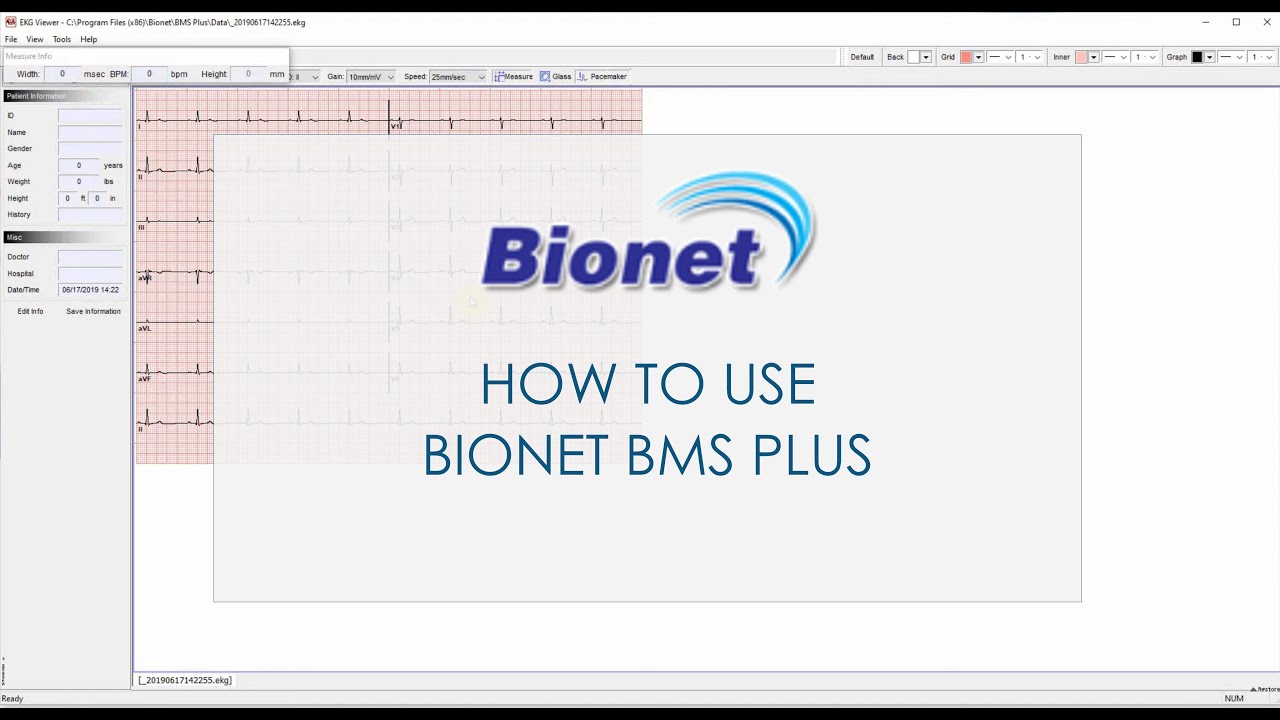
This video shows how to install Bionet BMS Plus ECG management software.
Related videos - BMS Plus Software
How to install Bionet BMS Plus: • How to install Bionet BMS Plus (ECG Manage...
How to use Bionet BMS Plus: • How to use Bionet BMS Plus (ECG Management...
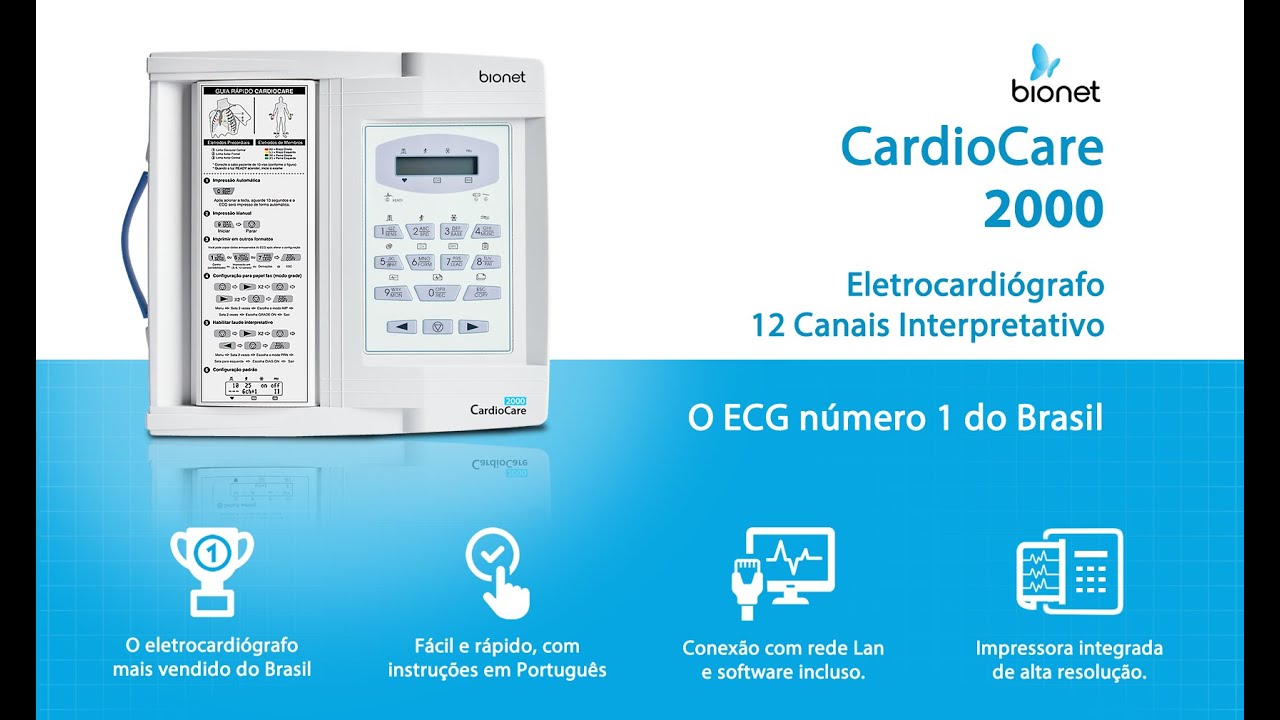
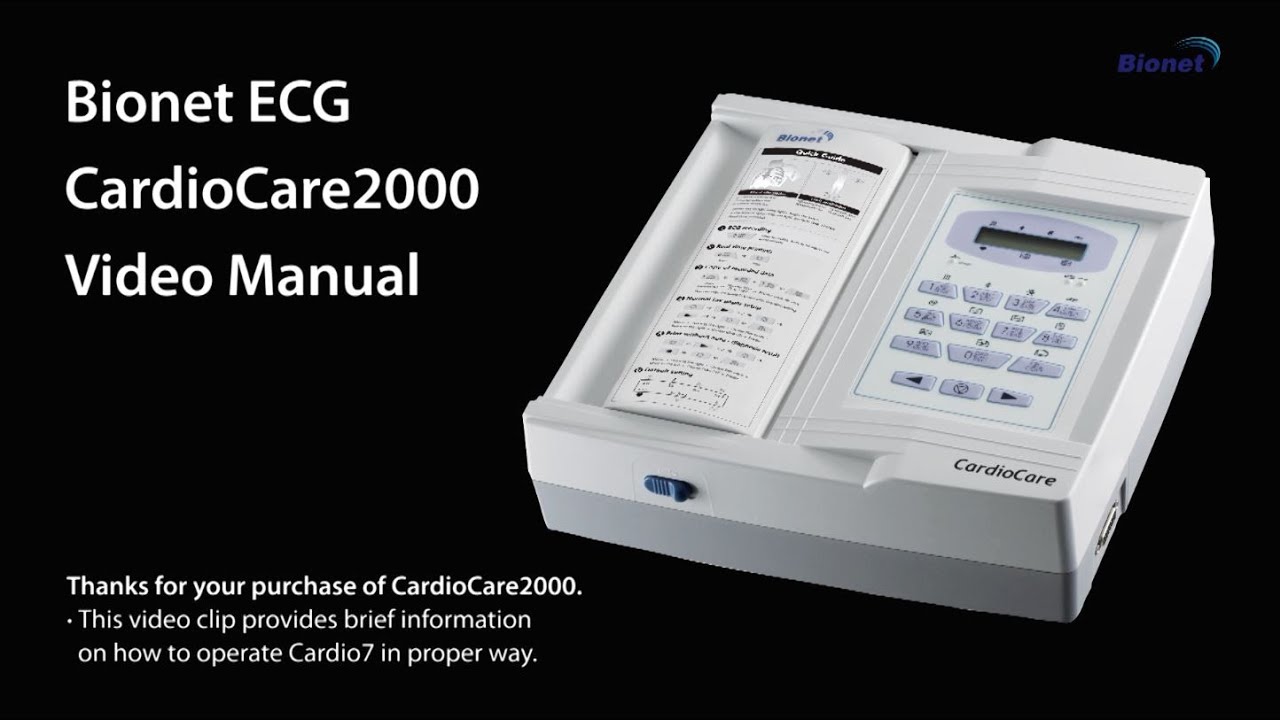
BMS-Plus is an ECG/Spirometer software program that enables you to interface Bionet electrocardiograph (ECG/EKG) and spirometer, including the CardioCare 2000, Cardio7, Cardio7-S, and SpiroCare, directly to Windows-based computers.
∙ See details of BMS Plus software: http://bit.ly/2XPBK5v
Features of BMS Plus
Preview and Control Your Bionet ECG Machine
Save ECGs in JPG Format That You Can Then File or Email
Print Your ECGs From Your Windows-Based Printer
Magnify Sections of The ECG Tracing For Easy Reading
Measure ECG Complexes with Easy to Use Tools
Save and Recall ECGs on Your Computer
Change ECG Settings in Real Time
JPG Format Ensures Compatibility with Most EMR Packages
Transfer ECGs from The Machine to Your Computer
Add Custom Comments to The ECG
Includes Both a Monitor and Record Mode
View a Real Time Preview Before You Print
Compare Two Different ECGs Side by Side
Learn more at http://bit.ly/2XPBK5v
Повторяем попытку...
Доступные форматы для скачивания:
Скачать видео
-
Информация по загрузке: