How to Install a Garmin Europe Map Card on the Nuvi 1400 series with GPSCity
Автор: GPSCity
Загружено: 2012-05-31
Просмотров: 158870
Описание:
http://www.gpscity.com/garmin-microsd...
http://www.gpscity.ca/garmin-microsd-...
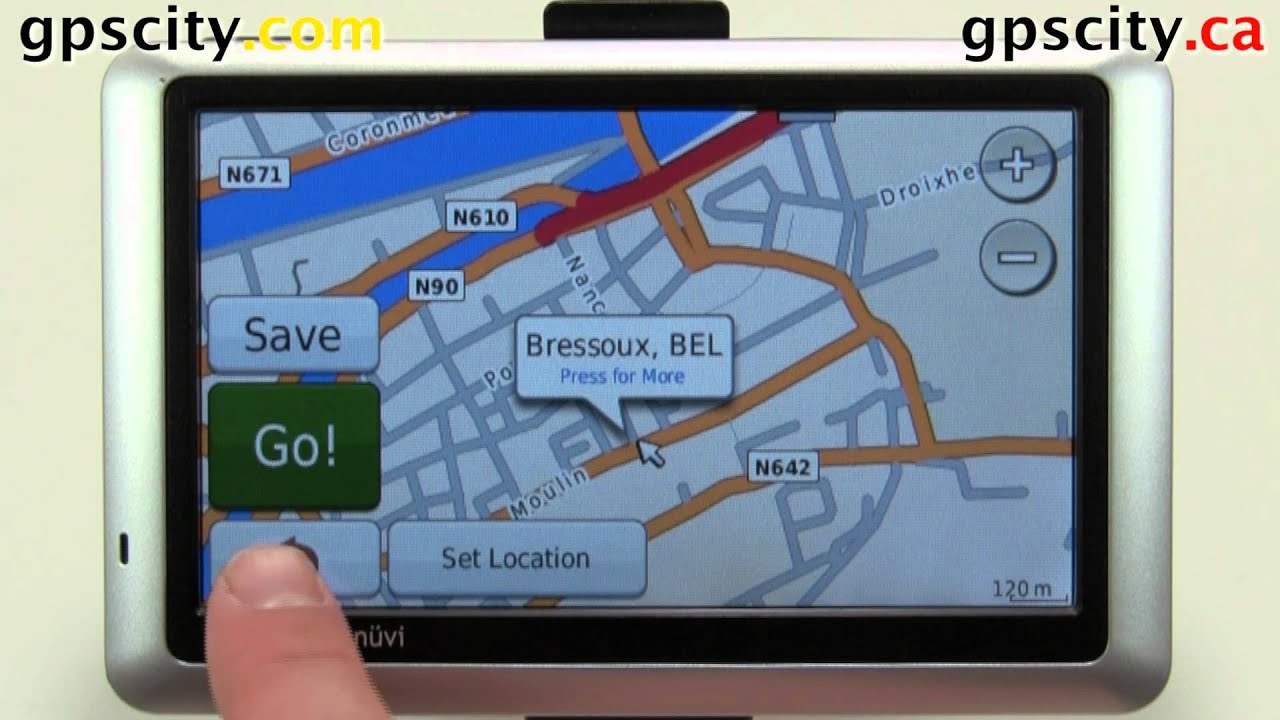
Learn how to install and verify your European maps in the Garmin nuvi 1450 and other nuvi series. You can save points and plan your trip overseas from the comfort of your living room.
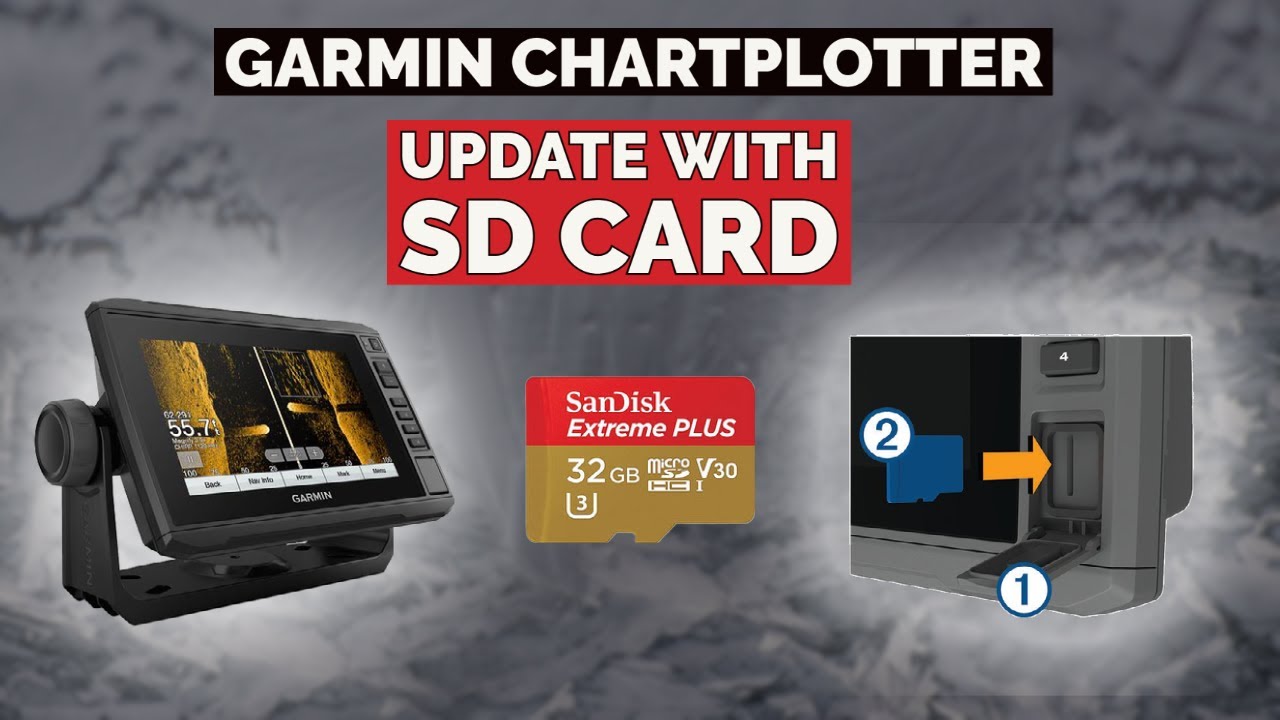
To install the maps take the micro SD card out of the SD adapter, then put the card in the memory port on the side of the unit. You can verify the maps by panning to Europe or checking your map settings.
When planning a trip to Europe be sure to change the 'Near' reference point to a location near your destination to search points of Interest. Use the save button to add the point to favorites for when you get to Europe.
UPC: 753759066451
PN: 010-10680-50
Call Us
1-866-GPS-CITY (477-2489)
Join us on Facebook and Twitter today
Facebook
http://www.facebook.com/pages/GPS-Cit...
Twitter
/ gpscity
Повторяем попытку...
Доступные форматы для скачивания:
Скачать видео
-
Информация по загрузке: