How To Hide Dock On MacBook / Mac / MacOS
Автор: ProgrammingKnowledge2
Загружено: 2023-12-03
Просмотров: 7341
Описание:
Title: How To Hide Dock on MacBook | Maximize Your Screen Real Estate with This Quick Tutorial
Description:
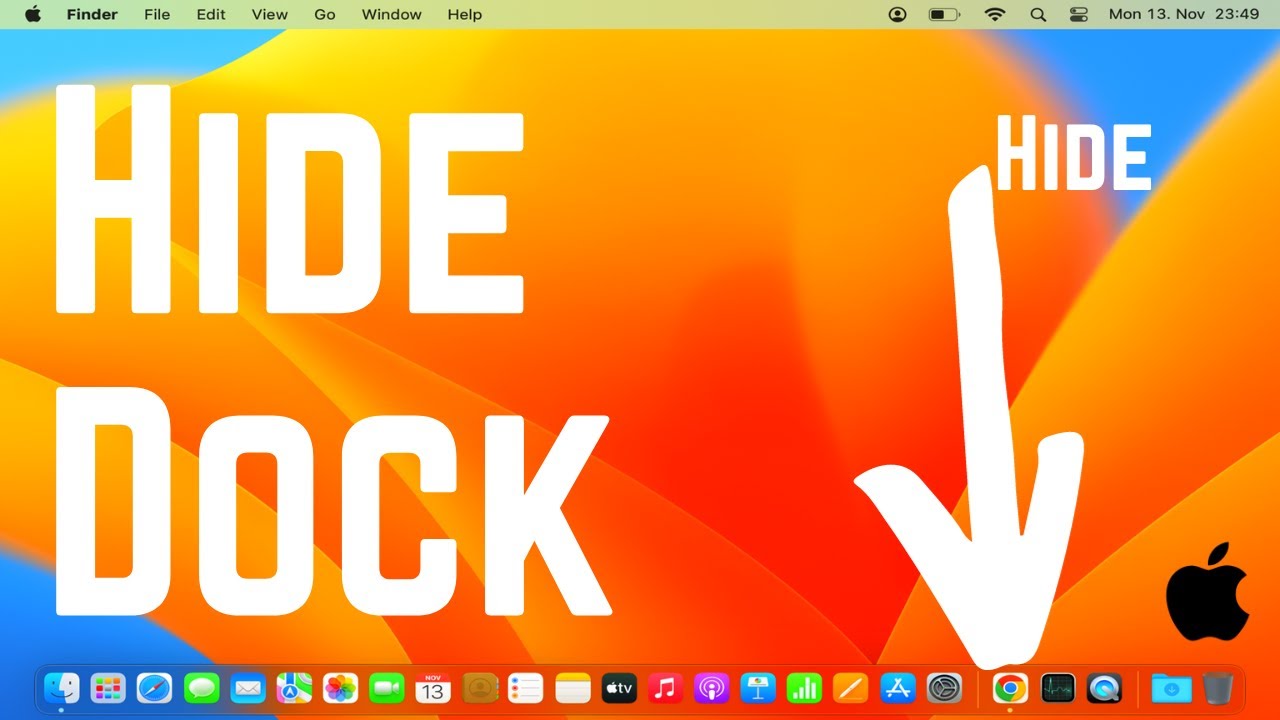
Maximize your MacBook's screen real estate and create a clutter-free workspace by learning how to hide the dock on your MacBook. In this tutorial, we'll guide you through the straightforward steps to hide the dock, giving you a clean and distraction-free environment to focus on your tasks. Whether you're working on creative projects, presentations, or just want a more immersive experience, hiding the dock is a simple trick that can enhance your MacBook workflow.
Key Steps Covered in This Tutorial:
1. *Access System Preferences:*
Click on the Apple logo in the top-left corner of your screen and select "System Preferences."
2. *Go to Dock Settings:*
In System Preferences, click on "Dock."
3. *Toggle on "Automatically Hide and Show the Dock":*
Check the box next to "Automatically hide and show the Dock." This will make the dock disappear when not in use.
4. *Adjust the Delay (Optional):*
If desired, adjust the "Slide on Mouseover" delay to control how quickly the dock appears when you move your cursor to the bottom of the screen.
5. *Done! Dock is Hidden:*
With the toggle activated, your dock is now hidden, providing more screen space for your applications.
Benefits of Hiding the Dock on MacBook:
*Increased Screen Real Estate:* Hide the dock to maximize your available screen space for applications and content.
*Distraction-Free Environment:* Enjoy a cleaner and more focused workspace without the visual clutter of the dock.
*Immersive Experience:* Whether you're working on creative projects, watching videos, or giving presentations, a hidden dock enhances the immersive experience on your MacBook.
Follow along with this tutorial to hide the dock on your MacBook and unlock a more streamlined and focused computing experience. Don't forget to like, share, and subscribe for more MacBook tips and tech tutorials!
Hashtags:
#MacBookTips #DockHiding #TechTutorial #MacBookHowTo #ProductivityHacks #TechForEveryone #MacBookWorkflow #TechGuide #HideDockMacBook #TechSavvy #WorkspaceOptimization #MacBookSeries #EnhanceProductivity #MacBookMagic #MacBookUserExperience
Повторяем попытку...
Доступные форматы для скачивания:
Скачать видео
-
Информация по загрузке: