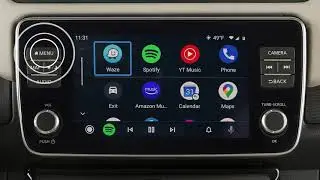
2020 Nissan LEAF - Android Auto™
Автор: Nissan Owner Channel
Загружено: 2019-12-23
Просмотров: 2047
Описание:
"This video is copyrighted material of Nissan North America, Inc. and should not be copied, edited, or reproduced without the permission of Nissan.
For information please visit https://owners.nissanusa.com/nowners/. You will find quick reference guides and other useful information about your warranty, Bluetooth® system, and much more!
This is one of the available systems for your vehicle. The menu options may vary slightly from the displayed menus.
With Android Auto™ you can access some of the features of your Android device through your vehicle. Visit www.android.com/auto for a list of available functions and compatibility.
If Android Auto is not already installed on your device, you will need to download the Android Auto app to your Android mobile device to use this feature in your vehicle:
● First, visit the Google Play™ store on your phone to download the Android Auto app to your device, then
● Launch the app on your Android phone and follow the prompted directions to set up the application.
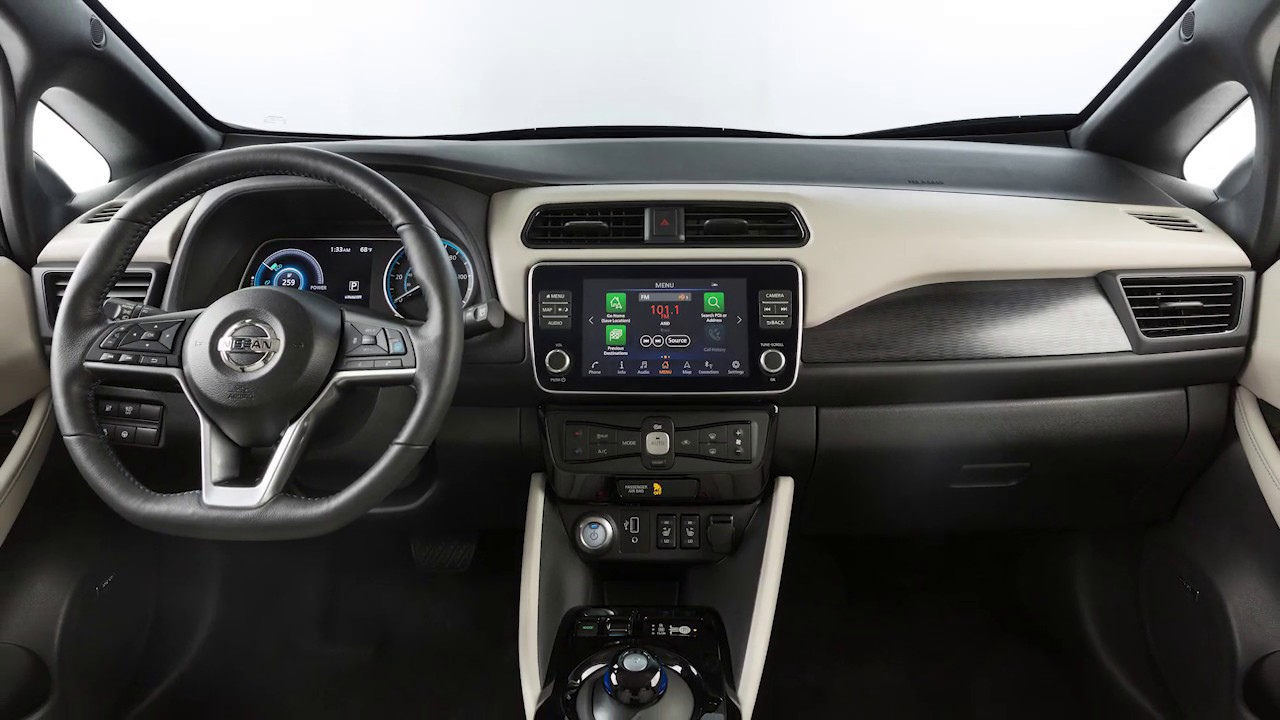
Next, connect your Android device to the USB port located below the center control panel.
Once connected, the STARTUP INFORMATION screen will appear on the display. Touch YES to use Android Auto.
Touch the icons at the bottom of the display screen to access the app features, including:
● Google Maps, for voice-guided directions,
● Phone dialer, to dial a number manually or from your phonebook,
● Home, to list recent actions,
● Media, for compatible media and audio apps.
● Press THIS key to exit Android Auto and view the other screens.
You may change the settings so that Android Auto will not automatically connect every time your phone is plugged into your vehicle. To adjust these settings:
● Touch SETTINGS,
● APPS,
● ANDROID AUTO, then
● ENABLE AFTER USB CONNECTION to set the feature to ALWAYS, ASK, or NEVER.
From this menu you can also:
Touch NISSAN'S HELP FOR ANDROID AUTO to view helpful tips on using the app.
To manually turn on Android Auto when your settings are not configured to automatically connect, first:
● Connect your device to the USB port, then
● Touch INFO on the launch bar,
● Touch APPS, then
● Touch the Android Auto key.
For hands-free operation, you can press and hold THIS button on your steering wheel, or touch THIS icon on your screen.
Speak a verbal command to Google, such as:
● Play music from Google Play Music, or
● Text, followed by the name of a phonebook entry.
You will not be able to use the phone handset while Android Auto is running.
For best results when using Android Auto™, speak clearly and reduce background noise by closing the windows. Also, direct the vents so that they are not pointing toward the vehicle microphone.
Please see your NissanConnect® Owner’s Manual for important safety information, system limitations, and additional operating and feature information."
Повторяем попытку...
Доступные форматы для скачивания:
Скачать видео
-
Информация по загрузке: