Скачать
How to Download Images from DI Portal
Автор: Shane Griffith
Загружено: 2025-07-03
Просмотров: 17
Описание:
To download images from the Desert Imaging physician portal:
1. Log in to physician portal
2. Locate patient exam in portal
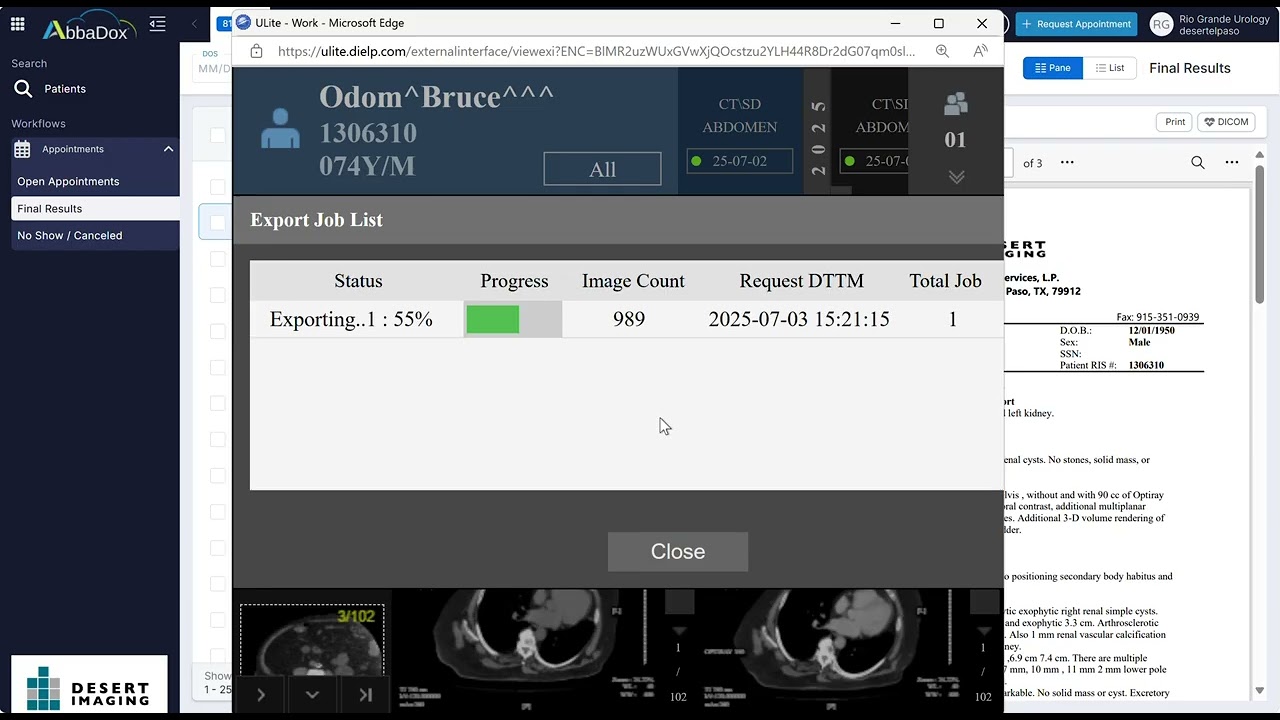
3. Click the DICOM button
4. Right click on any of the loaded images in the Ulite Image Viewer
5. Select "Export Content"
6. Select "Selected Study (All Images)
7. Click "OK" and wait for images to download in a compressed zip file.
Не удается загрузить Youtube-плеер. Проверьте блокировку Youtube в вашей сети.
Повторяем попытку...
Повторяем попытку...
Доступные форматы для скачивания:
Скачать видео
-
Информация по загрузке: