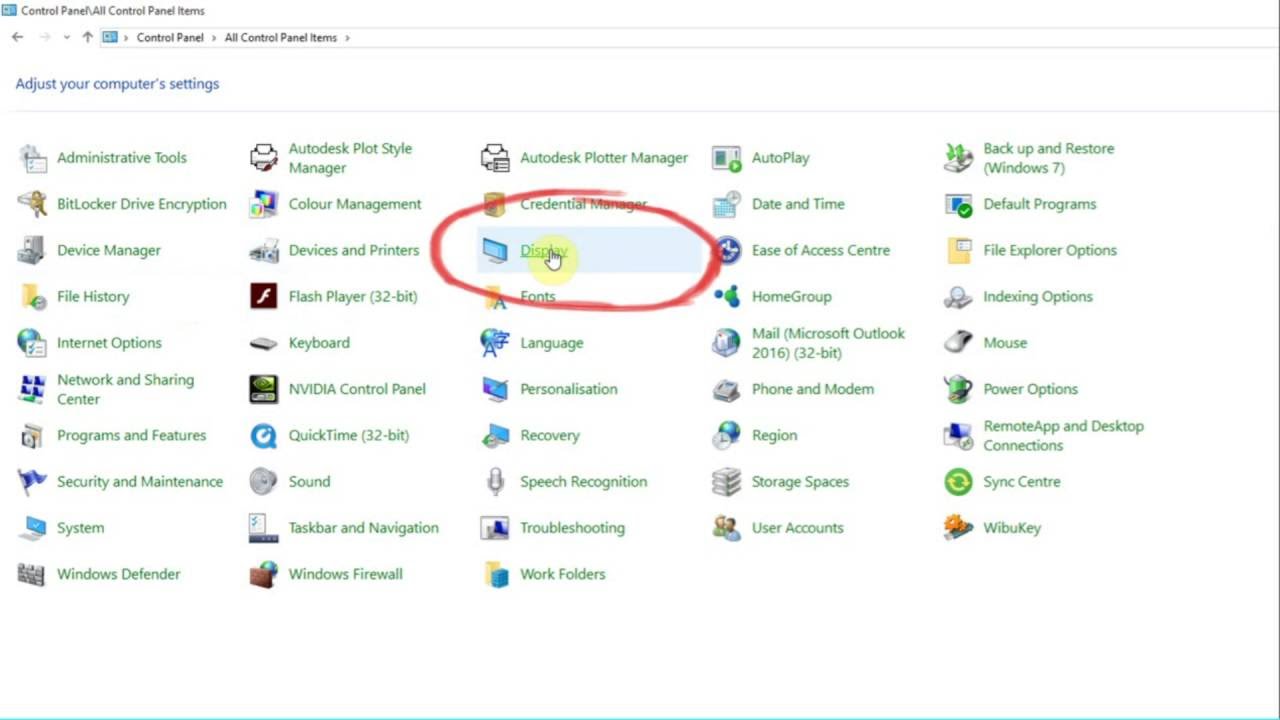
How To Fix Third Monitor Not Detected in Windows 11
Автор: Speedy Tutorials
Загружено: 2024-12-31
Просмотров: 7837
Описание:
How To Fix Third Monitor Not Detected in Windows 11
Support me: https://buymeacoffee.com/speedytutorials
In this tutorial, I’ll show you how to fix the issue where your third monitor is not being detected in Windows 11. Whether you're setting up multiple monitors for productivity or gaming, these steps will help resolve the problem quickly.
Some users have noted that the auto-detect feature in Windows sometimes fails to recognize monitors on the first attempt. It's recommended to connect each monitor individually and verify if it is detected.
With the growing popularity of multi-monitor setups in gaming, many users are adopting three-monitor configurations for an enhanced experience. However, a common issue arises with this setup—users often report being unable to connect the third monitor to their Windows operating system.
This issue is frequently observed on Windows systems and is sometimes attributed to monitor compatibility problems. In Windows 11, the problem is more prevalent, particularly with older monitor models. Affected users usually find that only two monitors are recognized, while the third remains undetected.
Additionally, on a Windows 11 PC, you can switch between primary and secondary monitors. However, issues like "Generic PnP Monitor not detected" or "External monitor not detected" can sometimes occur.
If you're unable to connect a third monitor on your Windows 11 computer, this tutorial provides a range of troubleshooting steps. These methods have been successfully used by other users in similar situations. Follow the solutions in sequence until you find one that resolves the issue for you. This guide also addresses related problems commonly encountered with multi-monitor setups.
Issues addressed in this tutorial:
third monitor not detected
how to fix third monitor not detected on windows 10
how to fix third monitor not detected on windows 11
Lenovo third monitor not detected
third monitor not detected after update
third monitor not detected HDMI
third monitor not detected dell
why is my third monitor not detected
This tutorial will apply for computers, laptops, desktops, and tablets running the Windows 10 and Windows 11 operating systems (Home, Professional, Enterprise, Education) from all supported hardware manufactures, like Dell, HP, Acer, Asus, Toshiba, Lenovo, Alienware, Razer, MSI, Huawei , Microsoft Surface, and Samsung.
Join this channel to get access to perks:
/ @speedy_tutorials
Повторяем попытку...

Доступные форматы для скачивания:
Скачать видео
-
Информация по загрузке:















![Third Monitor Not Detected in Windows 11 FIX [Tutorial]](https://imager.clipsaver.ru/Nm1Ad9wTyiE/max.jpg)