How To Create Your BIR ORUS Account With Existing TIN | Step By Step Guide
Автор: Edmund Mindaros
Загружено: 2025-07-09
Просмотров: 15219
Описание:
How To Create Your BIR ORUS Account With Existing TIN | Step By Step Guide
Registering with the Online Registration and Update System (ORUS) at the Bureau of Internal Revenue (BIR) in the Philippines is a pivotal step for taxpayers aiming to manage their tax obligations online. This comprehensive tutorial provides a clear, guided walkthrough on exactly how to create your BIR ORUS account with your pre-existing TIN. We cover all the necessary information, from navigating the BIR website to inputting your details correctly, to ensure a smooth and successful registration. Empower yourself to efficiently access BIR online services for various transactions and inquiries.
1. Access the ORUS Website:
Begin by navigating to the official Bureau of Internal Revenue ORUS website at ORUS.BIR.GOV.PH. Ensure you have a stable internet connection to prevent any disruptions during the registration process.
2.Create an Account:
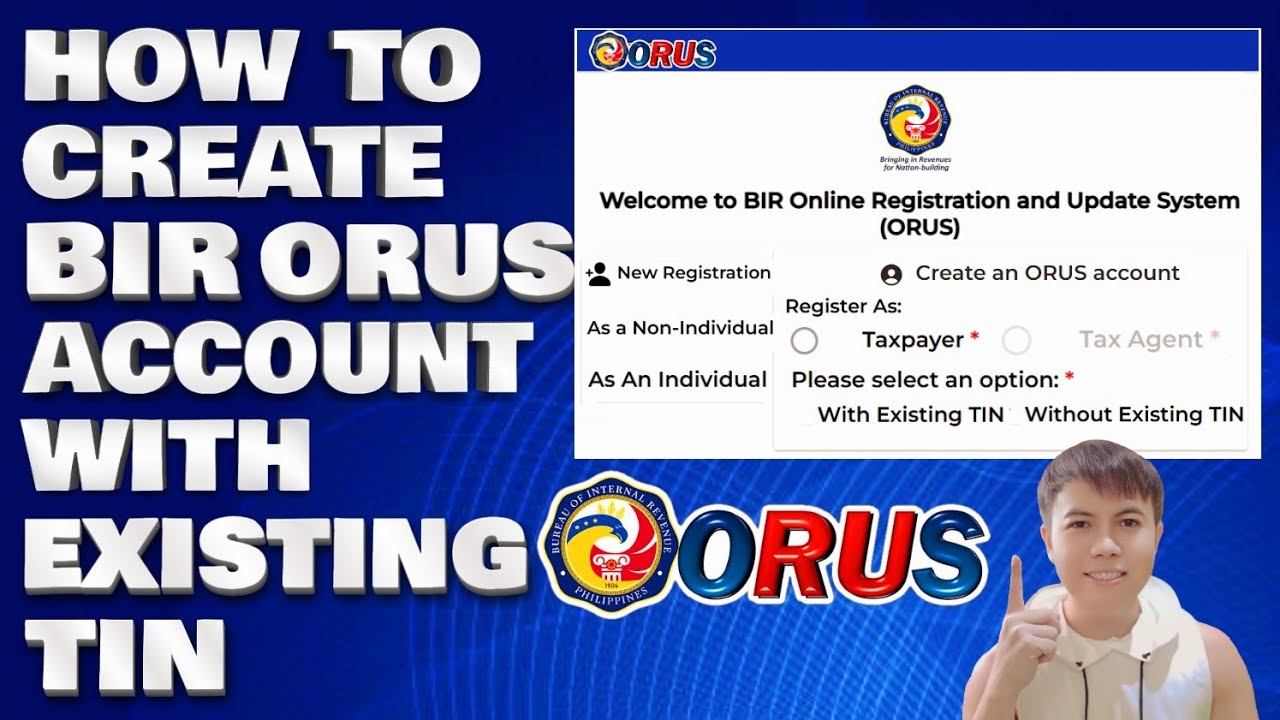
Choose between New Registration as a Non – Individual or as an individual.
3. Fill in the required fields with your personal information: It will ask you if you have or don’t have a TIN.
4. Fill out the fields: It’s important that you take note of the email address that you will use since this is what BIR will log in their system.
5. Create a secure password that meets the ORUS requirement
6. Verify Your Email:
After submitting your registration form, check your email for a verification link from ORUS.BIR.GOV.PH.
You will have 24 hours to verify your account.
Click on the link to verify your account. If you don’t see the email, check your spam or junk folder.
7. Log In to Your Account:
You will receive an email from BIR confirming that your registration has been approved.
8. Return to the Bureau of Internal Revenue’s site: ORUS.BIR.GOV.PH and log in using the email and password you registered with.
9. The first time you log in, you may be prompted to complete additional profile information.
Any government-issued ID (e.g. PhilID/ePhilID, Passport, Driver’s License/eDriver’s License,) that shows the name, address, and birthdate of the applicant, in case the ID has no address, any proof of residence or business address; (1 scanned copy); or
Example ID: PhilID/ePhillD, PSA, Driver’s License LTO, UMID, SSS, GSIS, Voter’s ID COMELEC
Passport DFA, Digitized Postal ID Post Office, PRC ID PRC and OWWA ID
Use my referral code to get instant CashBack From ShopBack: XCXldM
Use My Referral Code To Get Rewards From Shopee: 4QH3VHJ
Use My Referral Code To Get Free Rewards From SeaBank: EM386930
Thank you for watching this tutorial! I hope you found the information valuable and that it helps you on your journey. If you have any questions or suggestions, please leave them in the comments below. Don't forget to like and subscribe for more content like this. Stay curious, keep learning, and we'll see you in the next video!
Disclaimer: This channel doesn't promote any illegal contents, all content are provided by this channel is meant for educational purposes only and share my knowledge with everyone that is totally Legal, informational. And followed all the YouTube community guideline rules. The videos are completely for Legal.
Join this channel to get access to perks:
/ @edmundmindaroschannel
#BIR #RegisterORUSAccount #BIRaccount
Повторяем попытку...
Доступные форматы для скачивания:
Скачать видео
-
Информация по загрузке:




![КАК СОЗДАТЬ УЧЕТНУЮ ЗАПИСЬ BIR ORUS [С СУЩЕСТВУЮЩИМ ИНН] ОБНОВЛЕНО В 2025 ГОДУ | HR ЛИА Г.](https://imager.clipsaver.ru/RifOf776I8Y/max.jpg)