Configurator Set Up
Автор: Promob SA
Загружено: 2025-01-06
Просмотров: 178
Описание:
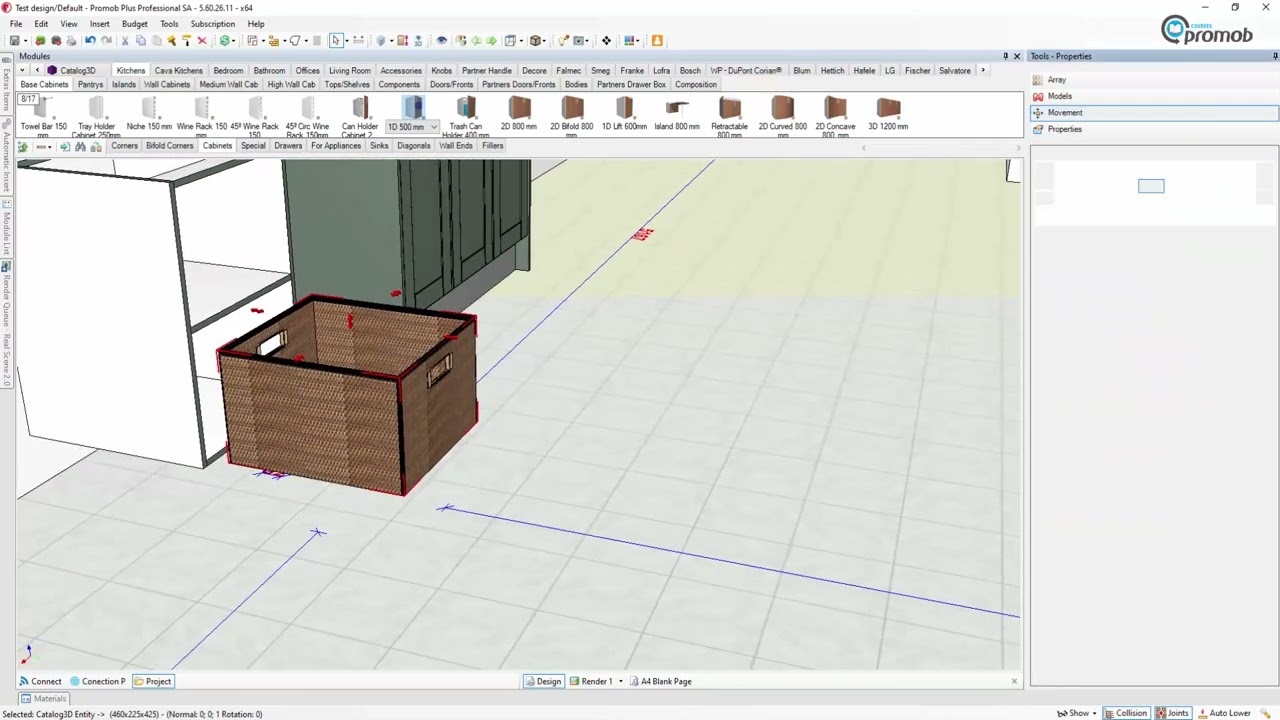
How do you set up your profiles in the Configurator in the new look Promob Plus Professional SA?
This will run you through all you need to know to get you up and running.
Plus if you are up and running can show how to set up more than one profile.
Profile download links:
www.promob.co.za/Downlasds/Profiles/16insert.exe
www.promob.co.za/Downlasds/Profiles/16flat.exe
------------------------
CHAPTERS:
0:00 Intro
1:20 Feature Configurator
1:56 SA Standard 1 Setup 16mm Flat Back
2:18 Import Profile
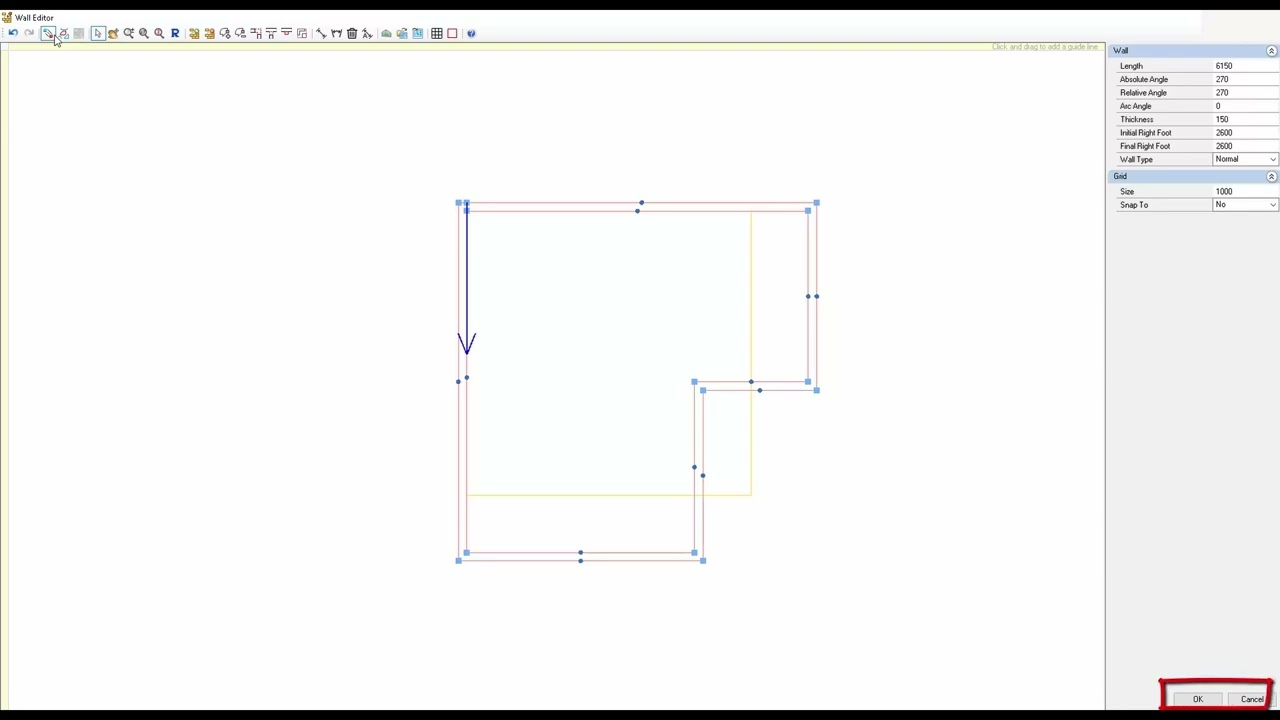
3:33 Kitchen External Dimensions
6:16 Panels
11:40 Components
13:03 Drawers
14:30 Cabinet Assembly
19:00 Corner Furniture
20:22 Blind Corners and Corner Drawer
22:00 Cabinet Assembly – Wall Cabinets
22:44 Corner Wall Units and Blind Corners
23:00 Cabinet Assembly for Pantries
23:28 Appliances Cabinets
24:24 Door Gaps / Spacing
26:02 Drawers Setup and spacing
29:53 Cava Units Aluminum or Wood Setup
31:23 Fronts spacing for Cava Units
32:07 List of setup folders
32:29 Bedroom External dimensions
34:02 How to change one Unit from Cleats to Solid Top
-------------------------
Повторяем попытку...

Доступные форматы для скачивания:
Скачать видео
-
Информация по загрузке: