📐🏗️ My General Steel Design: From Render to Reality – The 3D Building Tool
Автор: General Steel Corporation
Загружено: 2026-01-23
Просмотров: 1582077
Описание:
"The 3D builder allowed us to experiment with styles, colors, and layouts until we found the perfect fit for our needs."
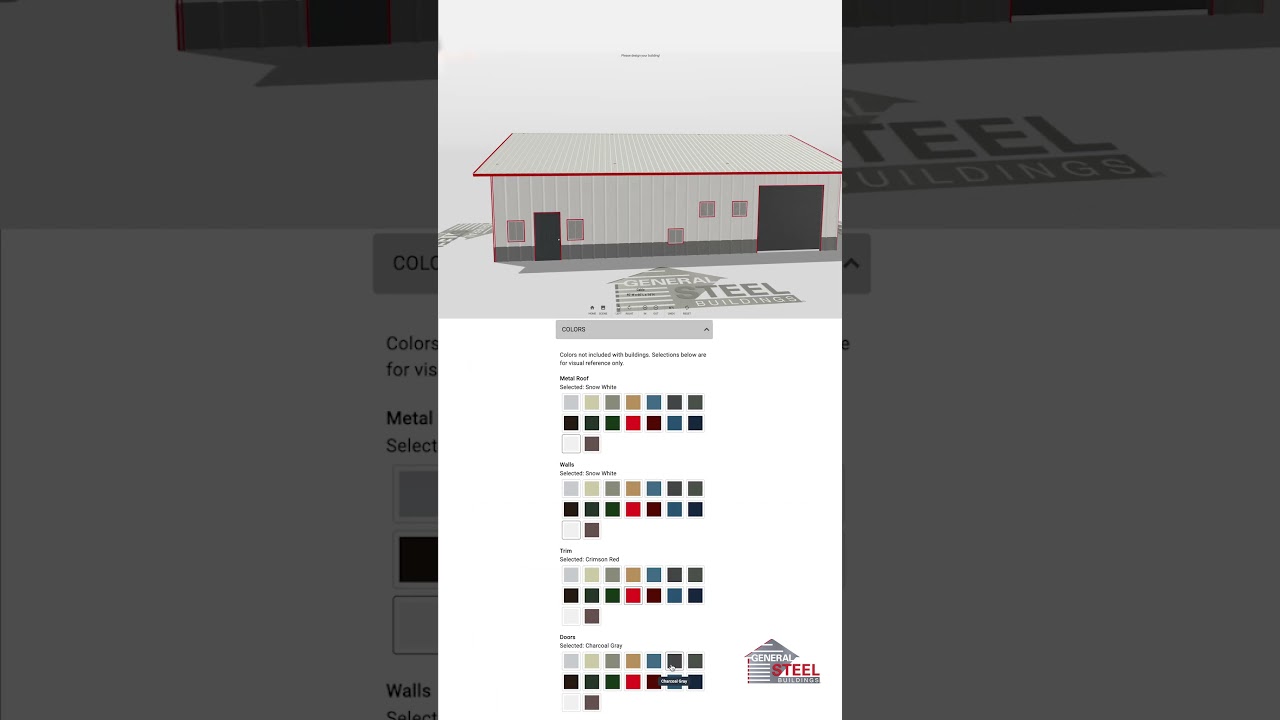
You’ve seen the finished projects, now see how they start. In this video, we’re taking a deep dive into General Steel’s interactive 3D Building Tool. This is the exact process that gave us the confidence to move forward with our build by allowing us to visualize every detail, from roof pitch to window placement, before construction ever began.
Whether you’re dreaming of a barndominium, a workshop, or a commercial facility, this tool is the first step in turning your vision into a reality.
Ready to design your own?
🔗 Start building here:
https://design3d.gensteel.com/
In this video, we show you how to:
✅ Select Your Style: Choose between Gable, Single Slope, or Monitor styles.
✅ Set Your Size: Customize width, length, and eave height to fit your property.
✅ Pick Your Colors: Experiment with different metal roof, wall, and trim combinations.
✅ Add Features: Place doors, windows, and even upgrade with faux stone or brick wainscot.
#GeneralSteel #3DDesign #SteelBuildings #CustomConstruction #BuildingDesigner #DesignToReality
Повторяем попытку...
Доступные форматы для скачивания:
Скачать видео
-
Информация по загрузке: