I Fixed My Game Stutter With ONE Windows Setting
Автор: Rodrigo's Tech Tutorials
Загружено: 2026-05-04
Просмотров: 309
Описание:
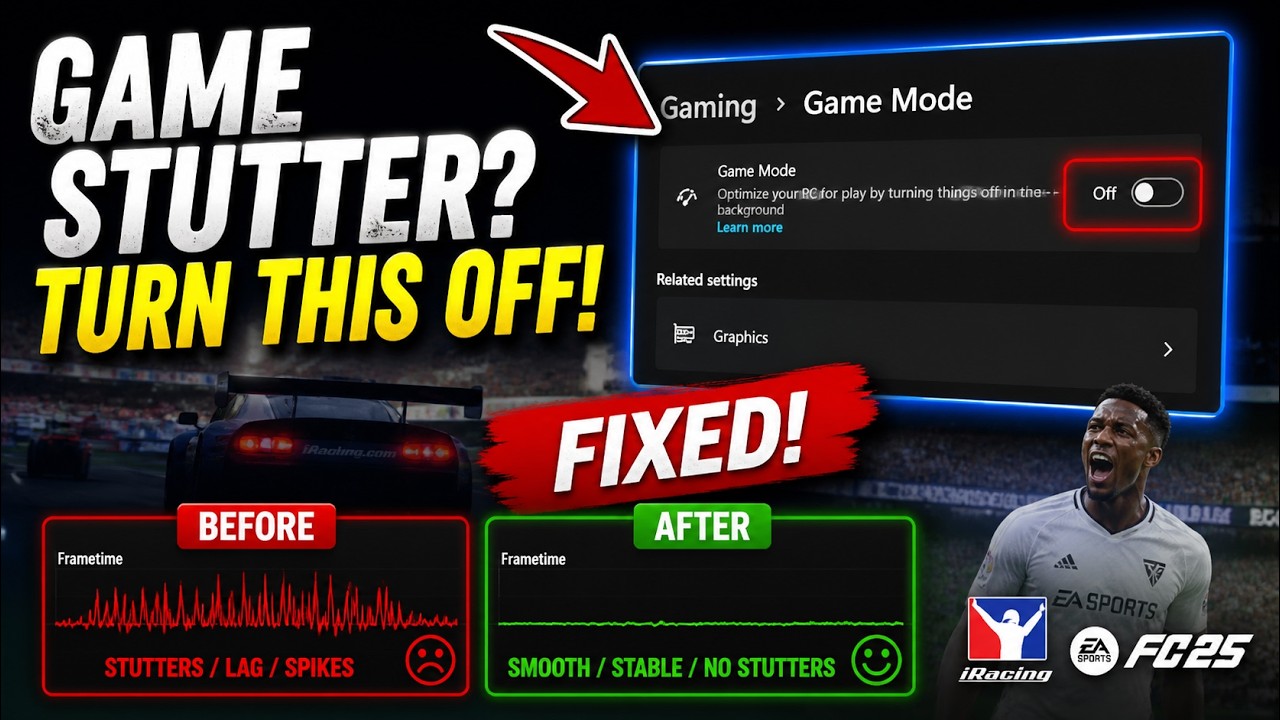
Are your games running at high FPS but still feeling stuttery, choppy, or just not smooth? I was having serious micro stuttering issues in games like iRacing and EA Sports FC, even though my FPS looked perfectly fine.
After spending hours updating drivers, changing GPU settings, clearing shader cache, disabling overlays, and testing everything I could think of… the real fix turned out to be one simple setting in Windows 11.
In this video I show you exactly how disabling Windows Game Mode completely fixed my frametime spikes, micro stutters, and inconsistent gameplay.
If your games feel bad even with high FPS, try this before wasting hours tweaking your PC.
In this video:
✔ Fix micro stuttering on Windows
✔ Improve frametime consistency
✔ Fix random FPS spikes
✔ Reduce input lag
✔ Better gaming performance
Let me know in the comments what game was stuttering for you and if this fix worked.
Subscribe for more PC fixes, Windows tutorials, gaming optimizations, and real troubleshooting videos.
#Windows #PCGaming #GameStutter #GamingPerformance #iRacing #EAFC #Windows11 #PCFix #GamingTips
Повторяем попытку...
Доступные форматы для скачивания:
Скачать видео
-
Информация по загрузке: