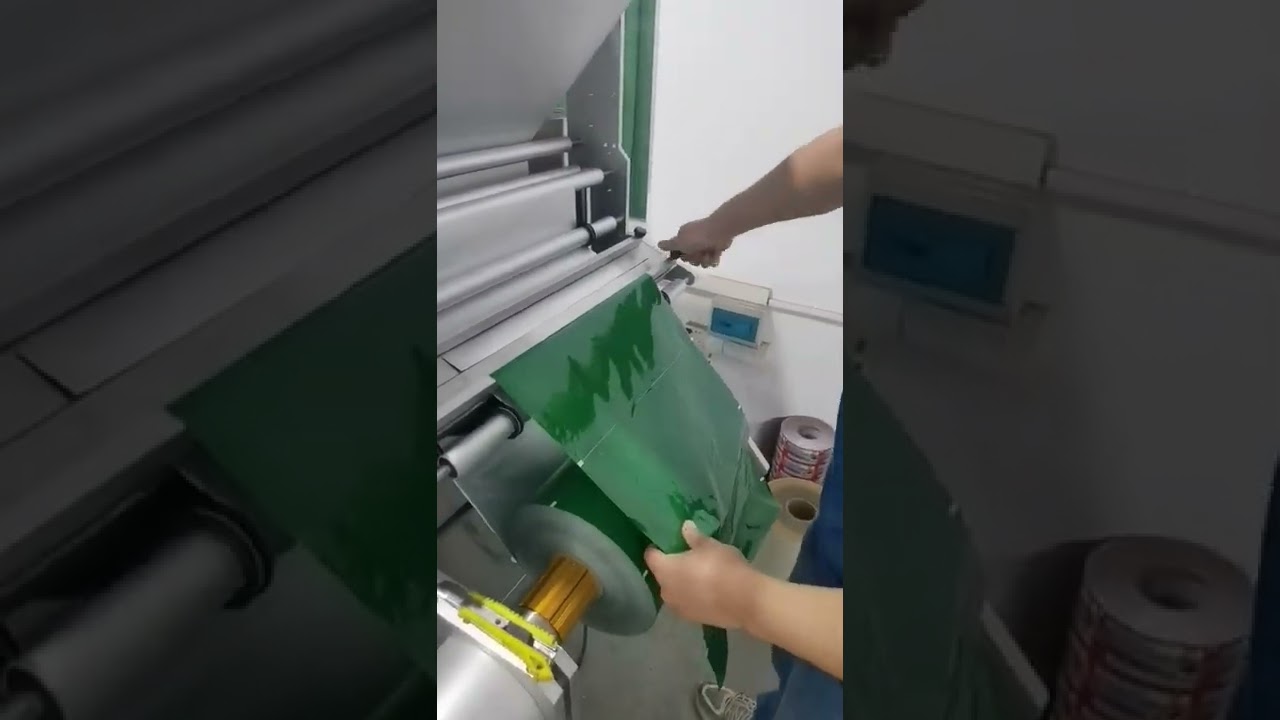
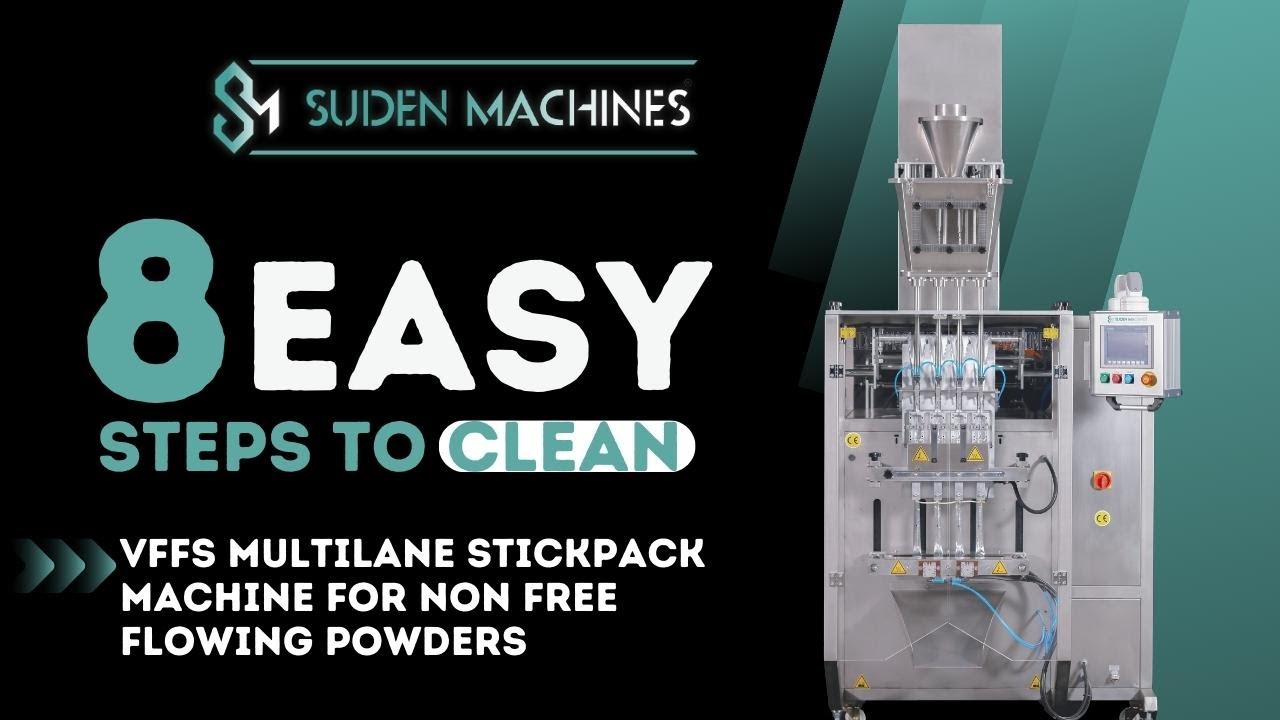
How to connect and operate the 6 lanes powder stick packaging machine?
Автор: Nicole Nicole
Загружено: 2022-06-10
Просмотров: 515
Описание:
How to connect and operate the 6 lanes powder stick packaging machine?
1. Connect air source(01.vacuum feeding pump+02.Packing machine host) and power supply;
2. Open the machine power switch(the red button on machine host)
3. Look at the temperature controller, wait the red number until same as the green setting number
4. Press key number: 11111, enter, press "system"
5. Task 1: Press "auto page", with a "filling shaft alarm", press "reset", the alarm will dispear
6. Task 2: Press "zero", every work station will go for original point, prepare for machine working, wait until no moving, go next step
7. Task 3: Press "eye mark", "P. Level","Filling","Conveyor", then the filling system is working now
8. Task 4: Press "Single Cycle", let machine work one time, check the bag out if with problems
9. Task 5: If without problem, press "Auto Run", let the machine work automatically
10. Task 5: Open the switch for vauum powder feeding pump controller
11. If want stop machine working, press "Auto Run" again, it will stop, and turn off the vacuum pump controller switch
If want to know more, please contact: [email protected] Whatsapp: 0086 18852471193
Повторяем попытку...

Доступные форматы для скачивания:
Скачать видео
-
Информация по загрузке: