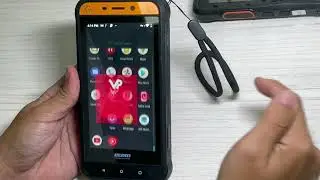
Seecode SCP 960/NBT 912 pairing with VoicePing Walkie Talkie app for Bluetooth Remote Speaker Mic
Автор: VoicePing Walkie Talkie App
Загружено: 2020-12-17
Просмотров: 522
Описание:
Enter pairing Mode by holding Power button even after Power On.
Go to your phone’s Settings app
Open Bluetooth pair to “SCP 960” as a bluetooth device.
After pairing as bluetooth device, Open VoicePing App
Go to VoicePing’s Settings: VoicePing - Settings - Hard Button
Press Pair to Seecode Device
Press the PTT button on Seecode device.
See that Seecode is now connected.
If you need to re-pair, use the Red Bluetooth button to quickly pair again.
PTT Toggle mode also works via power button
You can turn off toggle mode in settings - “PTT via BT headset: OFF”
Download VoicePing Walkie Talkie App at https://www.voicepingapp.com
Повторяем попытку...

Доступные форматы для скачивания:
Скачать видео
-
Информация по загрузке: