2026 Can-Am Defender HD11 EVO Clutch Kit Install: pDrive Weights
Автор: UNSTOPPABLE.CAN-AM
Загружено: 2026-02-07
Просмотров: 480
Описание:
Installation Steps
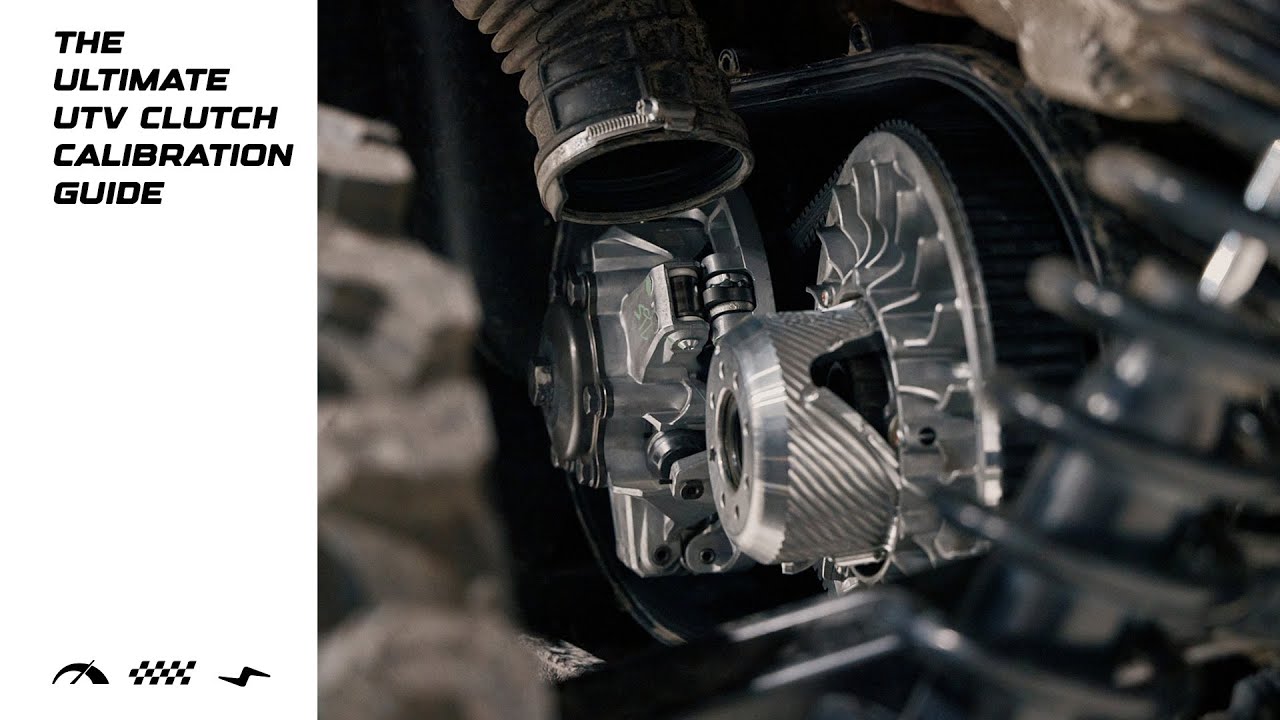
Access the Clutch: Pop the CVT cover. Since you’re running the HD 11, make sure the area is blown out with compressed air first—dust is the enemy here.
Remove the Primary: Use your clutch puller to pop the primary off the tapered shaft.
Open the pDrive: Use the compression tool to safely relieve spring tension. Once the cap is off, you’ll see the three centrifugal weights (arms).
Swap the Weights:
Unscrew the pivot pins using your T25.
Slide out the old weights and slide in your new kit weights.
Crucial: Ensure the nylon washers/spacers are seated correctly. If they are pinched, the weight won't swing freely, and you'll get erratic RPMs.
Set Your Clickers: If your kit has adjustable weights (bolts/washers), add them now according to the kit's elevation chart. For most "Unstoppable" builds, you want your peak RPM hitting right at the meat of the power band (usually around 7500–8000 RPM for the HD 11).
Reassemble & Torque:
Clean the sheaves with brake cleaner and a pad—don't leave any finger oils on the metal.
Reinstall the spring and cover.
Slide the primary back onto the shaft.
Torque Spec: Tighten the primary bolt to 89 ft-lb
Повторяем попытку...

Доступные форматы для скачивания:
Скачать видео
-
Информация по загрузке: