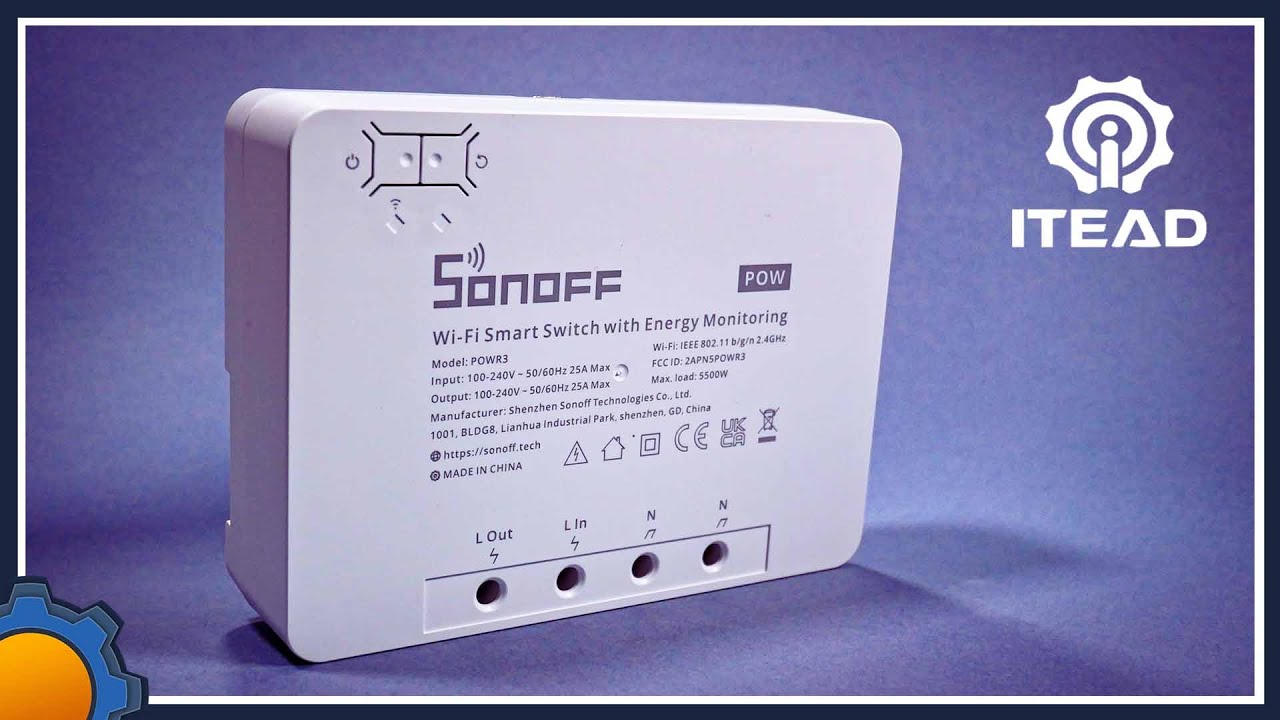
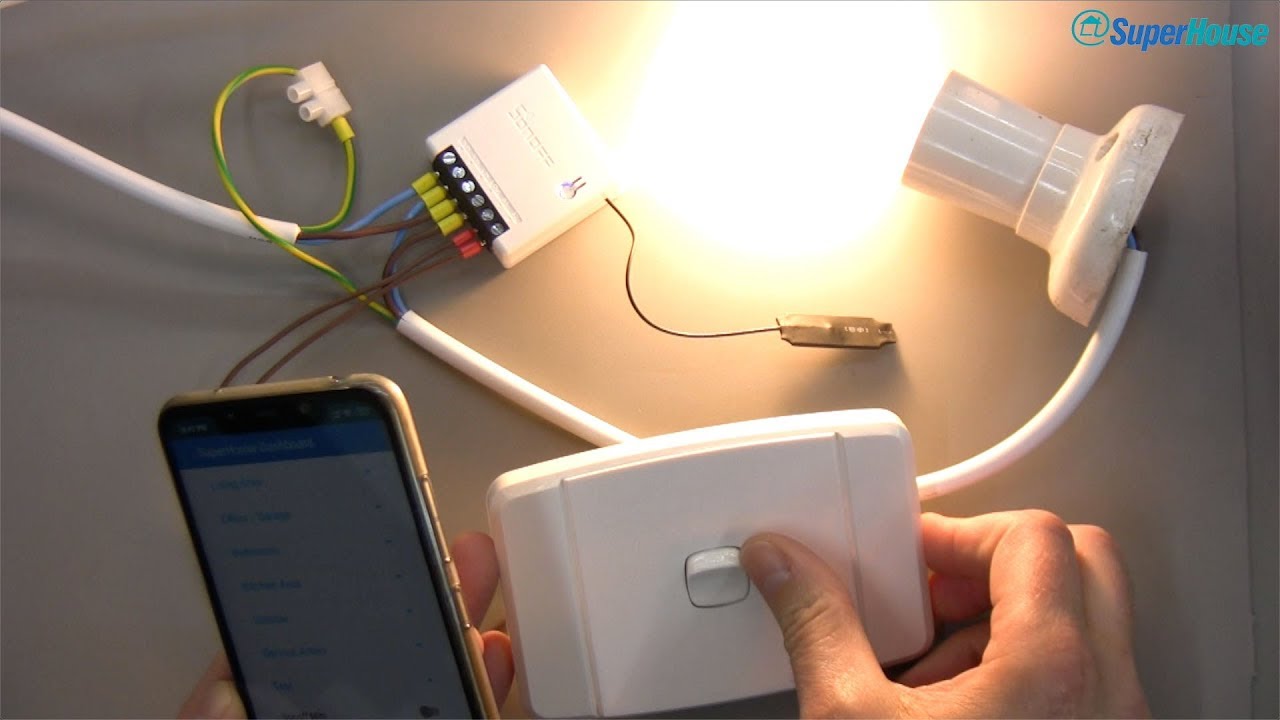
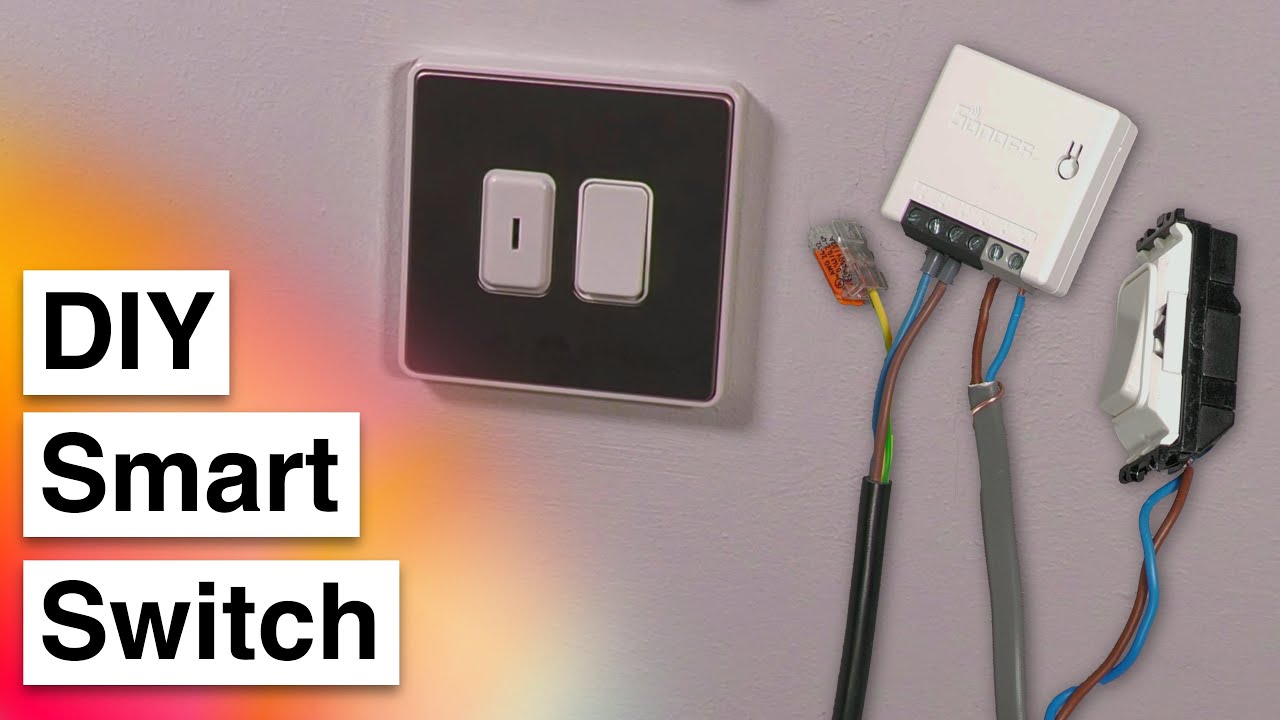
Turning an Existing Light Switch into an MQTT Connected Smart Switch using a Sonoff Mini
Автор: Cameron Gray
Загружено: 2022-01-14
Просмотров: 34991
Описание:
In this video we use the Sonoff Mini to convert a traditional light switch into a smart switch that can be controlled by my existing home automation system over MQTT using Node-RED. We will be using a Sonoff Mini R2 and flashing the Tasmota firmware onto it using the Sonoff's built in "DIY Mode" and then installing it behind a retractive switch to control some smart light bulbs where the power to the bulbs is switched by a secret key switch.
Buy on Amazon UK (Affiliate):
Sonoff Mini: https://amzn.to/3tqd1ID
Preciva Ferrule Set: https://amzn.to/3riBHjv
Buy on Amazon US (Affiliate):
Sonoff Mini: https://amzn.to/3nr6ZU2
Preciva Ferrule Set: https://amzn.to/3fp8HRO
Sonoff DIY template for Postman: https://gist.github.com/lukaskukacka/...
Guide for flashing Tasmota using Sonoff DIY: https://tasmota.github.io/docs/Sonoff...
Tasmota Configuration Commands: https://tasmota.github.io/docs/Commands/
/ camerongray1515
https://www.camerongray.me/
Chapters:
00:00 - Introduction
02:59 - Different Types of Light Switches
12:07 - Sonoff Mini Hardware Tour
20:02 - IMPORTANT - Safety Warning
22:50 - Flashing Tasmota using Sonoff DIY Mode
31:06 - Tasmota Configuration & Demonstration
43:19 - Installing the Sonoff Behind the Switch
47:22 - Testing it out
50:20 - Conclusion
AFFILIATE LINKS NOTICE:
Product links under this video marked “(Affiliate)” are affiliate links where I may receive a small commission on qualifying sales. Affiliate programs that I am a member of include, but are not limited to: Amazon Associates, eBay Partner Network and AliExpress Affiliates.
As an Amazon Associate I earn from qualifying purchases.
Purchasing through these affiliate links will not cost you any more money, however the commission earned significantly helps fund the production of videos on my channel.
Повторяем попытку...
Доступные форматы для скачивания:
Скачать видео
-
Информация по загрузке: