How to create a wedding slideshow for your client
Автор: The Apartment Photo
Загружено: 2023-07-14
Просмотров: 13330
Описание:
The most efficient way to create a slideshow for your clients in less than 60 seconds
Hey, we’re Jeff and Cat, a husband and wife photography team.
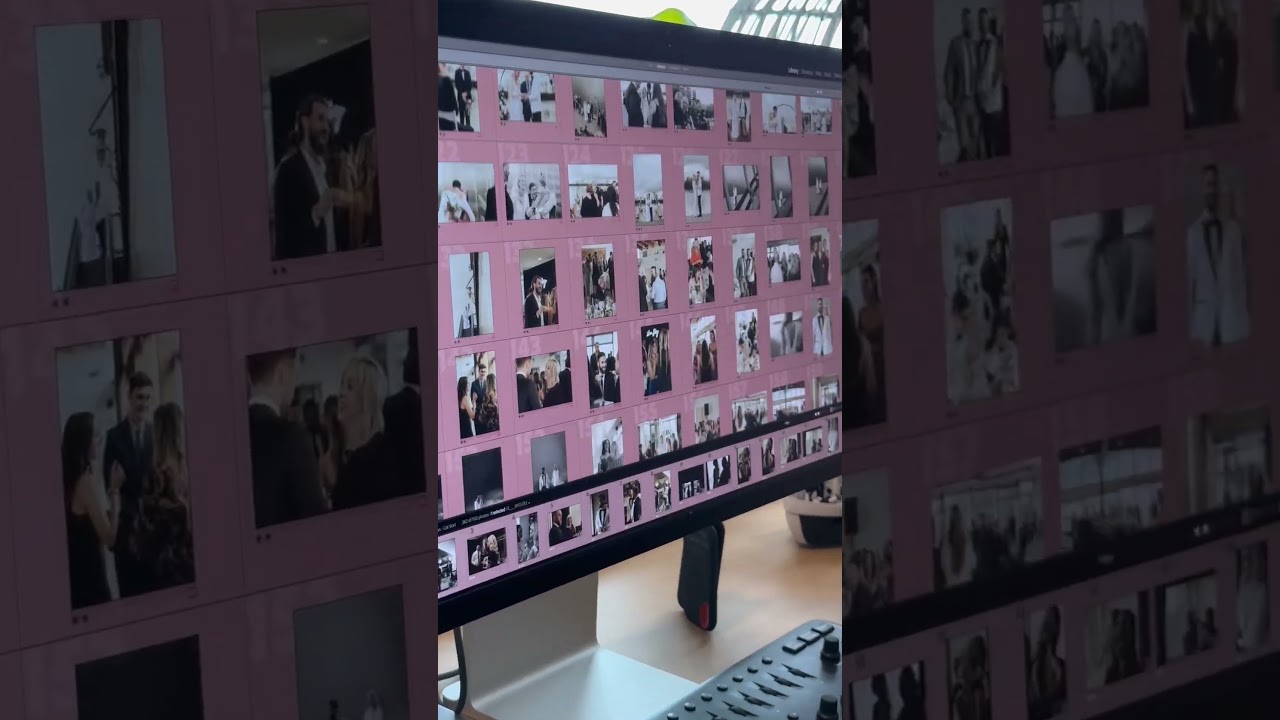
When doing our consistency run before exporting our images, we pre-select the ones we want in our slideshow, by assigning a color or increasing the star rating.
Next, we use our Pic-Time plugin to create a gallery and organize all our photos into scenes. The last step here is to grab all our slideshow images, in red, and drop them into the highlights folder.
The highlight scene is perfect for our couples to get a quick taste of their whole gallery. Plus, if they wanted to share photos with their friend and family without sending the whole gallery, they can always just send the highlights scene.
Once everything is uploaded to Pic-Time, we create a slideshow by selecting all the photos in the highlight scene. If you don’t include a highlights folder in your gallery, no worries, Pic-Time can actually read the METAdata from your Lightroom catalog and you’re able to filter the photos by color and easily find your slideshow picks.
We finish up with a few settings and crop adjustments, add a little music and we’re done.
We hope you found this tip helpful. If you’d like to learn more about wedding photography, editing and the business behind it all, make sure to give us a follow.
Повторяем попытку...
Доступные форматы для скачивания:
Скачать видео
-
Информация по загрузке: