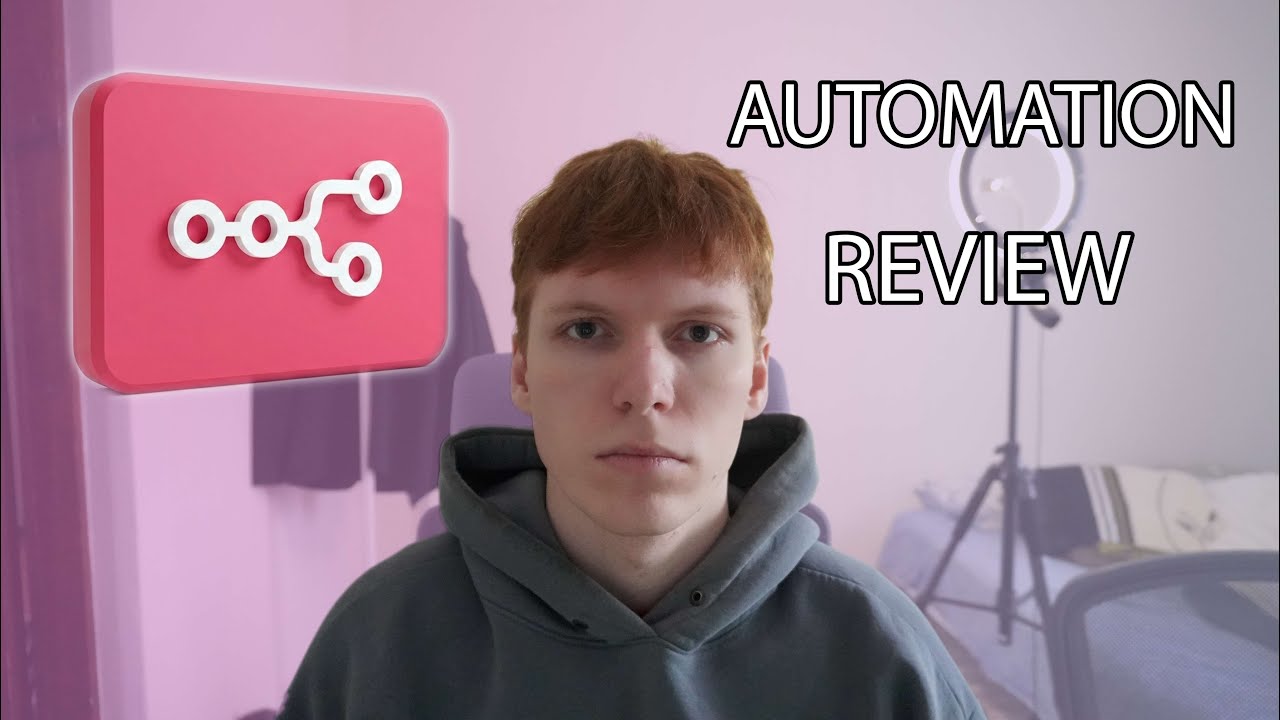
Running N8N locally with Docker. Automation of image editing with google sheets
Автор: Sergio Ginger
Загружено: 2026-01-29
Просмотров: 27
Описание:
In this video, I show how I set up n8n locally for free using Docker and Docker Compose and build a real automation for AI makeup transfer.
The workflow takes two images (a girl without makeup and a reference image with makeup), automatically analyzes the makeup, generates a makeup prompt, and applies it using multiple AI models so you can compare results.
Everything runs locally, without paying for n8n, using only paid APIs where it actually makes sense.
🚀 What’s inside this video:
Local n8n setup with Docker (free)
Google Sheets as an input source
Converting Google Drive links into direct downloadable URLs
Uploading images to Wavespeed CDN
Image resizing with Google Nano Banana
Polling async API jobs until completion
Generating makeup prompts from reference images
Applying makeup using 3 different AI models
Comparing results (Google, OpenAI, ByteDance)
Pros & cons of n8n for automation
🧠 APIs & tools used:
n8n (self-hosted)
Docker & Docker Compose
Google Sheets API
Wavespeed API
Google Nano Banana (Pro)
OpenAI (custom Cloud Function)
ByteDance seedream
If you’re interested in AI automation, image processing, or building no-code/low-code pipelines, this video will give you a very practical, real-world example.
👍 Like the video if it helped
💬 Ask questions in the comments
🔔 Subscribe for more automation & AI content
⏱️ Timestamps
00:00 – Intro & what this video is about
00:15 — Generation results in google sheets
00:57 – Wavespeed API overview
01:29 – Reviewing generated results
02:11 – n8n workflow overview (local setup)
02:34 – Google Sheets integration & authentication
03:06 – Docker & webhook configuration
04:18 – Getting rows from Google Sheets
04:34 – Selecting the last item with JavaScript
05:20 – Google Drive links problem explained
05:59 – Converting links to direct downloads
06:55 – Uploading images to Wavespeed CDN
07:54 – Image resizing with Google Nano Banana
08:16 – Polling API status until completion
09:00 – Why resizing images is important
10:08 – Generating makeup description (prompt)
10:29 – Why built-in AI nodes are not used
11:05 – Custom Google Cloud Function (OpenAI)
12:02 – Applying makeup with 3 AI models
12:56 – Saving results back to Google Sheets
13:09 – n8n pros & cons
13:46 – Final thoughts & outro
Повторяем попытку...
Доступные форматы для скачивания:
Скачать видео
-
Информация по загрузке: