Assimilate Quick Stitching Dailies // For 180 stereo Plus VR headset Preview and Anaglyph Mode
Автор: Alex Pearce
Загружено: 2022-08-25
Просмотров: 686
Описание:
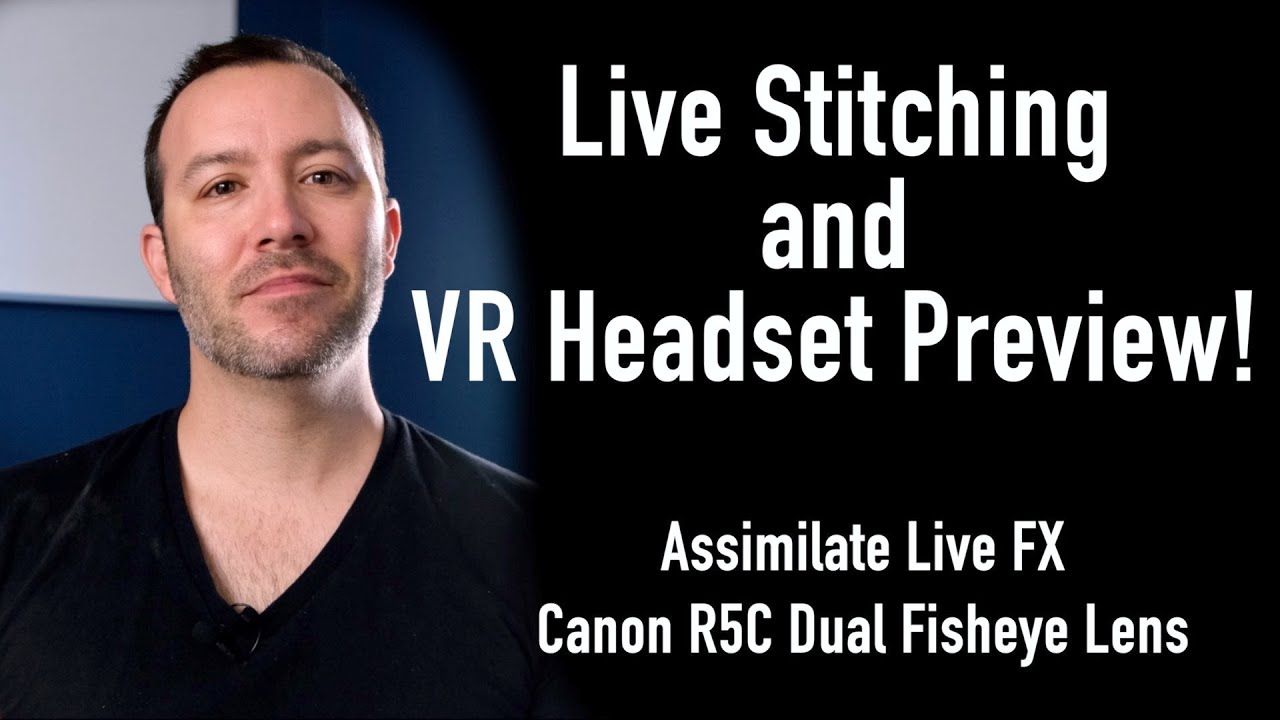
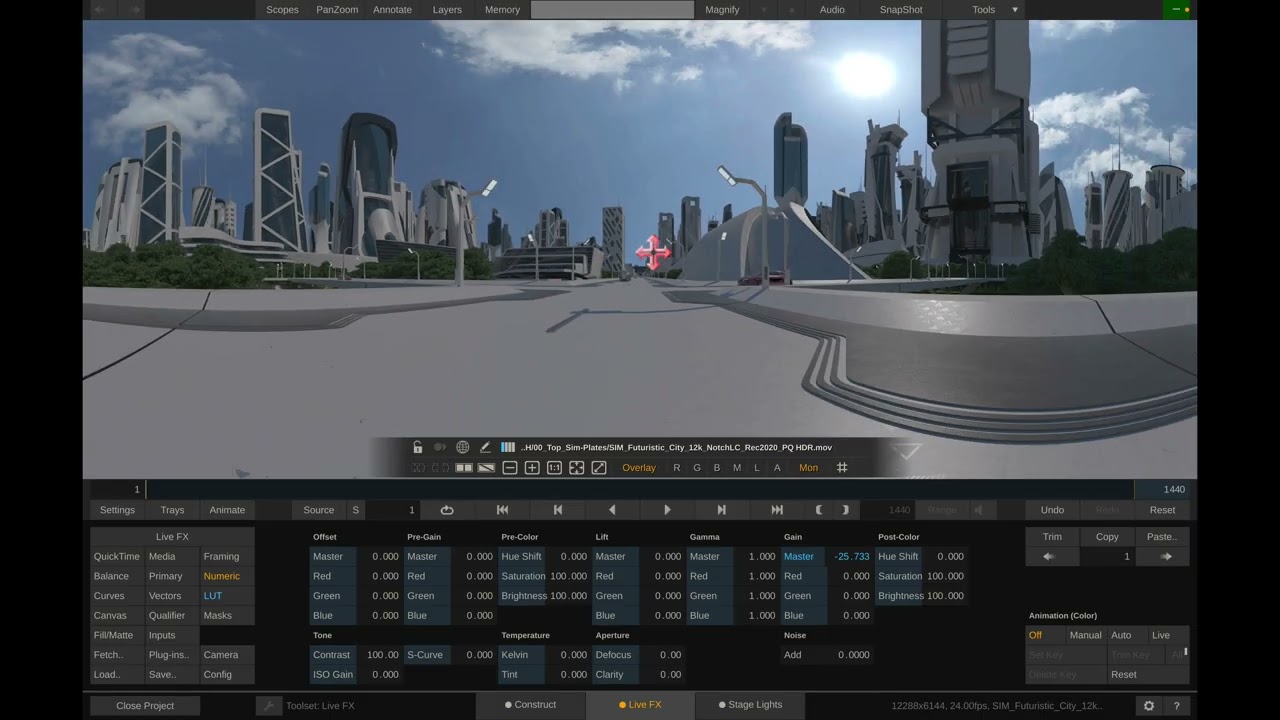
In this video, I'll show you how to use Assimilate Scratch to do quick stitching for Dailies, using the Canon R5C and Dual Fisheye VR lens!
Assimilate is much faster at processing than any other software that we've found, and you can quickly add things like denoise and clone stamp and still export faster than the competition!
Special Thanks to @AndrewHazelden for providing the STMap and to @hughhou for providing Andrew footage to create the STMap!
To get the STMap go to:
https://www.dropbox.com/s/md4e27k42xg...
To get the Matchbox Shaders, go here:
https://logik-matchbook.org/
*To preview in VR Headset, you need a Windows computer, Steam VR installed, and a headset that can do Open VR plugged into your machine. In this video I used the Oculus Quest 2, plugged in and Oculus Link Enabled.
00:00 - Intro
00:29 - Finishing Toolset
01:00 - Importing Clips
01:24 - Changing resolution and frame rate
02:20 - Stitching
03:18 - Clone Stamping
05:04 - Copy and Paste FX
06:21 - Set Up Stereo and Anaglyph mode
08:06 - Correcting Vertical Disparity
09:34 - Outro
Subscribe for more videos like this:
https://www.youtube.com/c/AlexPearce3...
OUR LINKS
Website - https://lightsailvr.com/tools
Twitter - / lightsailvr
Instagram - / lightsailvr
YouTube - https://www.youtube.com/c/AlexPearce3...
Facebook - / lightsailvr
Discord - / discord
Subscribe now to support us and get more videos like this, thanks in advance!
@AssimilateSoftware , @CanonUSA
Повторяем попытку...
Доступные форматы для скачивания:
Скачать видео
-
Информация по загрузке: