Smart DNS setup guide for Xbox Series X and S
Автор: Living Abroad TV
Загружено: 2026-01-06
Просмотров: 63
Описание:
Set up Smart DNS on your Xbox Series X or S step by step in just a few minutes. This tutorial walks you through every menu and setting you need to change, so you can unblock geo‑restricted apps and streaming services on your Microsoft Xbox gaming console.
Steps from the video to follow along:
1. From the Xbox Home screen, open Settings (gear icon).
2. Select Network Settings.
3. Open Advanced settings.
4. Choose DNS Settings.
5. Select Manual.
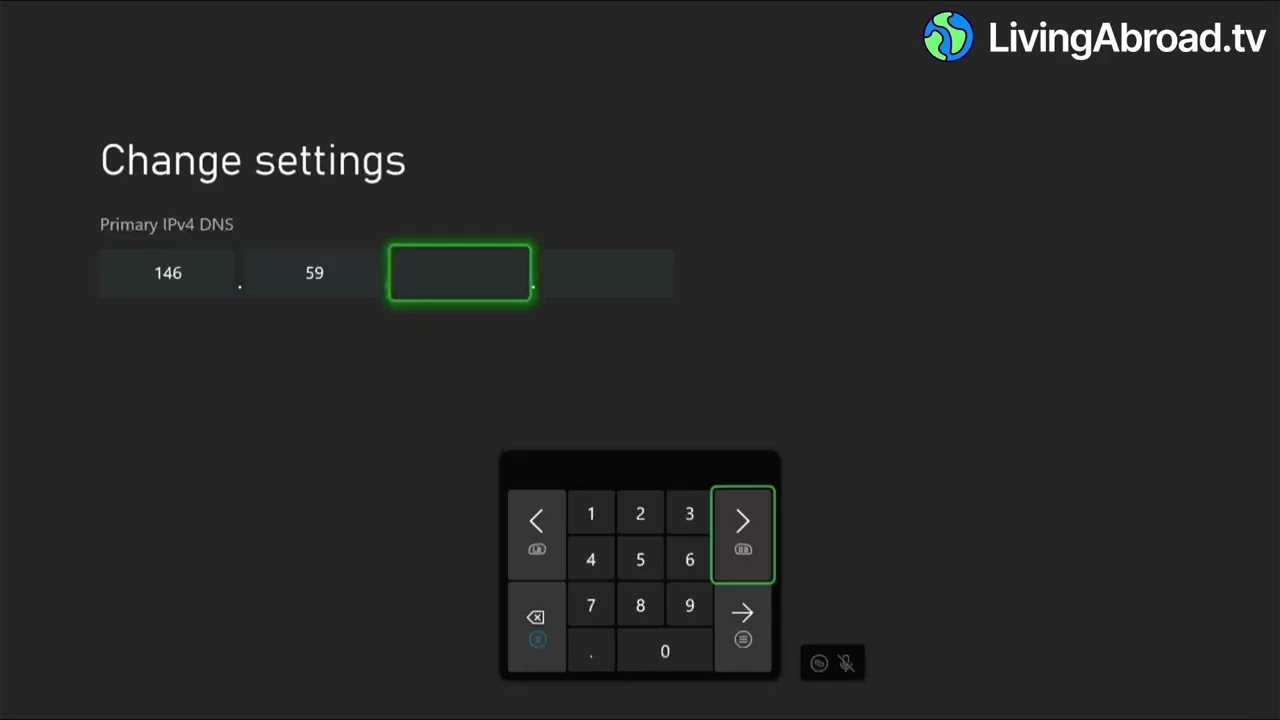
6. Enter Primary DNS: 146.59.198.179.
7. Enter Secondary DNS: 51.222.14.92.
8. Select Continue to apply the changes.
Break free from geo-restrictions with https://livingabroad.tv.
Повторяем попытку...
Доступные форматы для скачивания:
Скачать видео
-
Информация по загрузке:


