How to Create a Pick-Up Order in QuickFlora
Автор: QuickFlora Florist Software
Загружено: 2025-02-26
Просмотров: 23
Описание:
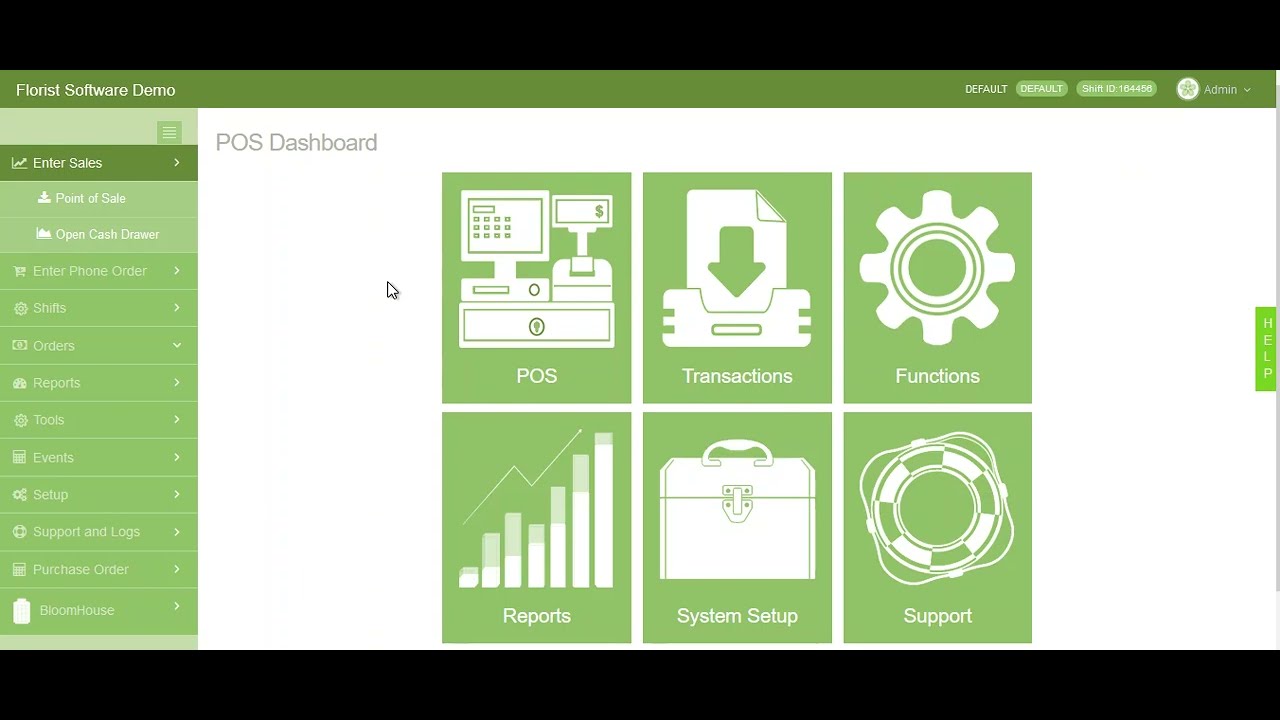
In this tutorial, we’ll walk you through the process of creating a pick-up order in QuickFlora. Whether you're managing in-store pickups for customers or streamlining order processing, this feature ensures an efficient workflow while keeping inventory accurate.
Creating a pick-up order allows customers to collect their products directly from your store, eliminating delivery costs and improving service speed. By following this guide, you’ll learn how to set up a pick-up order, ensure proper inventory tracking, and provide a smooth experience for your customers.
📌 What You’ll Learn:
✔️ How to access the order entry screen in QuickFlora
✔️ Selecting "Pick-Up" as the delivery method
✔️ Entering customer details and order items
✔️ Processing payments and finalizing the order
✔️ Best practices for managing in-store pick-up orders
With QuickFlora’s pick-up order functionality, you can offer customers greater flexibility while keeping your operations organized. Watch now to improve your order management workflow!
🔔 Don’t forget to like, comment, and subscribe for more QuickFlora tutorials!
Повторяем попытку...
Доступные форматы для скачивания:
Скачать видео
-
Информация по загрузке: