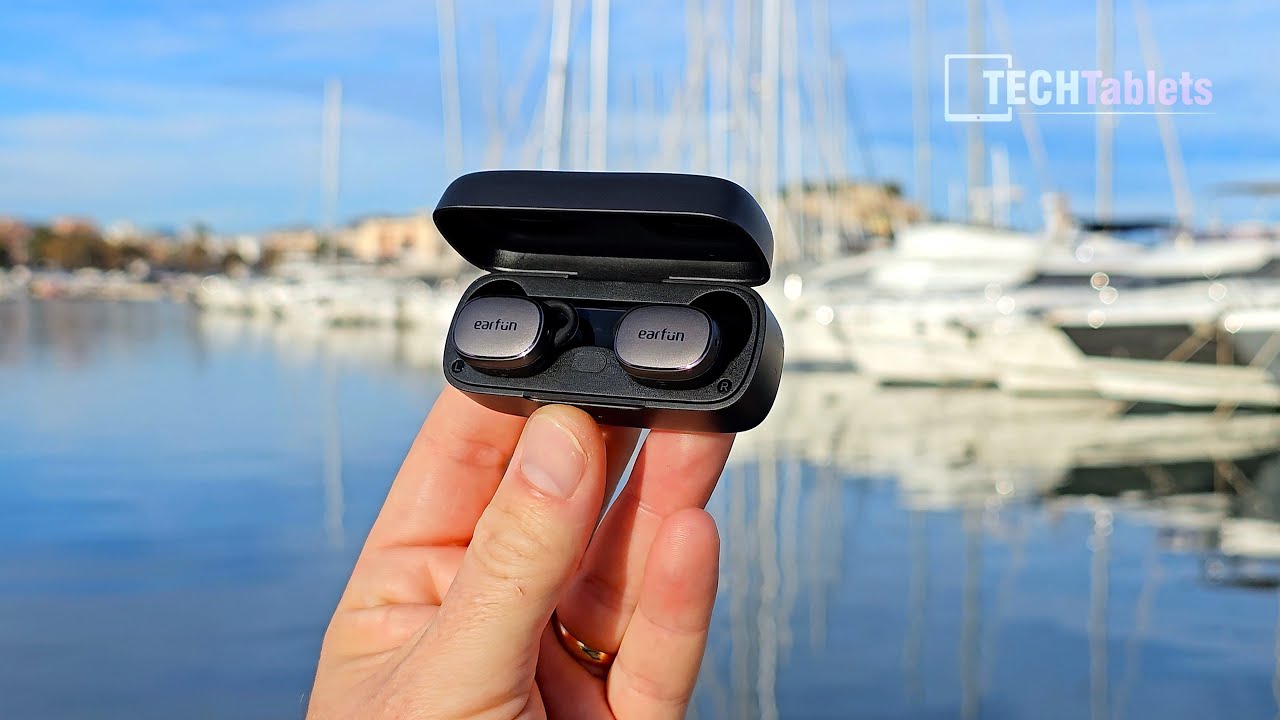
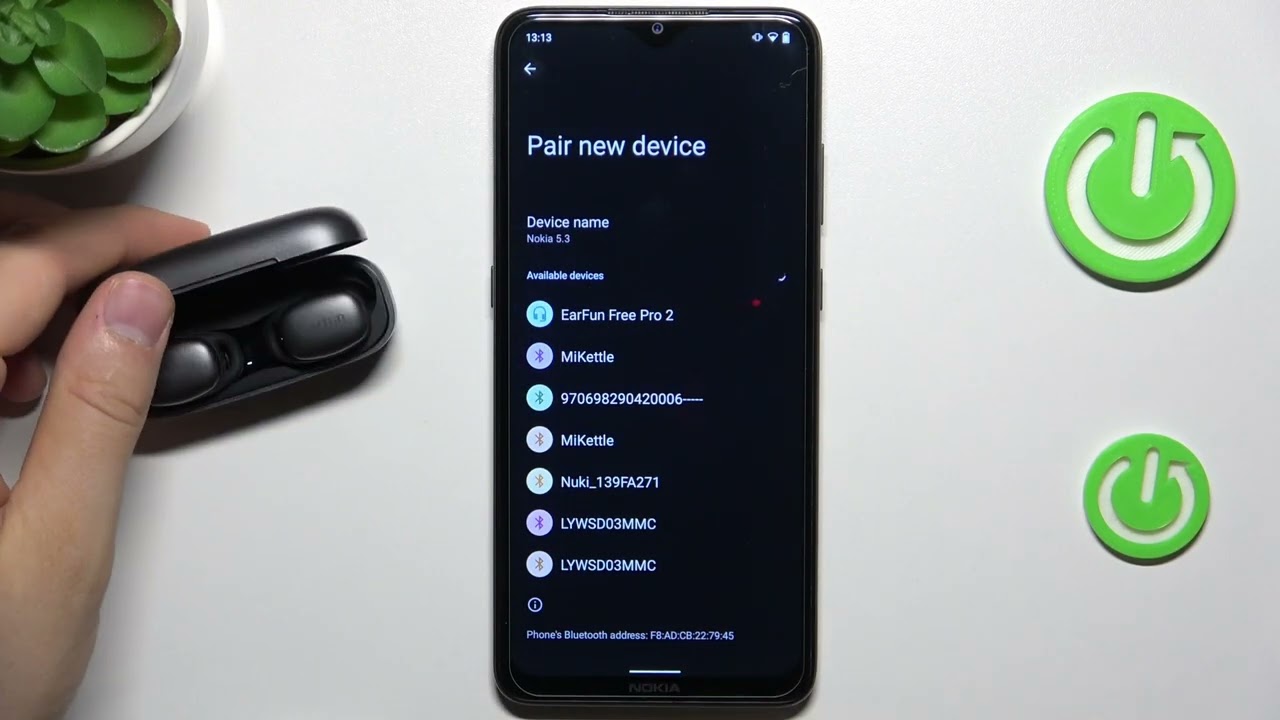
EARFUN Free Pro 3 – How to Change Microphone Setting
Автор: HardReset_info Tests
Загружено: 2025-08-11
Просмотров: 16
Описание:
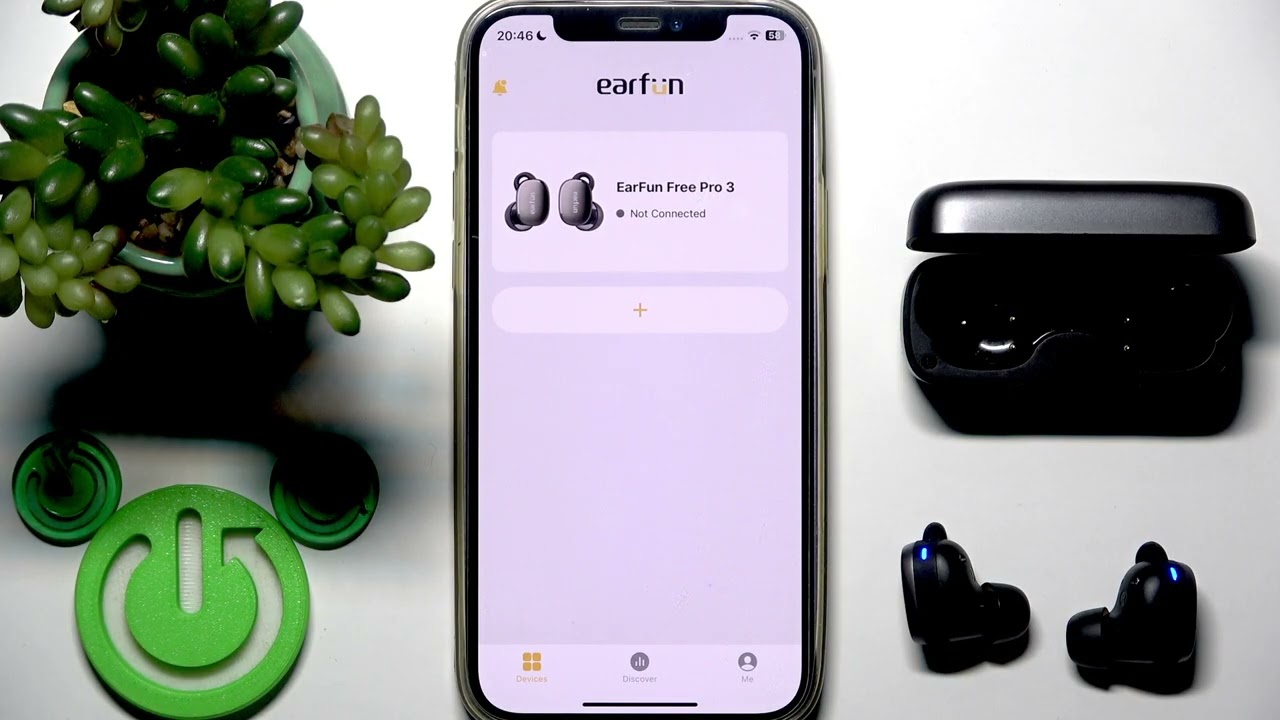
If you want to change which microphone is used on your EARFUN Free Pro 3 earbuds, this video will show you the step-by-step process. Learn how to use the EARFUN Audio app to select the left, right, or automatic microphone option for your earbuds. This guide is perfect for anyone looking to improve call quality or customize their audio experience with the EARFUN Free Pro 3. We’ll walk you through opening the app, connecting your earbuds, finding the microphone settings, and confirming your choice. Whether you want to use only the left or right microphone, or switch back to automatic, you’ll find all the instructions here for your EARFUN Free Pro 3 wireless earbuds.
How to change microphone on EARFUN Free Pro 3 earbuds?
How to select left or right microphone in EARFUN Free Pro 3?
Where is the microphone setting in EARFUN Free Pro 3 app?
0:00 Introduction
0:07 Open EARFUN Audio app and connect earbuds
0:18 Access device list and select your earbuds
0:28 Find and tap the microphone setting
0:38 Choose left, right, or automatic microphone
0:52 Confirm selection and reconnect earbuds
1:10 Check if microphone change is applied
1:18 Outro
#EARFUN #FreePro3 #MicrophoneSettings #WirelessEarbuds
Find out more:
https://www.hardreset.info/devices/ea...
Follow us on Instagram ► / hardreset.info
Like us on Facebook ► / hardresetinfo
Tweet us on Twitter ► / hardreseti
Support us on TikTok ► / hardreset.info
Use Reset Guides for many popular Apps ► https://www.hardreset.info/apps/apps/
Повторяем попытку...
Доступные форматы для скачивания:
Скачать видео
-
Информация по загрузке: