How to use Thin Extrudet in Autodesk Fusion
Автор: Fusion 360 Tutorial
Загружено: 2026-01-12
Просмотров: 901
Описание:
3D Sketch : https://www.3dmechanism.com/post/3d-e...
Donate PayPal: https://www.paypal.com/donate/?hosted...
In this CAD tutorial we'll use the features:
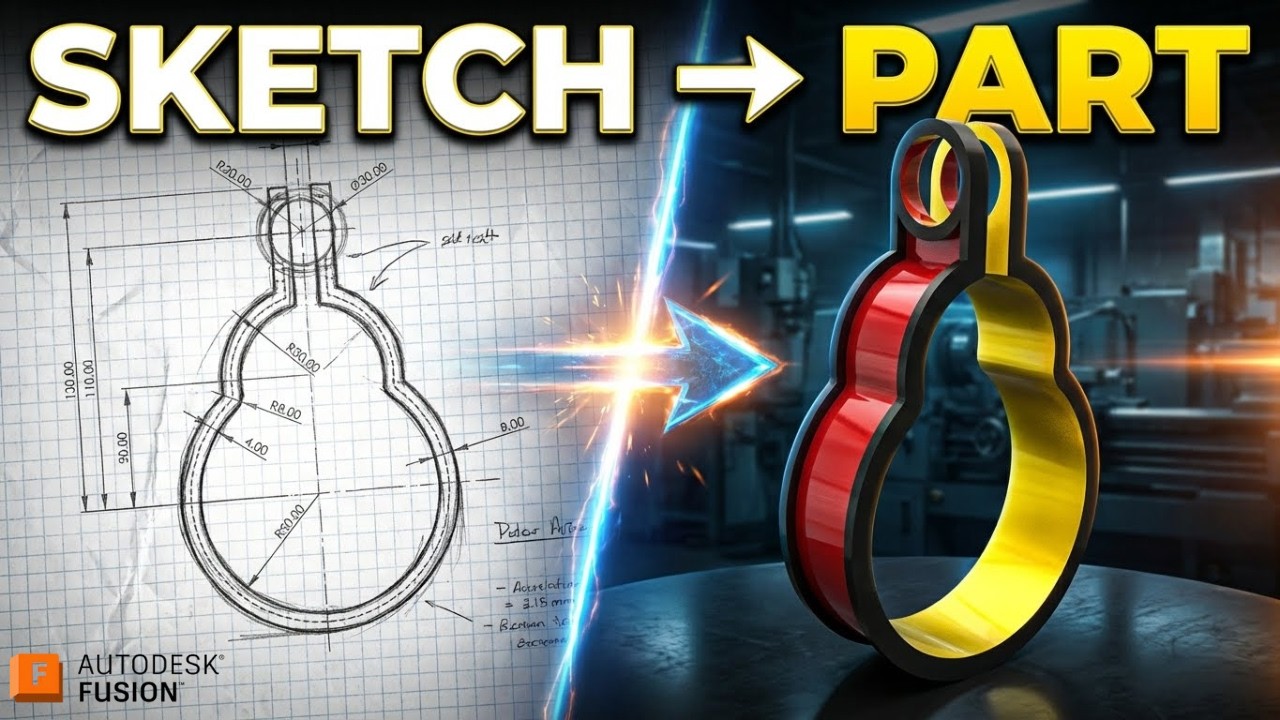
1. Thin Extrude
Definition: Creates a solid wall with a specific thickness along a sketch path, rather than filling the inside of a shape. How it works:
The Secret: You do not need a closed rectangle sketch. You can simply draw a single line or an arc (an open profile).
The Action: In the Extrude menu, select Type: Thin Extrude. You can then define the Wall Thickness (e.g., 2mm) and the Extrude Distance (height). Best for:
Plastic Housings: Quickly making the walls of a box without sketching the inner and outer perimeter.
Webs/Ribs: Creating internal supports.
Open Profiles: Creating geometry from a single sketch line.
2. Mirror
Definition: Creates a symmetrical copy of a Body, Face, or Feature across a selected plane. How it works:
Mirror Bodies: Copies the entire solid mass (useful if your halves are currently separate).
Mirror Features: Copies just the "Thin Extrude" operation itself. Best for: Modeling only the left side of a symmetrical bracket and letting Fusion generate the right side.
All dimensions are in mm/g/s/ISO
---------------------------------------------------------------------------------------------
Rating, commenting, subscribing and sharing are always appreciated!!
----------------------------------------------------------------------------------------------
▬▬▬▬▬▬▬▬▬▬▬▬▬▬▬▬▬▬▬▬▬▬▬▬▬▬▬▬▬▬
Follow Us On:
Instagram : / engbcruz
YouTube: / @fusion360tutorial
#technology
#Fusion360
#Fusion360tutorial
Повторяем попытку...
Доступные форматы для скачивания:
Скачать видео
-
Информация по загрузке: