EASILY Change Your Memjet Wiper Roller (Afinia L801 & MORE)
Автор: Chicago Color Label
Загружено: 2022-02-27
Просмотров: 1652
Описание:
Your Memjet wiper roller is a consumable part. It acts like a washcloth to remove excess ink and debris from your Memjet printhead. Just like a washcloth, it will eventually get so full of ink and other debris that it will no longer clean effectively. Replacing the Memjet wiper roller in your Memjet printer can be done easily and quickly following the steps in this video.
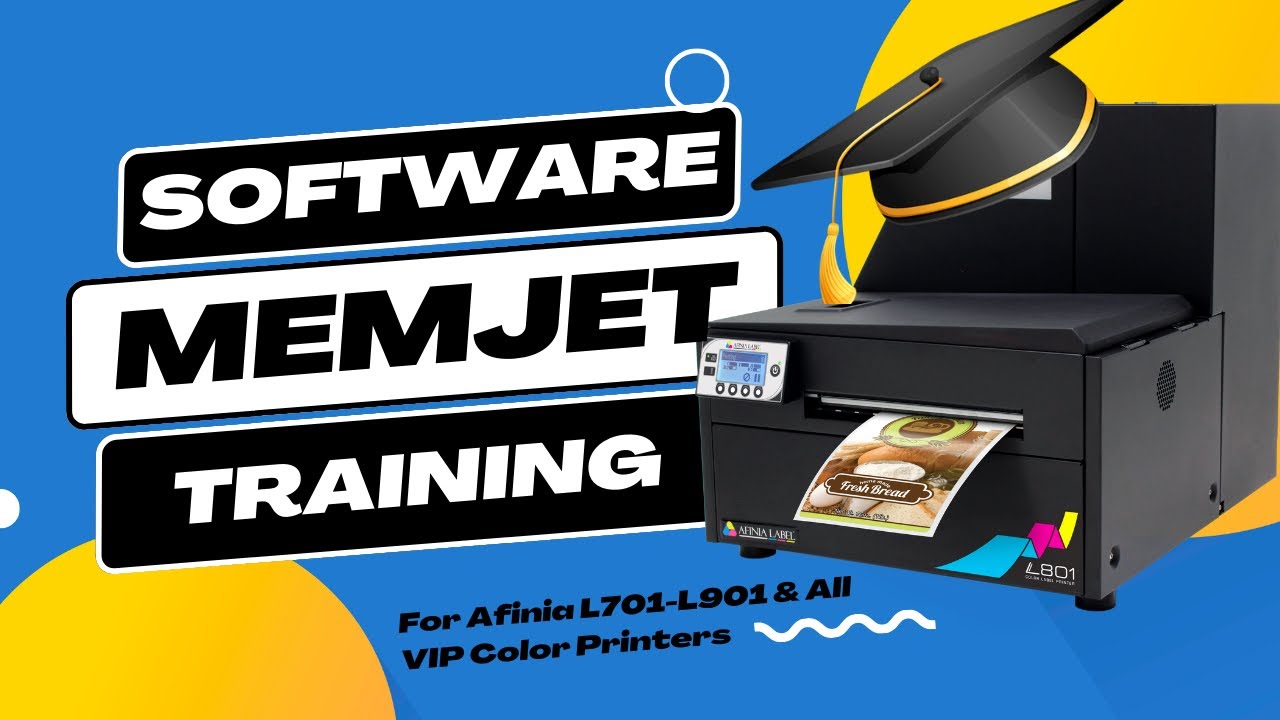
The steps in this video are demonstrated on the Afina L801 printer but will work for most (if not all) Memjet printers such as the Afinia L801, L701, VIP 500, 600 and 700 series, and others.
Replace your own Memjet wiper roller with the steps below:
STEPS INCLUDE:
00:00 - Intro
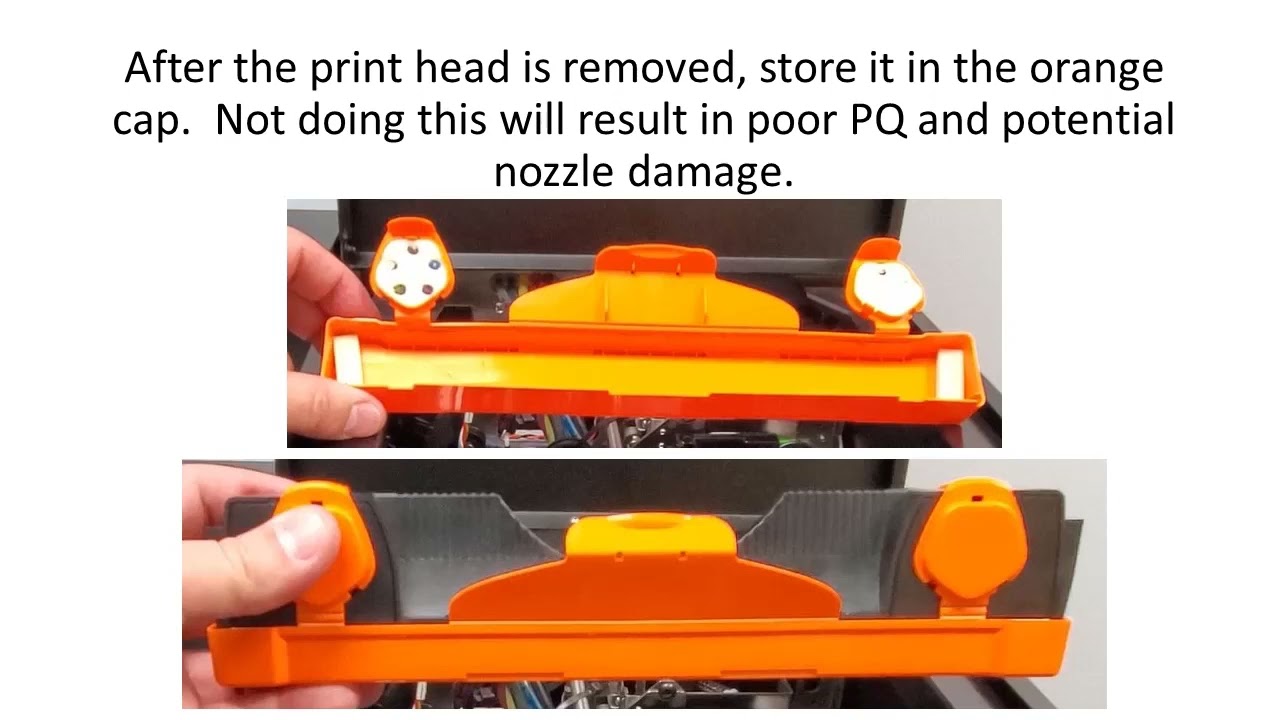
02:22 - Remove and Store printhead
03:44 - Eject Printer Service Station and Remove Panels
06:07 - Remove Old Wiper Roller
07:11 - Install New Wiper Roller
08:40 - Reinstall Service Station
09:32 - Reinstall Panels
10:43 - Reinstall Printhead
11:12 - Power Printer On and Test
Visit https://chicagocolorlabel.com for more tips and tricks or for any of your color label printing needs.
Music by https://www.fiftysounds.com
Повторяем попытку...

Доступные форматы для скачивания:
Скачать видео
-
Информация по загрузке: