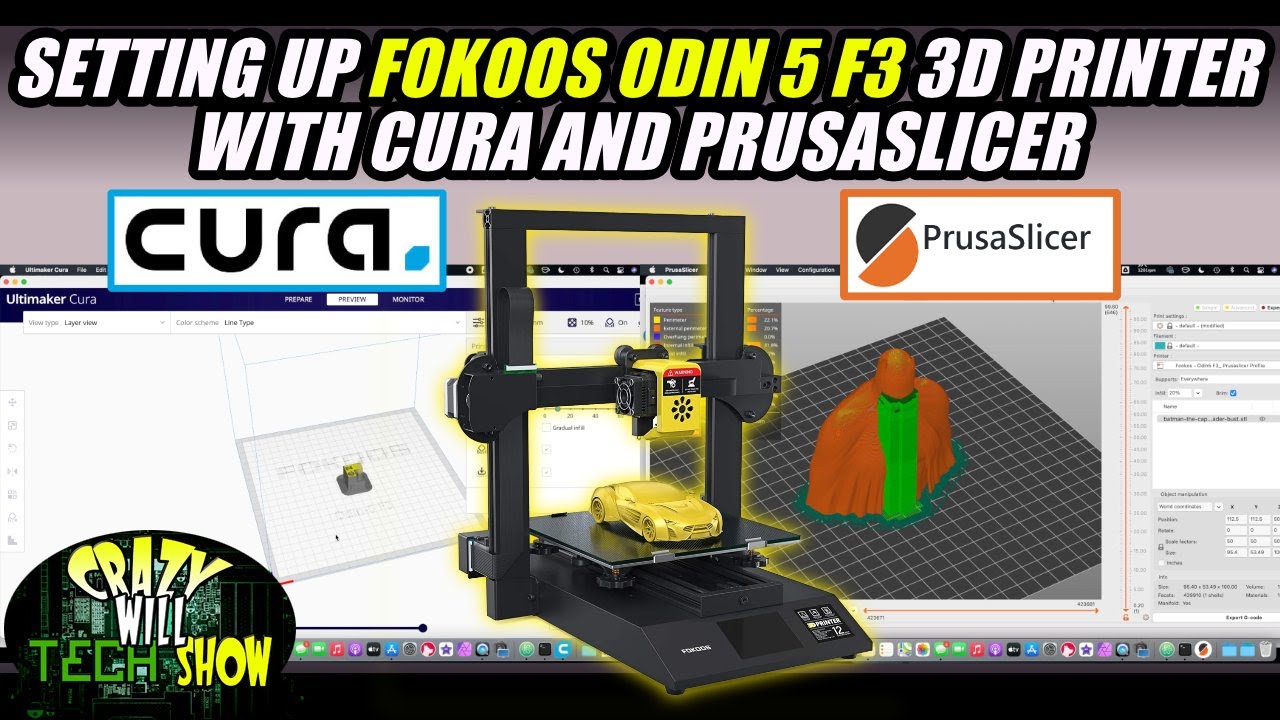
CURA settings for ODIN 5 F3 3D Printer
Автор: 3D Printing Doctor
Загружено: 2022-02-20
Просмотров: 17946
Описание:
CURA settings for ODIN 5 F3 3D Printer
Hello Everyone! Here is my Cura settings video for odin 5 f3 3D printer. I showed how to set up the printer in Cura itself and how to use slicing settings for the best quality prints. I used the everyones favorite crystal dragon as an example! At the end of the video you can see the results!
I suggested my personal parameter ranges so that you can use them as well. Let me know what you think in the comments down below. I hope this video helps you guys.
Here is the link for downloading the latest version of Cura software: https://ultimaker.com/software/ultima...
Here are my other Fokoos related videos and upcoming ones! ▬▬▬▬▬▬▬
Unboxing: • Fokoos ODIN 5 F3 First Print, Leveling, As...
How to fix the thermistor: • How to fix thermistor error in FOKOOS Odin...
Firmware update: coming soon
Cura settings video: • CURA settings for ODIN 5 F3 3D Printer
Full Review video: coming soon
For Start Gcode ----copy and paste below this line-----
G92 E0 ; Reset Extruder
G28 ; Home all axes
G1 Z2.0 F3000 ; Move Z Axis up little to prevent scratching of Heat Bed
G1 X0.1 Y20 Z0.3 F5000.0 ; Move to start position
G1 X2 Y200.0 Z0.3 F1500.0 E15 ; Draw the first line
G1 X1.6 Y200.0 Z0.3 F5000.0 ; Move to side a little
G1 X1.6 Y20 Z0.3 F1500.0 E30 ; Draw the second line
G92 E0 ; Reset Extruder
G1 Z2.0 F3000 ; Move Z Axis up little to prevent scratching of Heat Bed
G1 X5 Y20 Z0.3 F5000.0 ; Move over to prevent blob squish
For Start Gcode ----copy and paste above this line-----
For End Gcode ----copy and paste below this line-----
G91 ;Relative positioning
G1 E-2 F2700 ;Retract a bit
G1 E-2 Z0.2 F2400 ;Retract and raise Z
G1 X5 Y5 F3000 ;Wipe out
G1 Z10 ;Raise Z more
G90 ;Absolute positioning
G1 X0 Y{machine_depth} ;Present print
M106 S0 ;Turn-off fan
M104 S0 ;Turn-off hotend
M140 S0 ;Turn-off bed
M84 X Y E ;Disable all steppers but Z
For End Gcode ----copy and paste above this line-----
Link for crystal dragon: https://cults3d.com/en/3d-model/art/c...
Here is the website of Fokoos Tech: https://fokoos.com/
Here is FB support group for this printer: / 4240701792613897
Here is FB page for fokoos / fokoostech
Don't forget to follow your 3D Printing Doctor on Instagram for my prints and short videos: / 3dprintingdoctor
Here all my important links summarized: https://linktr.ee/3DPrintingDoctor
Let's discuss in the comments down below for more! Feel free to comment!
Last but not least, DON'T FORGET TO SUBSCRIBE :D
Thanks for watching!
#curasettings #odin5F3 #foldable3Dprinter
fokoos odin 5 f3 setup
fokoos 3d printer
fokoos odin-5 f3
odin 5 f3 cura settings
Повторяем попытку...

Доступные форматы для скачивания:
Скачать видео
-
Информация по загрузке:








![[Updated] The Ultimate Beginner's Guide to Cura Slicer!](https://imager.clipsaver.ru/l_wDwySm2YQ/max.jpg)