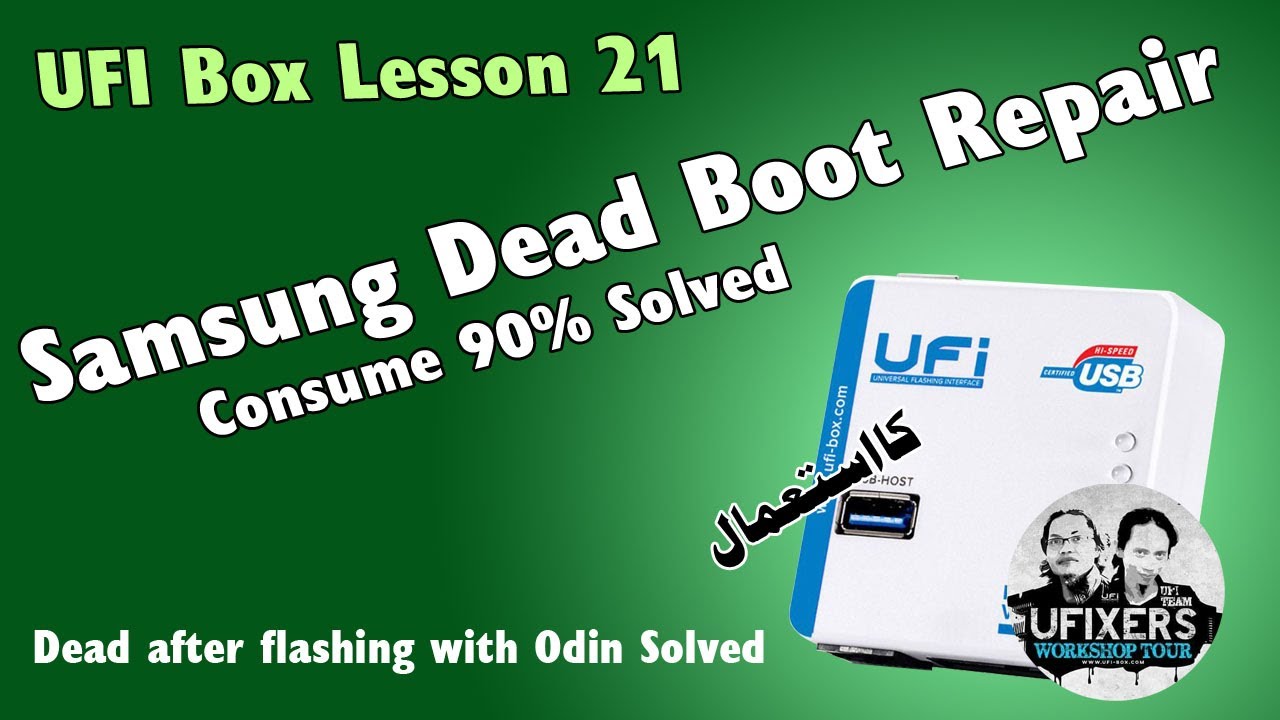
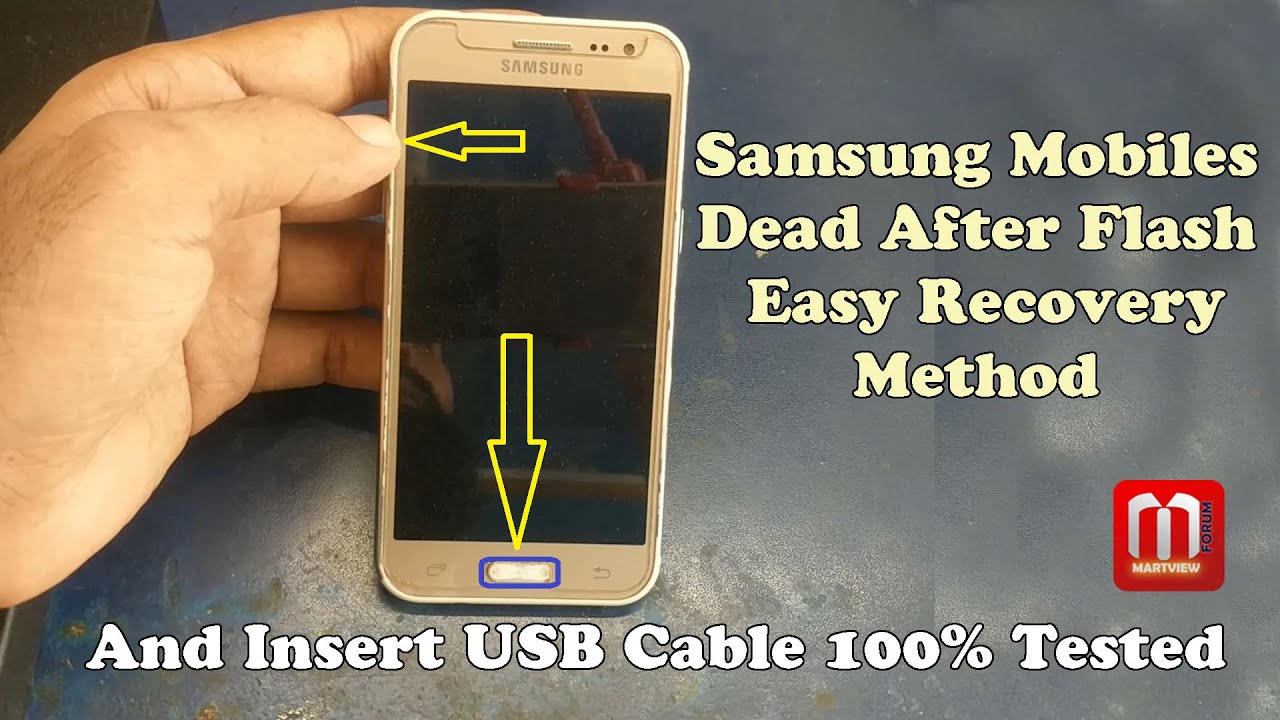
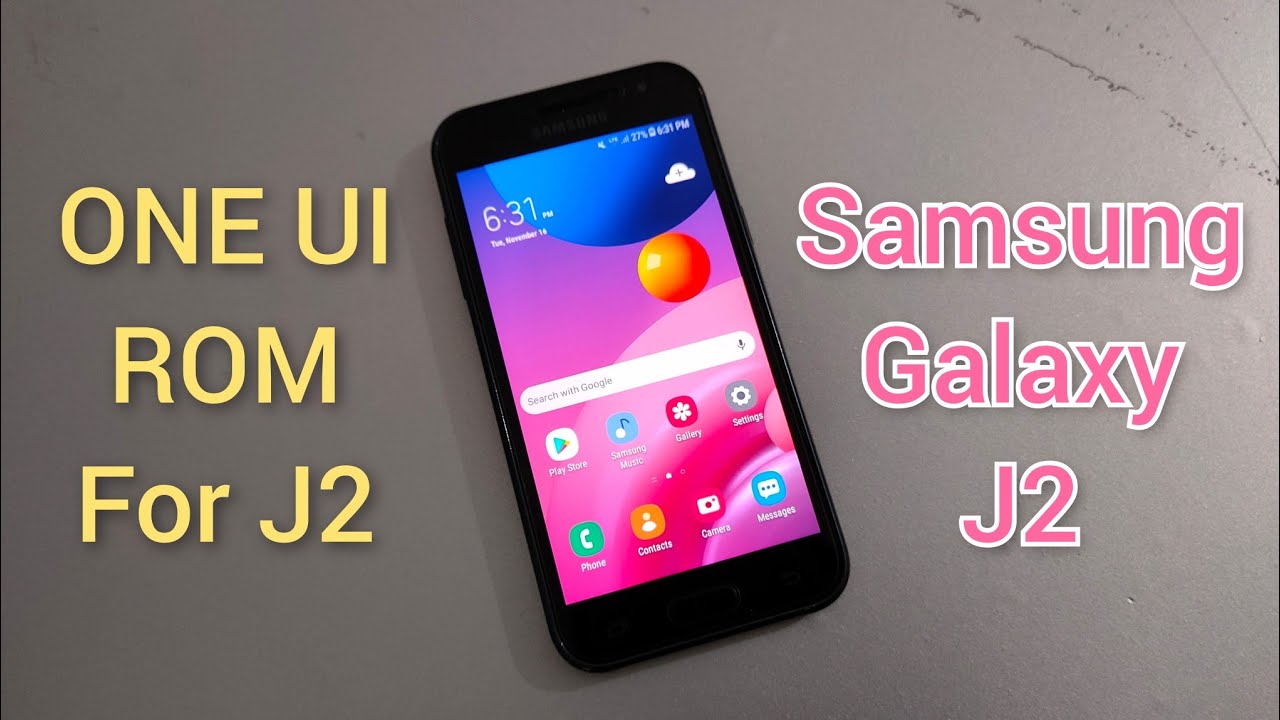
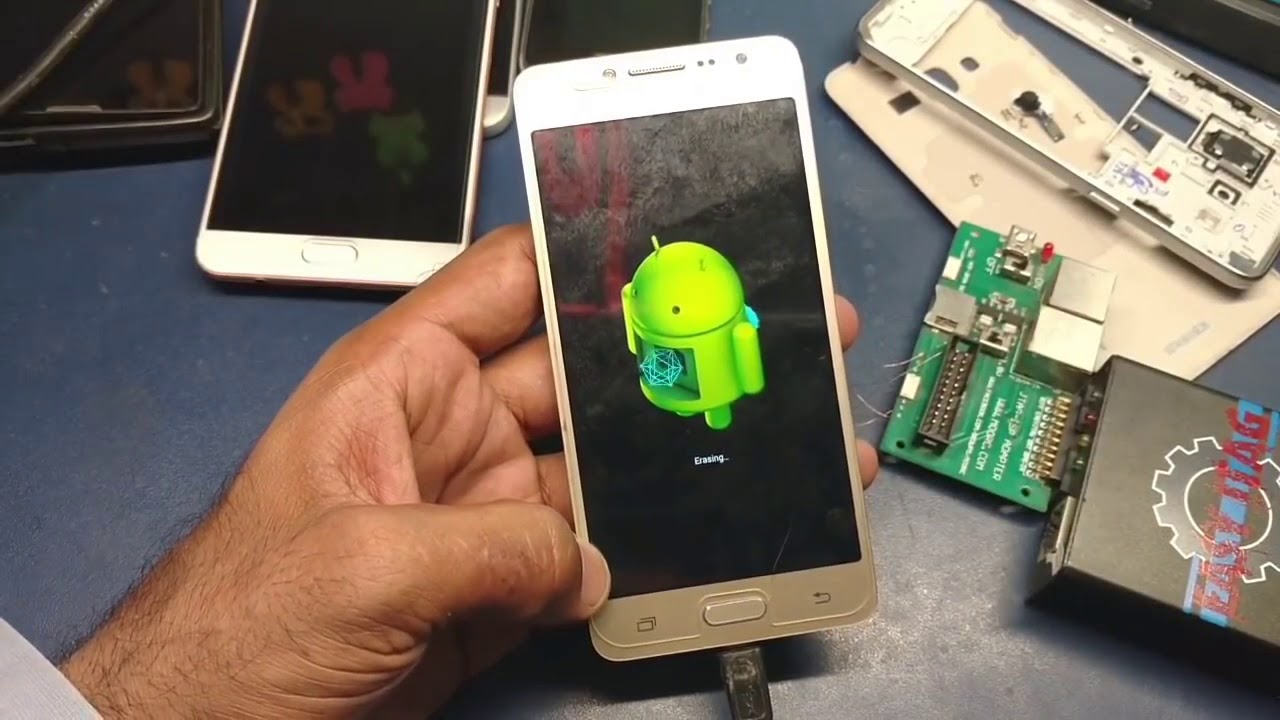
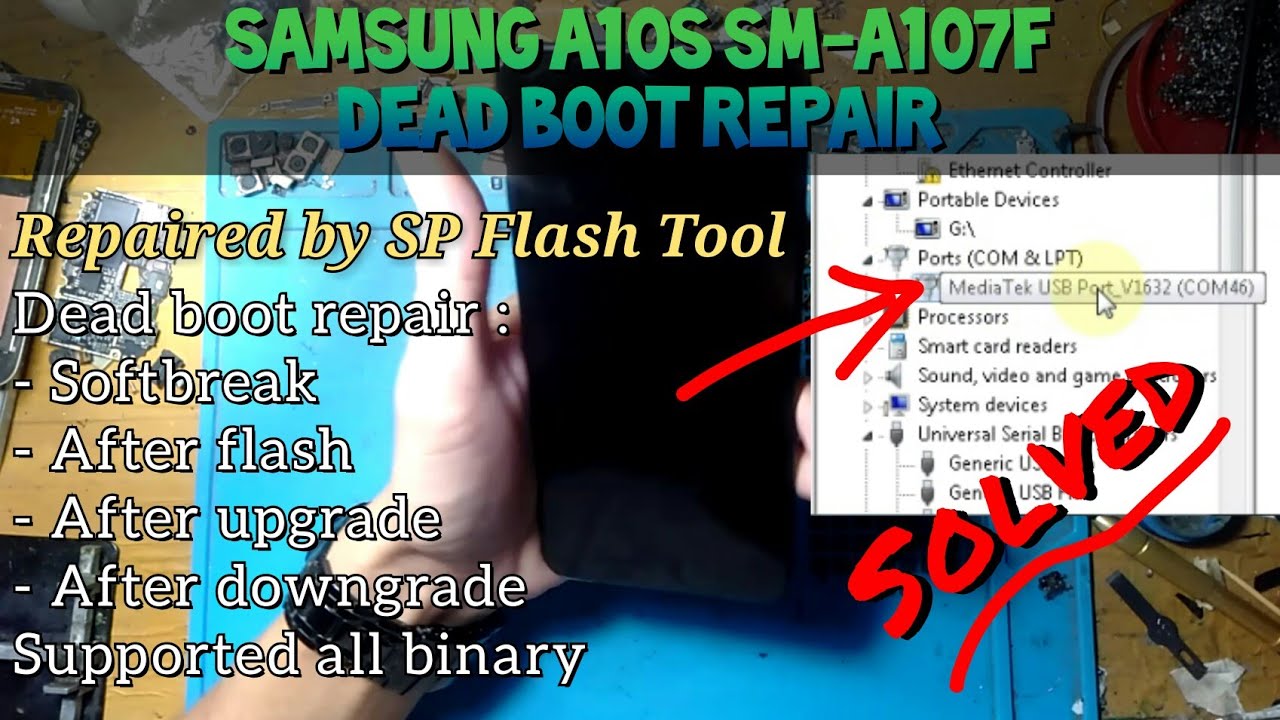
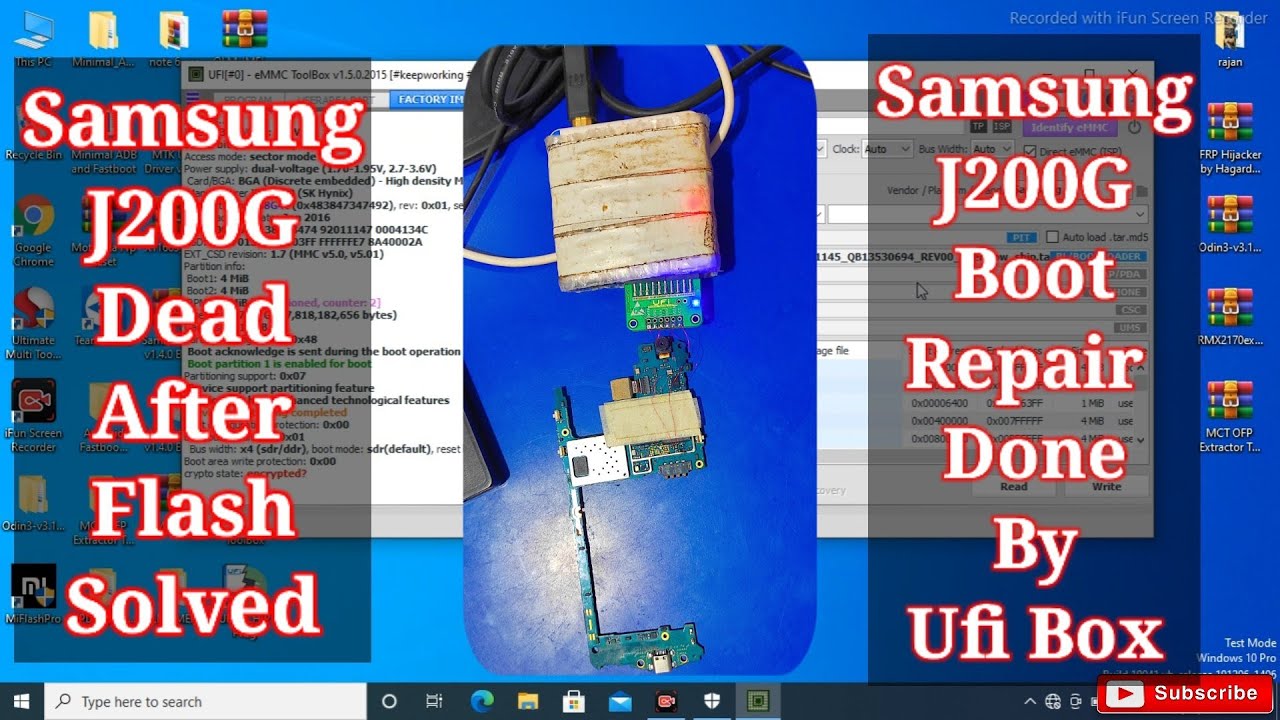
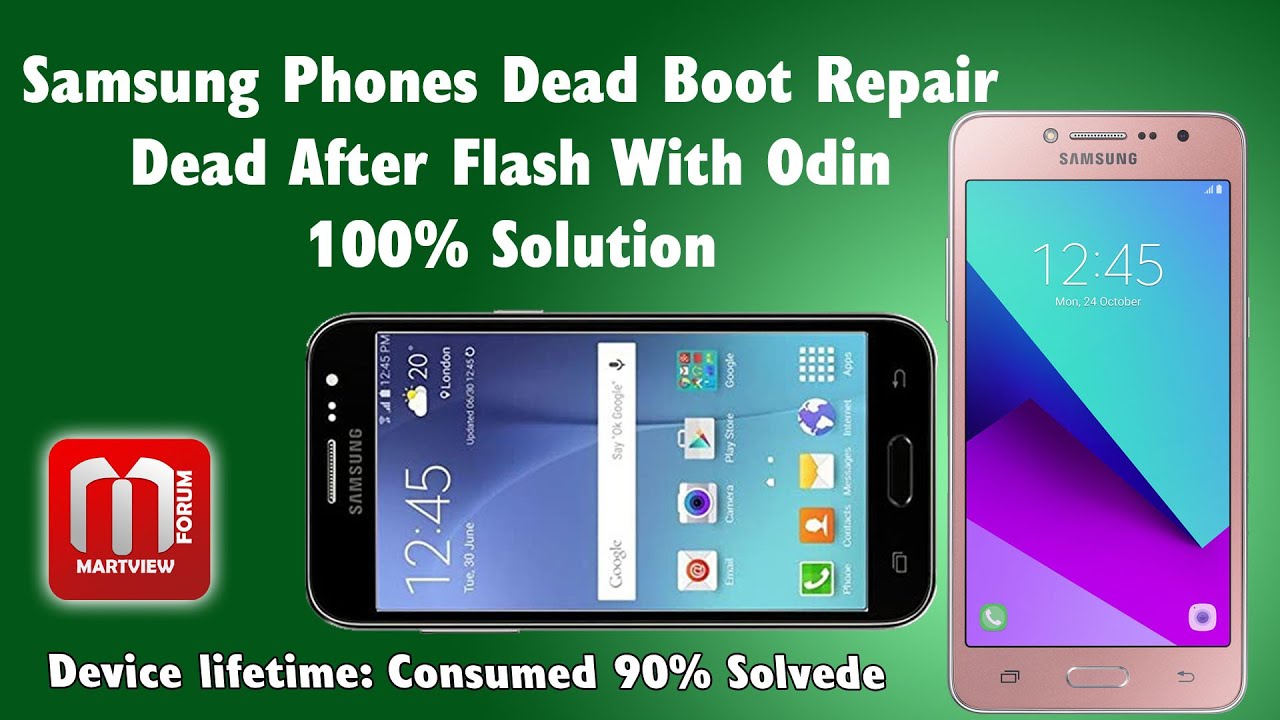
Samsung J200H dead after flash | Samsung J2 dead boot repair with Ufi Box
Автор: UFixer
Загружено: 2020-03-15
Просмотров: 31782
Описание:
Samsung J200H dead after flash | Samsung J2 dead boot repair with Ufi Box
Dear Viewers..!! Thanks for watching this video in this video, I'll show you how to Samsung Galaxy j2 SM-J200H dead boot repair with Ufi box.
If you have to flash your Samsung phones and after flashing your handset no power on, no download mode, no connectivity, no port.
it means your phone's boot configuration is corrupted or your phone's eMMC partitions settings are disturbed.
You must need to reconfigure your phone's eMMC partitions configurations.
Join Us For Discussions:
https://Martview-Forum.com
https://Martview.com
Premier online shopping destination: Wholesales Price For GSM Unlocking, Flashing Box and Dongle. Mobile Phone LCD, Spare Parts, HotAir Station, Remove iCloud IC Chip & Lot More
Related Searches:
Device lifetime: Urgent (Consumed 90% of the reserved block)
qualcomm repair health status 90 %+ nand errors bin
movinand smart report: error mode: 0x00000000 (invalid)
how to repair emmc with ufi box
qualcomm emmc repair ufi
writing emmc partition settings... device is already partitioned
device life time estimation mlc 269 ]: 0x0b exceeded its maximum estimated device life time
custom movinand command is not supported for this device(mmc51).
mtk emmc repair ufi box
Samsung j200h dead after flash
Samsung j2 dead boot repair without box
Samsung j200g dead boot repair without box
Samsung j200g dead after flash
j200h dead boot repair sd card
Samsung j200g dead boot repair easy jtag
Samsung j200h dead after flash solution
Samsung j200g dead boot repair ufi box
j200h dead boot repair medusa
Samsung j2 emmc pinout
#SamsungJ2 #J200hDead #MartviewForum #UFixers
Повторяем попытку...
Доступные форматы для скачивания:
Скачать видео
-
Информация по загрузке: