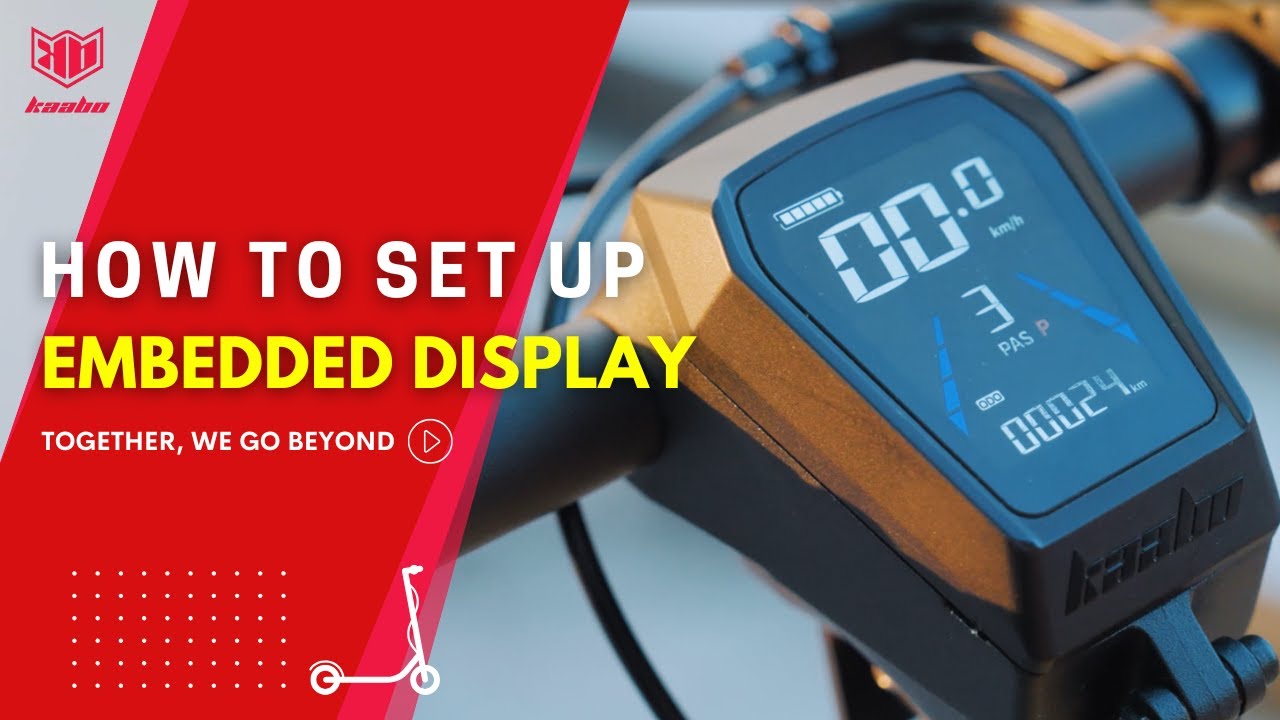
How to Set Up the New Kaabo Embedded Display⚡
Автор: Kaabo official
Загружено: 2025-04-12
Просмотров: 1641
Описание:
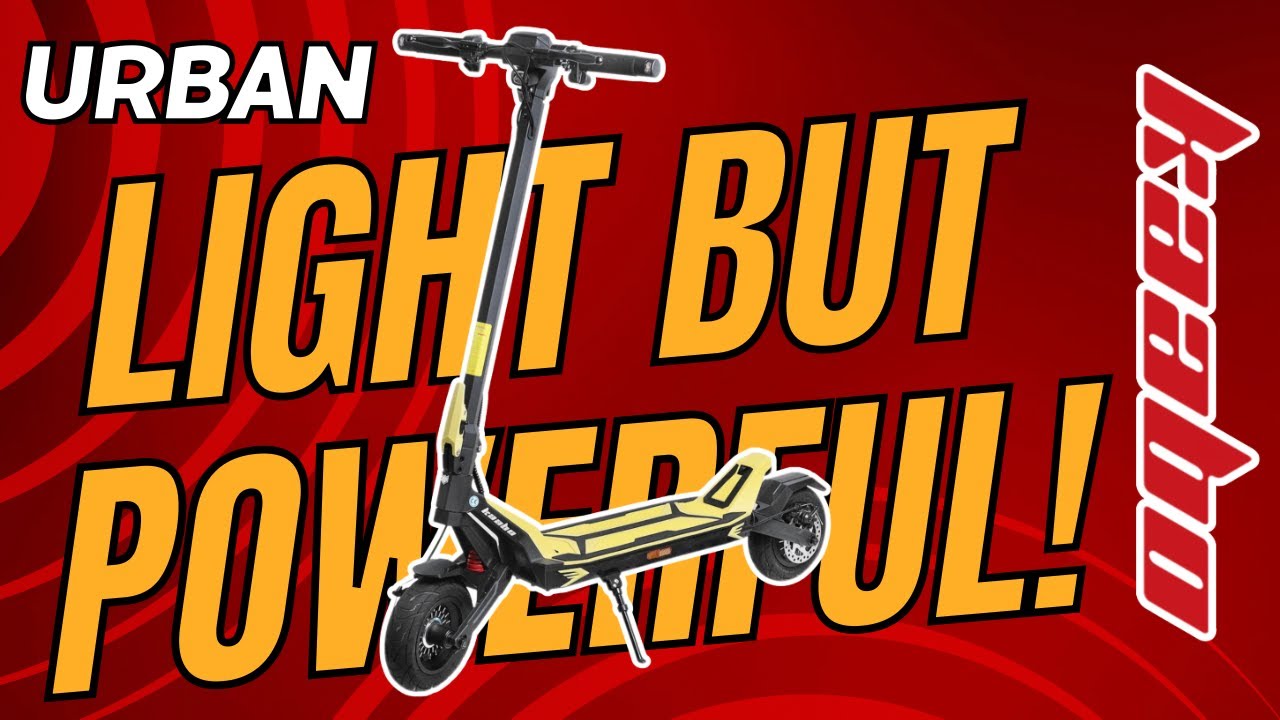
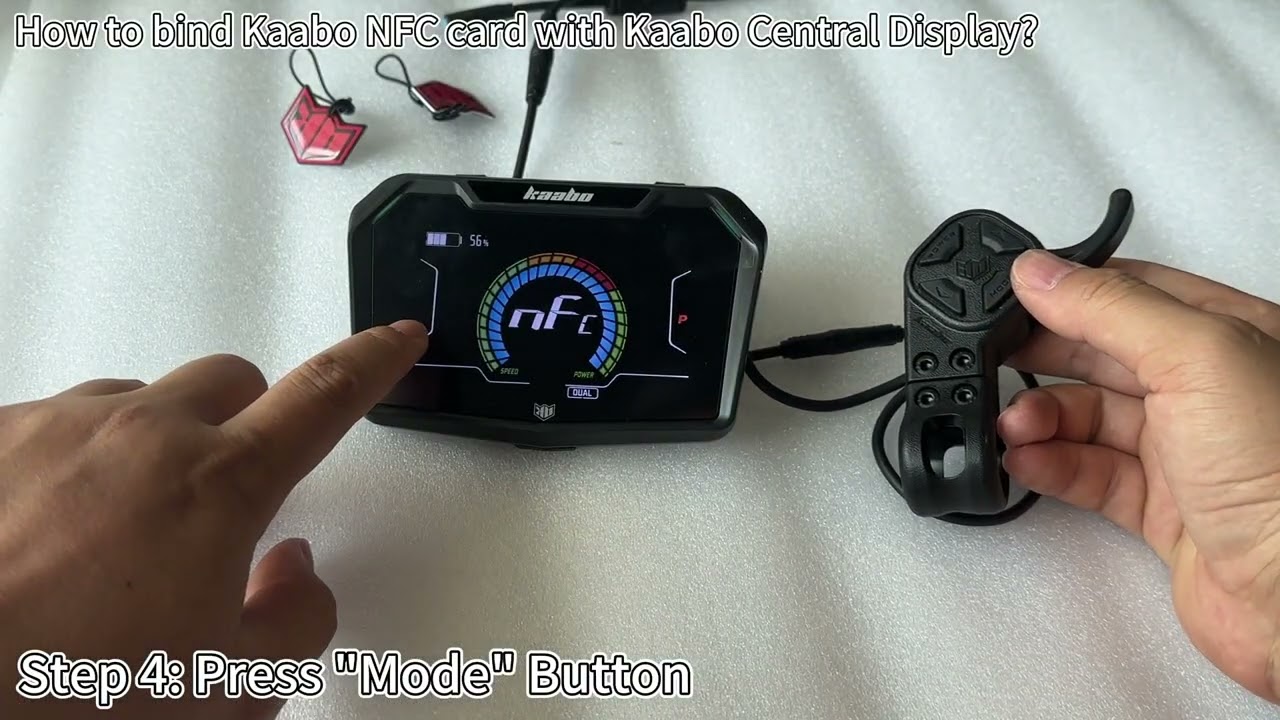
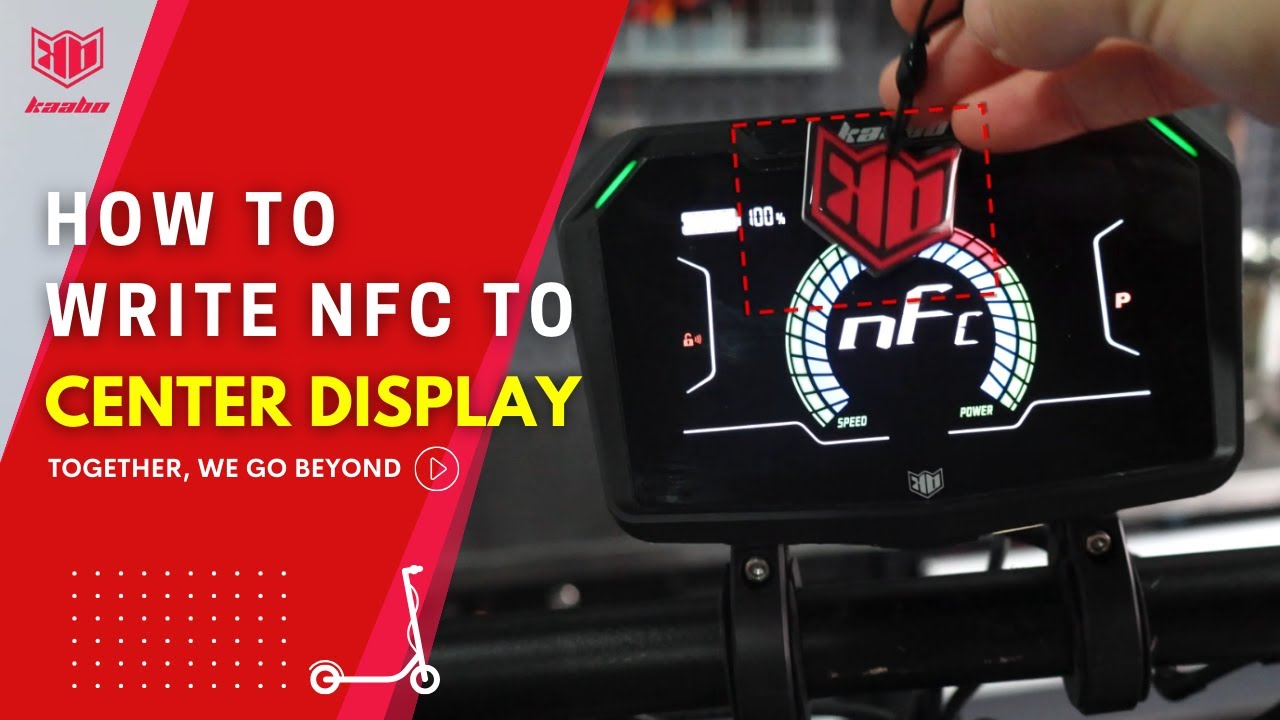
Introducing Kaabo’s all-new display – stylish, smart, and made to impress. Featuring a sleek diamond-shaped design, it’s modern, youthful, and a perfect match for the Urban. It’s super easy to use and very responsive.From real-time riding stats to customizable settings, everything you need is at your fingertips.
📌 Key Features:
✅ [NFC Unlock] – Fast, secure, and hassle-free access
✅ [P Mode] – Prevents accidental throttle engagement for enhanced safety
✅ [Pushing Mode] – Effortlessly walk your scooter when not riding
✅ [Gear Mode Memory] – Remembers your preferred settings—no need to adjust every time
✅ [Advanced Ride Customization] – Fine-tune your ride for the perfect experience
If you have any questions, feel free to drop them in the comments. Hope you all enjoy this new ride!
Connect with us:
➡️Website: www.kaabo.com
➡️Facebook: / kaaboofficial
➡️Facebook Group: / 639170836988019
➡️Instagram: / kaabo_officialpage
➡️Tiktok: / kaaboofficial
➡️Linkedin: / kaabo-electric-scooter
Connect with Kaabo Official Networks.
Disclaimer:
Features and designs may vary in different regions. For detailed information on what's available in your region, please visit our official website at www.kaabo.com.
Hashtags:
#Kaabo #HowTo #ElectricScooter #KaaboUrban #EmbeddedDisplay #UserGuide #escooter #ScooterLife
Together, we go beyond 🛴🛴
Повторяем попытку...
Доступные форматы для скачивания:
Скачать видео
-
Информация по загрузке: