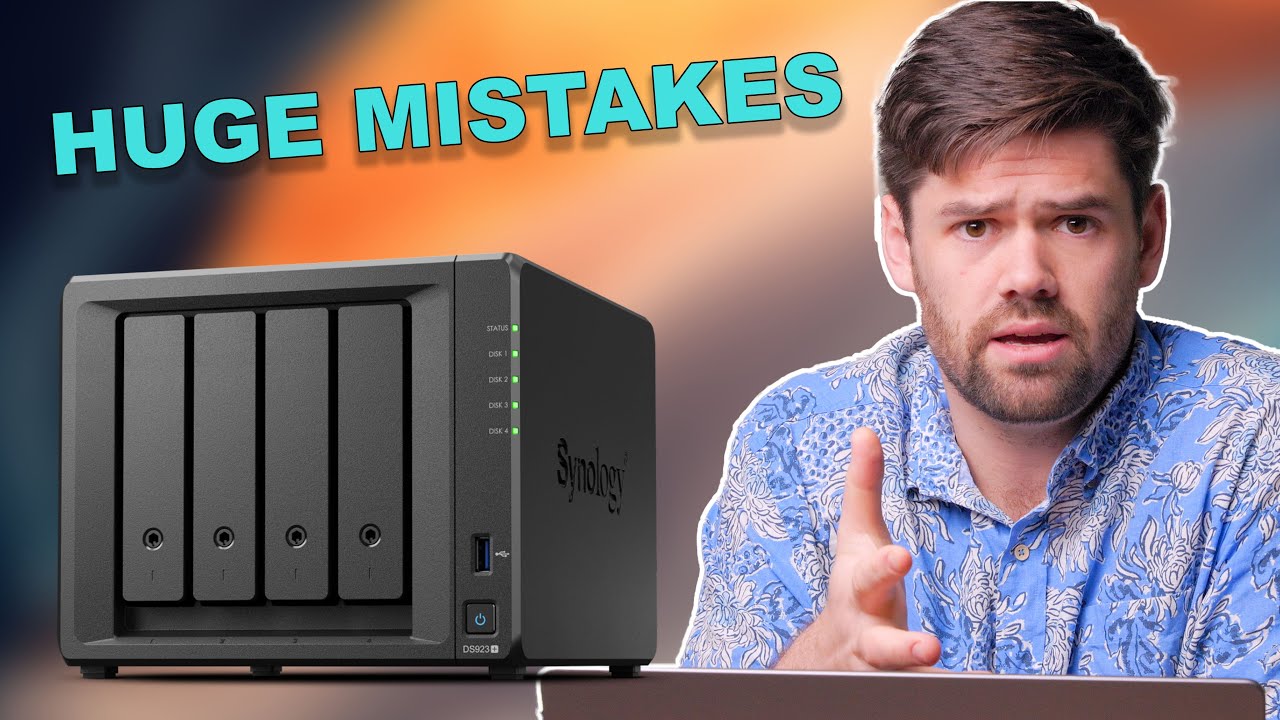
The Top 15 Reasons Your Synology is SLOW (and how to fix them)
Автор: SpaceRex
Загружено: 2021-06-04
Просмотров: 148402
Описание:
This tutorial goes over the 15 most common reasons why your Synology NAS is slow with large file transfers. It is split up into three major sections, network, disks, and the Synology itself.
#Synology #Tutorial #NAS
Hire Me! https://yarboroughtechnologies.com/co...
Sponsor the Channel: / spacerexwill
Setting up Synology Drive: • Create your Own CLOUD with Synology Drive ...
10GiG ethernet Setup: • 10 GBE Card on Synology NAS (DS1819+) | 4K...
Setting up SSD Cache: • Installing 2x NVMe SSD Cache + Speed Test ...
Setup Jumbo Frames: • Get Better Performance Out of Your Synolog...
Link Aggregation: • Link Aggregation on Synology NAS + NetGear...
Keep your NAS Secure! • PROTECT YOUR FILES - How to Protect your S...
Overview of DSM7.0: • SYNOLOGY DSM 7.0 BETA RELEASED (IT'S FAST!...
Setting up DSM7.0 on a VM: • Create DSM7.0 Virtual Machine to Test DSM ...
Top Synology Picks: https://www.spacerex.co/what-synology...
Affilate Links:
Synology Recommendations:
Cheapest you can buy:https://geni.us/EJz4c
Most powerful 4 Bay: https://geni.us/pO2pcSJ
6 bays, with performance overhead: https://geni.us/GPSdKp
Insane Performance!: https://geni.us/N9BcW
12 Bays in a Desktop!: https://geni.us/vavmdU
Drives:
Hard drives that I use: https://geni.us/00RP
SSD I use with Synology: https://geni.us/2ZxlwE
Going 10GbE:
Synology 10GbE (RJ45) Card: https://geni.us/SrJZ
Starter 10GbE switch: https://geni.us/RrhEfj
10GbE ethernet to Thunderbolt 3 adapter: https://geni.us/Aa5qm
*These are affiliate links, which means that if you purchase a product through one of them, I will receive a small commission (at no additional cost to you). Thank you for supporting my channel!
Sections:
0:00 INTRO
1:05 Setting up Baseline testing
3:10 Reason 1: You are on WiFi
5:21 Reason 2: You are saturating your ethernet connection
7:05 Reason 3: You are using LACP with a single connection
8:45 Reason 4&5: You do not have Jumbo frames enabled / have them enabled wrong
11:12 Reason 6&7: You have SMB setup incorrectly
13:22 Reason 8: You have too few disks
16:46 Reason 9: You have a slow / failing disk
18:42 Reason 10: You have a SSD write cache that has filled up
21:40 Reason 11: Your disks are full / need to be defragmented
23:10 Reason 12: You are using SHR and have fewer disks to write to
25:40 Reason 13: You are writing to an encrypted share
26:30 Reason 14: Synology Drive is enabled on the shared folder
27:39 Reason 15: Your Synology is busy doing other things
28:33 OUTRO
Повторяем попытку...

Доступные форматы для скачивания:
Скачать видео
-
Информация по загрузке: