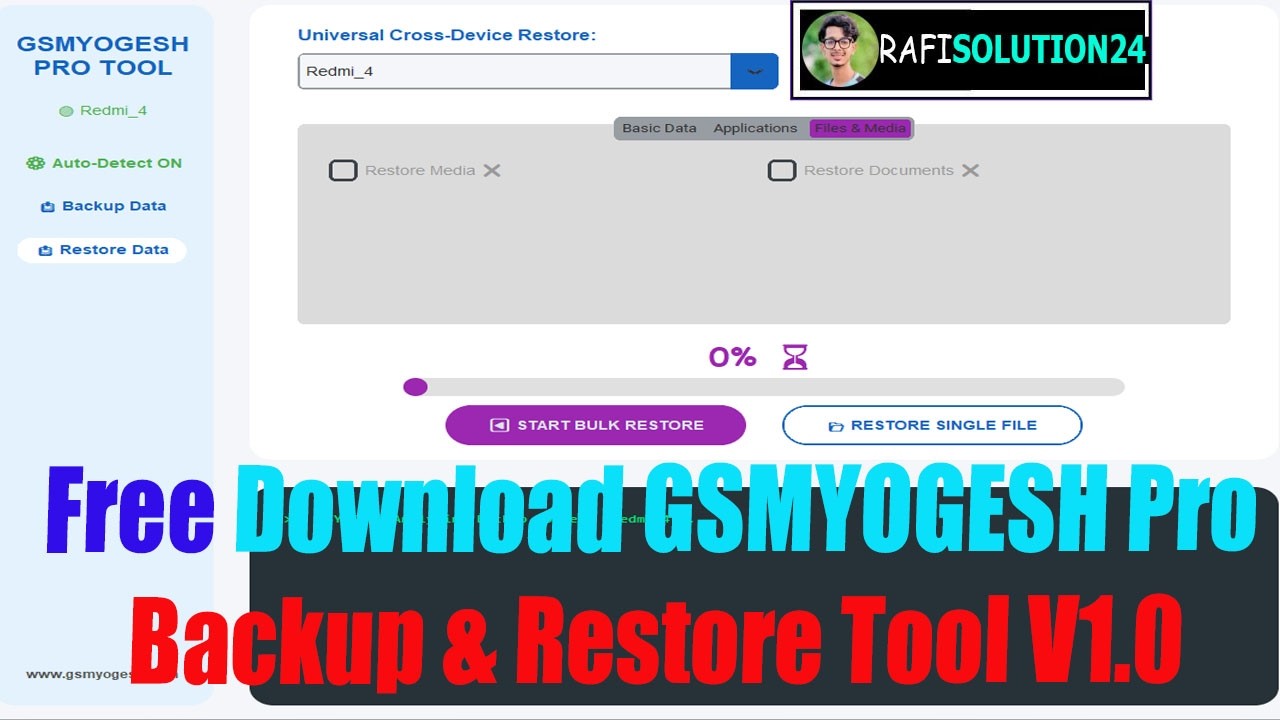
Free Download GSMYOGESH Pro Backup & Restore Tool V1.0
Автор: Rafisolution 24
Загружено: 2026-02-17
Просмотров: 9
Описание:
Free Download GSMYOGESH Pro Backup & Restore Tool V1.0
Our Official Website : https://rafitech560.blogspot.com
Facebook Page : / profile.php
Telegram Channel : https://t.me/rafisolution24
WhatsApp Group :https://chat.whatsapp.com/EyVGoREixWY
Download Link : https://rafisolution24.com/free-downl...
Thanks For Watching Our Video!!!
What Is GSMYOGESH Pro Backup & Restore Tool?
In simple words, it is a backup software for Android phones. It helps you copy your important data from your mobile to your computer. Later, you can put everything back into the same phone or even into a new phone
Many people try to use cloud storage. But cloud space gets full very fast. After that, it asks for money. Also, some people do not feel safe uploading personal photos and chats to the internet.
This tool works fully offline. Your data goes directly from your phone to your computer using a USB cable. Nothing is uploaded anywhere.
The idea behind this tool is simple. Make backup easy for everyone. Not just for experts, but for normal users too.
Why Do You Need a Backup Tool?
Think about this.
You buy a new phone. You turn it on. It looks fresh and clean. But now you need your old contacts, photos, WhatsApp images, and apps. Manually moving everything takes a lot of time.
Or imagine your phone stops working. The screen is dead. If you had a backup, you would not worry. You would just restore everything to another phone.
This tool works like packing your things in boxes before shifting to a new house. First, you pack everything safely. Then, when you reach the new place, you open the boxes and put things back where they belong.
That is exactly how backup and restore works here.
What’s New in the Latest Update?
The new version is smarter and easier.
Magic Auto-Detect
Earlier, users had to check settings and press extra buttons to connect the phone. Now it is very simple.
You just open the tool and connect your phone with a USB cable. Within a few seconds, it shows “Connected” on the screen. No confusion. No extra steps.
Smart App Selector
only want 10 of them.
Now you can choose which apps to restore. Just tick the boxes of the apps you want. Leave the rest.
#Free Download#_GSMYOGESH#_Pro Backup & Restore#_Tool V1.0
Повторяем попытку...
Доступные форматы для скачивания:
Скачать видео
-
Информация по загрузке:






![Включаем секретный протокол MTproxy для Telegram против замедлений. [goTelegram скрипт]](https://imager.clipsaver.ru/3O7iigCHd8U/max.jpg)