Скачать
How to Add Third-Party CCTV Cameras into Your Pollo NVR
Автор: Pollo Pakistan
Загружено: 2025-04-16
Просмотров: 446
Описание:
Want to connect non-Pollo cameras to your Pollo NVR? It’s simple with ONVIF support!
✅ Step-by-step process:
Make sure the third-party camera supports ONVIF protocol.
Connect the camera to the same network as the Pollo NVR.
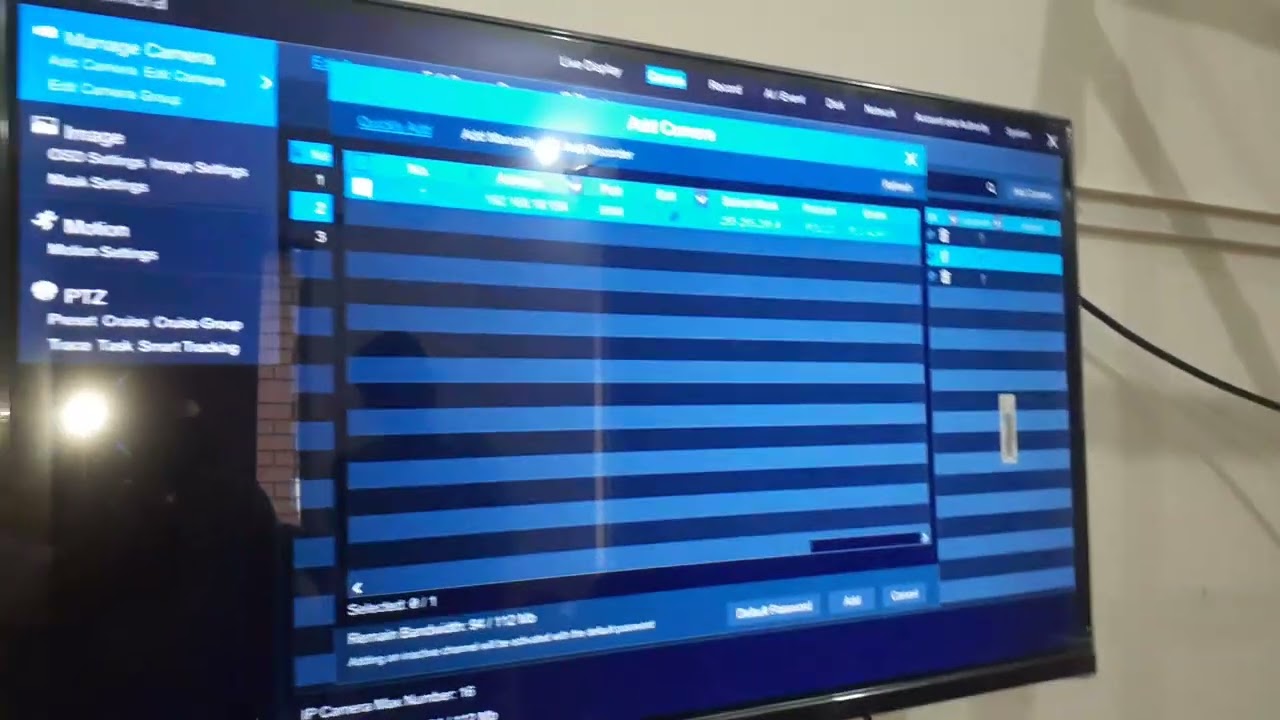
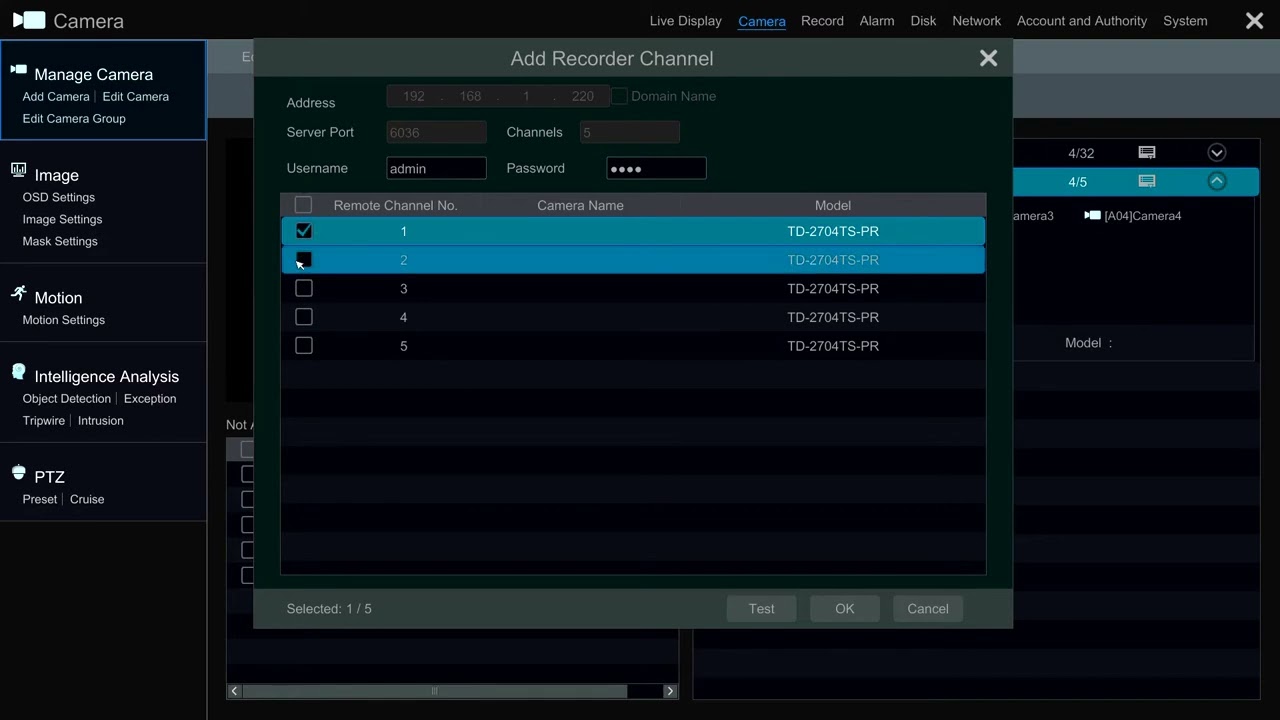
Log in to your Pollo NVR → Go to Camera Management.
Click on 'Manual Add' → Select Protocol as ONVIF.
Enter the camera’s IP address, username & password.
Click 'Add' and wait for the camera feed to display.
🎥 With Pollo NVR’s smart compatibility, managing multiple brands becomes easy!
Pollo — Be Aware. Be Safe.
Не удается загрузить Youtube-плеер. Проверьте блокировку Youtube в вашей сети.
Повторяем попытку...
Повторяем попытку...

Доступные форматы для скачивания:
Скачать видео
-
Информация по загрузке:



![Best of Deep House [2026] | Melodic House & Progressive Flow](https://imager.clipsaver.ru/Il-ZpBuC8tA/max.jpg)