S1 Expert user series: S1 speed camera's prohibited entry detection
Автор: Adaptive Recognition
Загружено: 2020-12-17
Просмотров: 215
Описание:
Feel free to reach out to our experts:
https://adaptiverecognition.com/conta...
https://adaptiverecognition.com/produ...
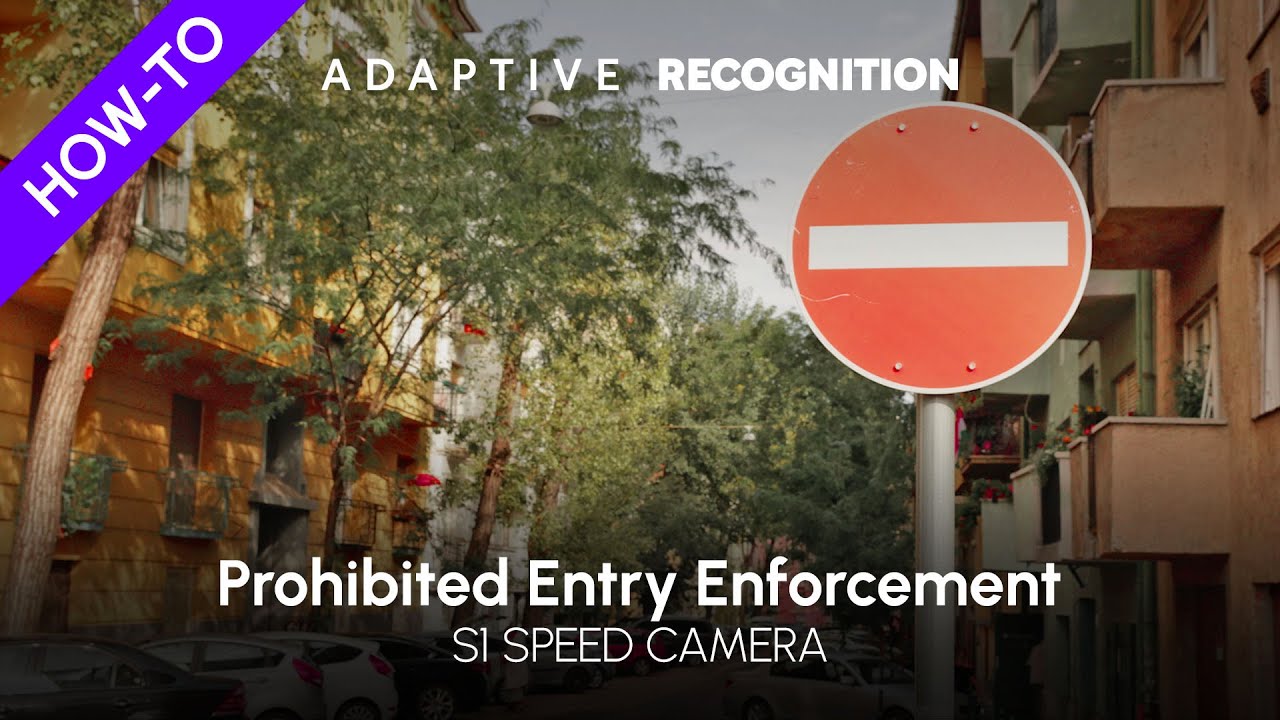
In this episode of the AR S1 Expert User Series, you will learn about the Prohibited entry enforcement type and how it works. It is highly recommended to watch our video about the Enforcement menu before this one!
Prohibited entry is a unique control function with respect to its operating mechanism. It will create events of violations based on the traveling direction of vehicles. From the main enforcement types, this function is only compatible with Automatic speed control such as the other 3 control functions in the bottom line. However, only one function from the bottom line can be selected for a measurement, and the maximal number of selected functions is 5.
When setting up a measurement with Prohibited entry, you will meet a new screen specific to this function. All you have to do here is specify the prohibited traffic direction and the controlled vehicle class.
For example, if you have the S1 camera set up by/at a one way road and it is facing in the mandatory direction of travel, regular traffic will consist of leaving vehicles. In this case, the Controlled traffic direction should be set to Approaching vehicles for all vehicle classes.
Повторяем попытку...
Доступные форматы для скачивания:
Скачать видео
-
Информация по загрузке: