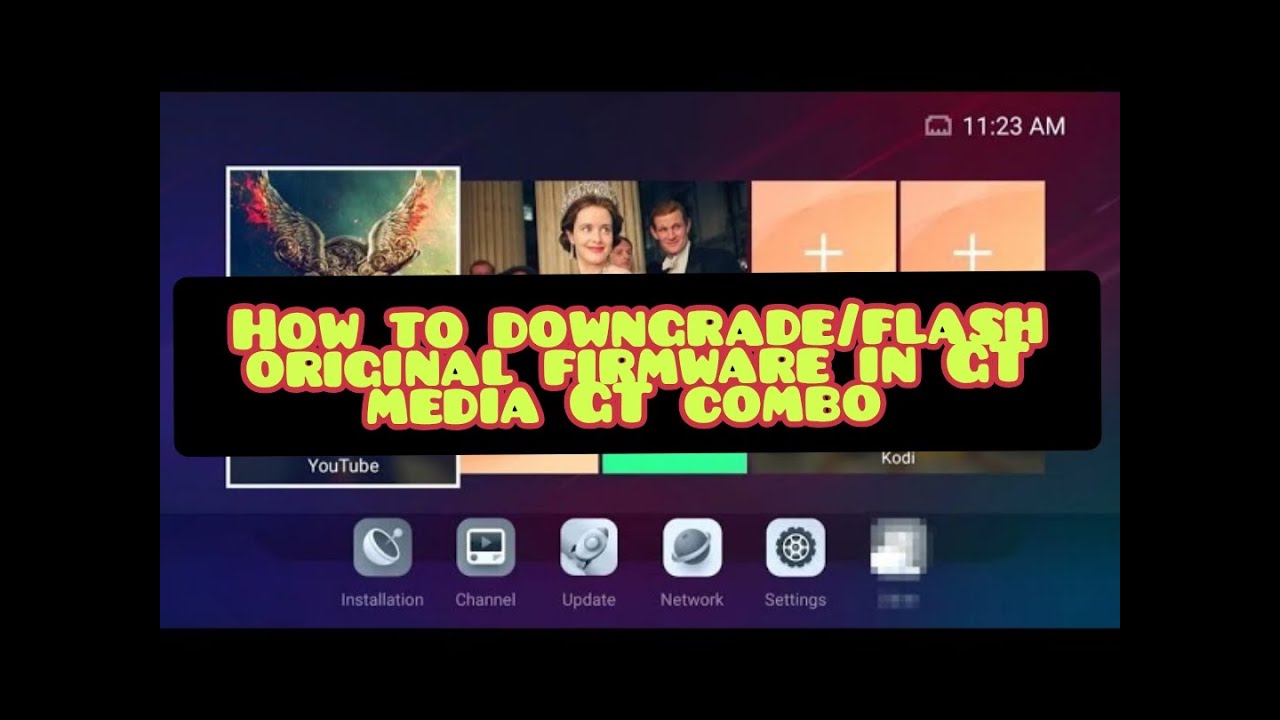
How to downgrade from Mars to Normal GT Media firmware
Автор: 𝔽𝕣𝕖𝕖𝕕𝕚𝕤𝕙𝕝𝕠𝕧𝕖𝕣
Загружено: 2025-10-22
Просмотров: 805
Описание:
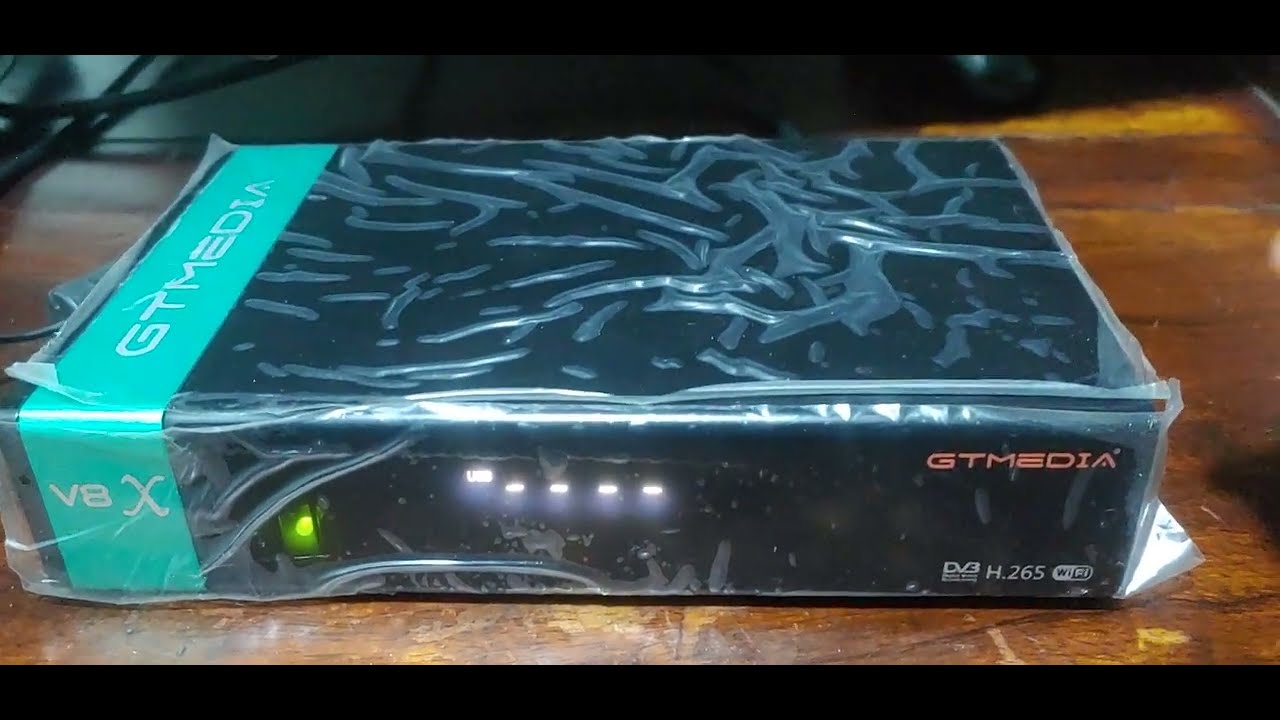
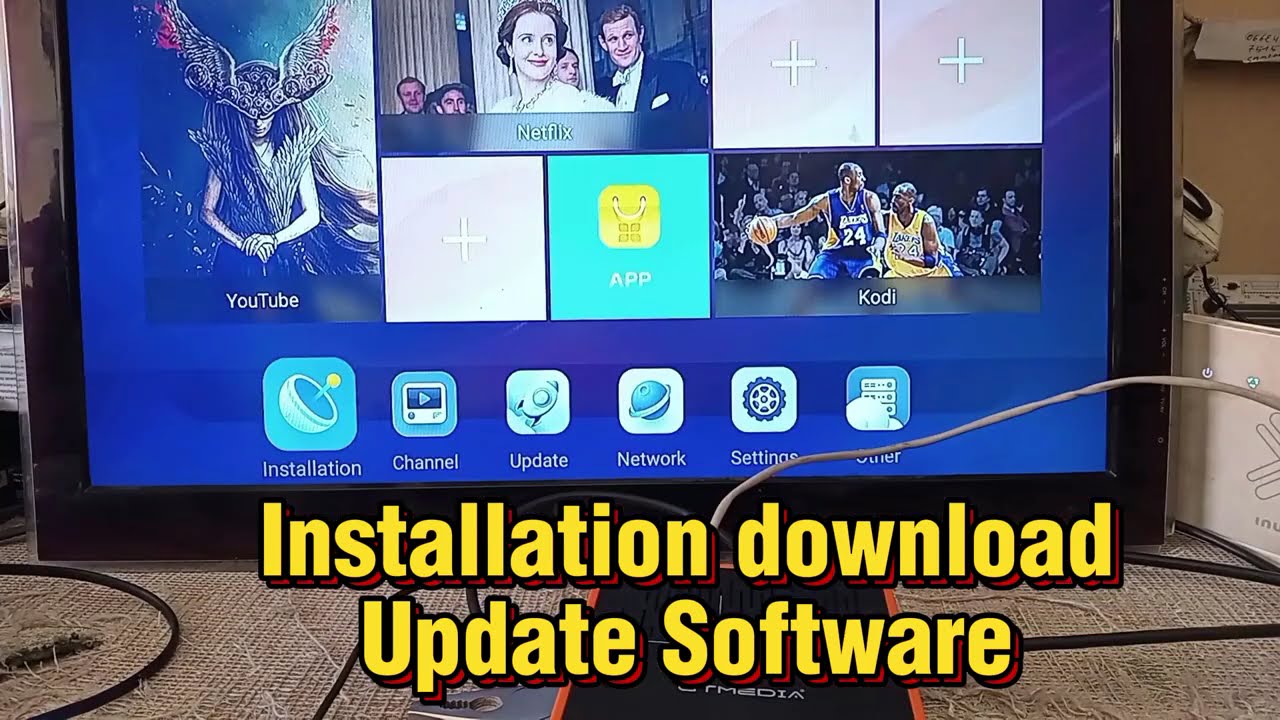
In this video i am going to teach you how can you downgrade from Mars firmware to stock firmware of GT Media; similar method can be used for bricked STB or STB which is stuck on boot loop, this procedure is quite easy, and you can flash stock firmware at ease all you need is
USB flash software that can be downloaded from
https://www.freesat.cn/forum/viewtopi...
**This tool is only for GT software, please do not burn
other brand products**
and to download stock image of GT media GT combo click on below link
https://www.mediafire.com/file/2tqzlf...
1. Install software and all the needed drivers connect your PC/laptop with USB male to Male Cable.
2. connect another end of USB to the STB when you HIT Start button kindly reboot your STB and process will be done automatically no need to be panic wait for few minutes and its done.
All Mars firmware for GT Media GT Combo can be downloaded from here
https://www.mediafire.com/folder/hbuw...
Don't forget to subscribe my channel.
Повторяем попытку...
Доступные форматы для скачивания:
Скачать видео
-
Информация по загрузке: