How to Automatically Censor Swear/Curse Words (1-Click) | Choppity Tutorial
Автор: Choppity
Загружено: 2026-01-19
Просмотров: 262
Описание:
How to Automatically Censor Swear & Curse Words (AI Tutorial) | Choppity Tutorial
👉 https://choppity.link/profanity-censor
The step-by-step guide to creating clean, platform-safe short-form videos using AI.
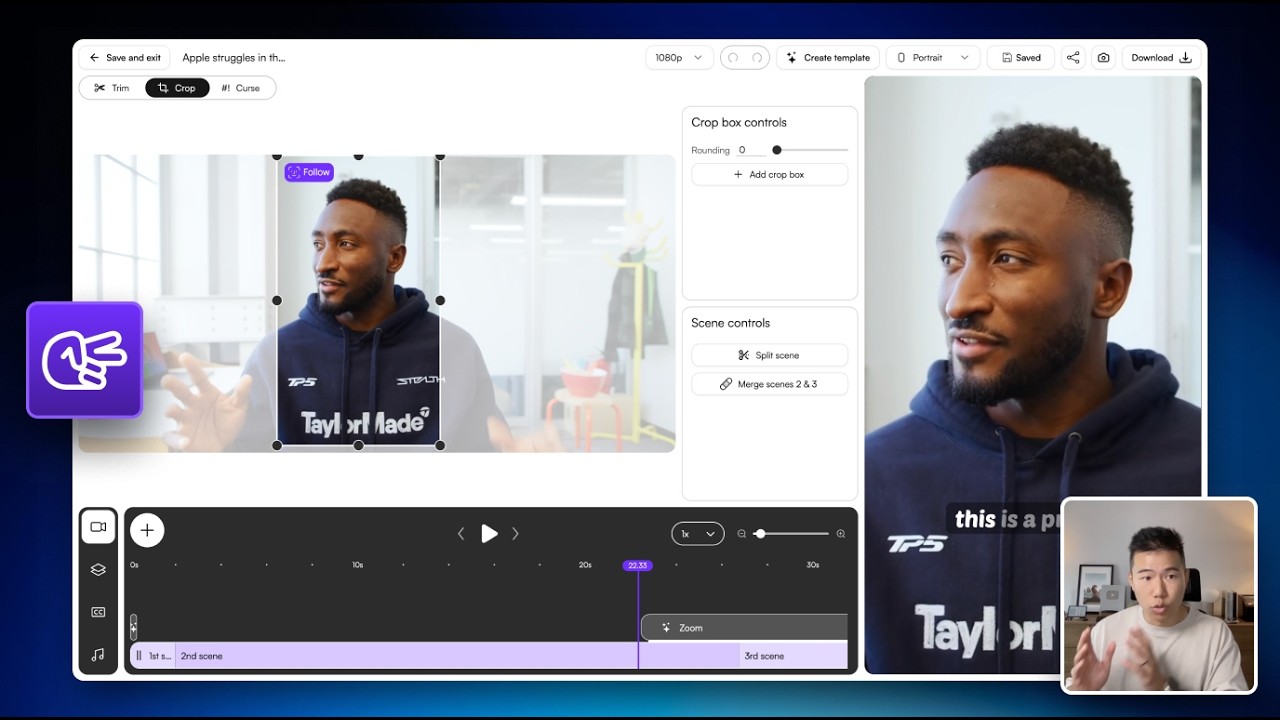
In this tutorial, you’ll learn how to automatically censor swear and curse words in your videos using Choppity - perfect for YouTube Shorts, TikTok, Instagram Reels, podcasts, and brand-safe content.
Choppity turns long-form videos or podcast episodes into 30+ high-performing short clips in minutes - while giving you full control over captions, layouts, framing, effects, and censorship.
Whether you’re a creator, podcaster, marketer, agency, or business, this walkthrough shows you exactly how to use Choppity like a pro in 2026.
🔥 What you’ll learn
How AI detects and censors profanity automatically
Creating brand-safe clips without manual editing
🎯 This tutorial is for
Content creators & influencers
Podcasters & YouTubers
Social media managers
Marketing teams & agencies
Businesses using video for growth
If you want to save hours editing, publish more consistently, and keep your content platform-safe without sacrificing engagement - this tutorial is for you.
💡 Why Choppity?
Choppity is one of the most powerful AI short-form video editors in 2026 - built for creators who want speed, quality, and full creative control.
👉 Like, subscribe, and comment if you want more AI content creation tutorials.
🔔 Turn on notifications so you don’t miss future updates.
Повторяем попытку...

Доступные форматы для скачивания:
Скачать видео
-
Информация по загрузке:











![[4K FULL HD] Relaxing Water Background | 1 HOUR | Calm Water Wallpaper (No Sound)](https://imager.clipsaver.ru/y9PTNTSpGJs/max.jpg)


