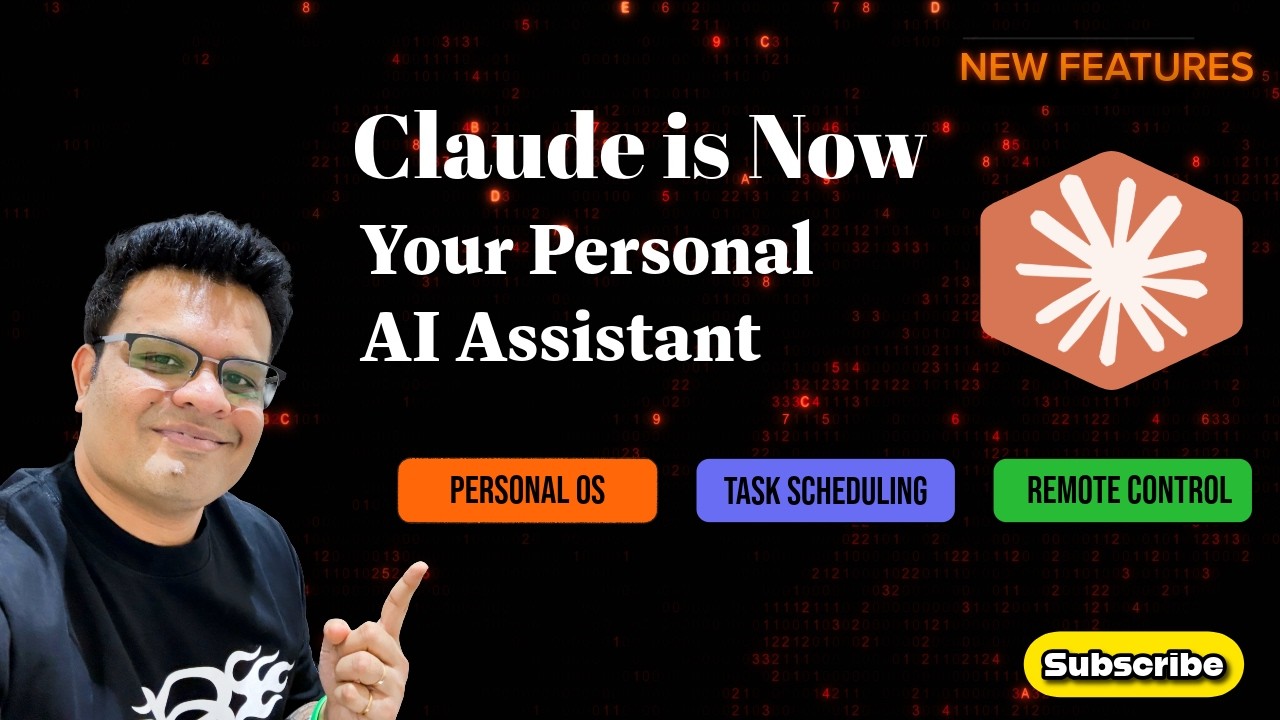
Claude Personal OS + Task Scheduling + Remote Control — Full Setup in Hindi | Tutorial
Автор: Rananjay Raj
Загружено: 2026-03-09
Просмотров: 211
Описание:
I set up Claude as my personal AI assistant using 3 features — and now it runs a daily briefing every morning without me doing anything. Here's how I built it.
In this video, I walk you through 3 Claude features step by step:
🧠 Personal OS — Give Claude full context about who you are: your goals, active projects, work style, and preferences. Three files: profile.md, projects.md, and CLAUDE.md (instructions file).
⏰ Task Scheduling in Cowork — Schedule Claude to run tasks automatically at a fixed time every day. I set up a daily morning briefing that runs on its own — no manual prompting needed. Note: your laptop needs to be on and Claude Desktop app open for scheduled tasks to run.
📱 Remote Control — Access your Claude Code session from your phone, anywhere. Start a task on your laptop, then monitor and control it from mobile while you're away from your desk. Requires Claude Max plan ($100/month). Pro plan support coming soon.
Together, these three features create a system where Claude knows your context, works automatically, and stays accessible from anywhere.
⏱️ TIMESTAMPS:
0:00 — What we're building today
0:45 — Chapter 1: Personal OS Setup (profile.md, projects.md, CLAUDE.md)
5:30 — Chapter 2: Task Scheduling in Cowork (Daily Morning Briefing)
9:00 — Chapter 3: Remote Control Setup on Mobile
13:00 — Recap
📥 DOWNLOAD THE FILES:
https://theaidrivenmarketer.beehiiv.c...
Edit them with your own name, goals, and projects — then set up in Cowork.
📱 CONNECT WITH ME:
LinkedIn: / rananjayraj
Newsletter: https://theaidrivenmarketer.beehiiv.com
👍 LIKE | 🔔 SUBSCRIBE | 🔗 SHARE
#ClaudeAI #ClaudeCode #AIAssistant #AnthropicClaude #AIAutomation #ClaudeCowork #AITutorialHindi
------------------------------------------------------------------------------------------------------------------
Maine Claude ko apna personal AI assistant banaya hai — teen features use karke. Ab har subah automatically ek briefing ready hoti hai, bina mujhe kuch kiye. Aaj main aapko step by step dikhaunga ki maine yeh kaise set up kiya.
Is video mein hum teen cheezein setup karenge:
🧠 Personal OS — Claude ko apne baare mein poora context dena. Teen files: profile.md (aap kaun ho, aapke goals kya hain), projects.md (aapke active projects), aur CLAUDE.md (instructions file jo Claude ko batati hai ki kaam kaise karna hai).
⏰ Task Scheduling in Cowork — Claude ko ek fixed time pe automatically kaam karne ke liye schedule karna. Maine ek daily morning briefing set ki hai jo khud run hoti hai — mujhe koi prompt nahi dena padta. Ek important baat: scheduled tasks tabhi run honge jab aapka laptop on ho aur Claude Desktop app open ho.
📱 Remote Control — Apna Claude Code session phone pe access karna, kahin se bhi. Laptop pe kaam shuru karo, phir mobile se monitor aur control karo. Abhi yeh sirf Claude Max plan ($100/month) pe available hai. Pro plan support jald aa raha hai.
Teeno features milake ek aisa system banta hai jahan Claude aapka context jaanta hai, automatically kaam karta hai, aur kahin se bhi accessible hai.
⏱️ TIMESTAMPS:
0:00 — Aaj kya banayenge
0:45 — Chapter 1: Personal OS Setup
5:30 — Chapter 2: Task Scheduling in Cowork
9:00 — Chapter 3: Remote Control Setup
13:00 — Recap
📥 FILES DOWNLOAD KARO:
https://theaidrivenmarketer.beehiiv.c...
Apna naam, goals, aur projects daalo — aur Cowork mein set up karo.
📱 CONNECT:
LinkedIn: / rananjayraj
Newsletter: https://theaidrivenmarketer.beehiiv.com
👍 LIKE | 🔔 SUBSCRIBE | 🔗 SHARE
#ClaudeAI #ClaudeCode #AIAssistant #AnthropicClaude #AIAutomation #ClaudeCowork #AITutorialHindi
Повторяем попытку...
Доступные форматы для скачивания:
Скачать видео
-
Информация по загрузке: