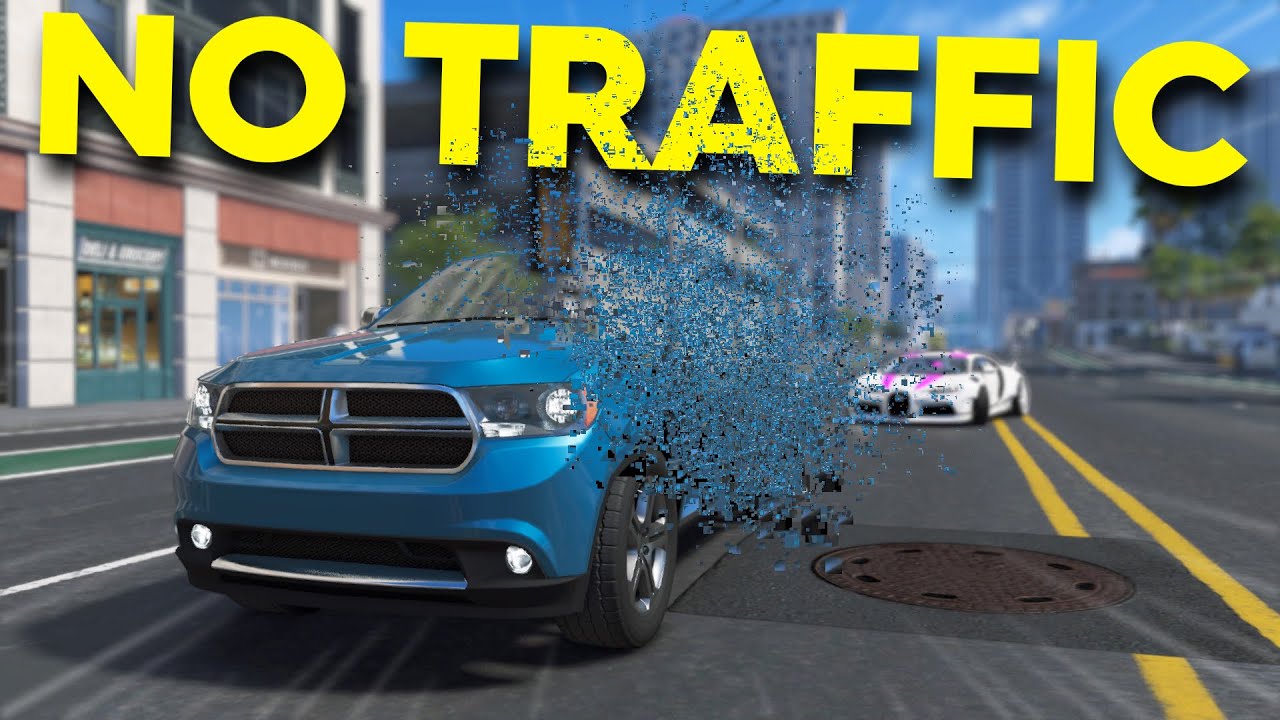
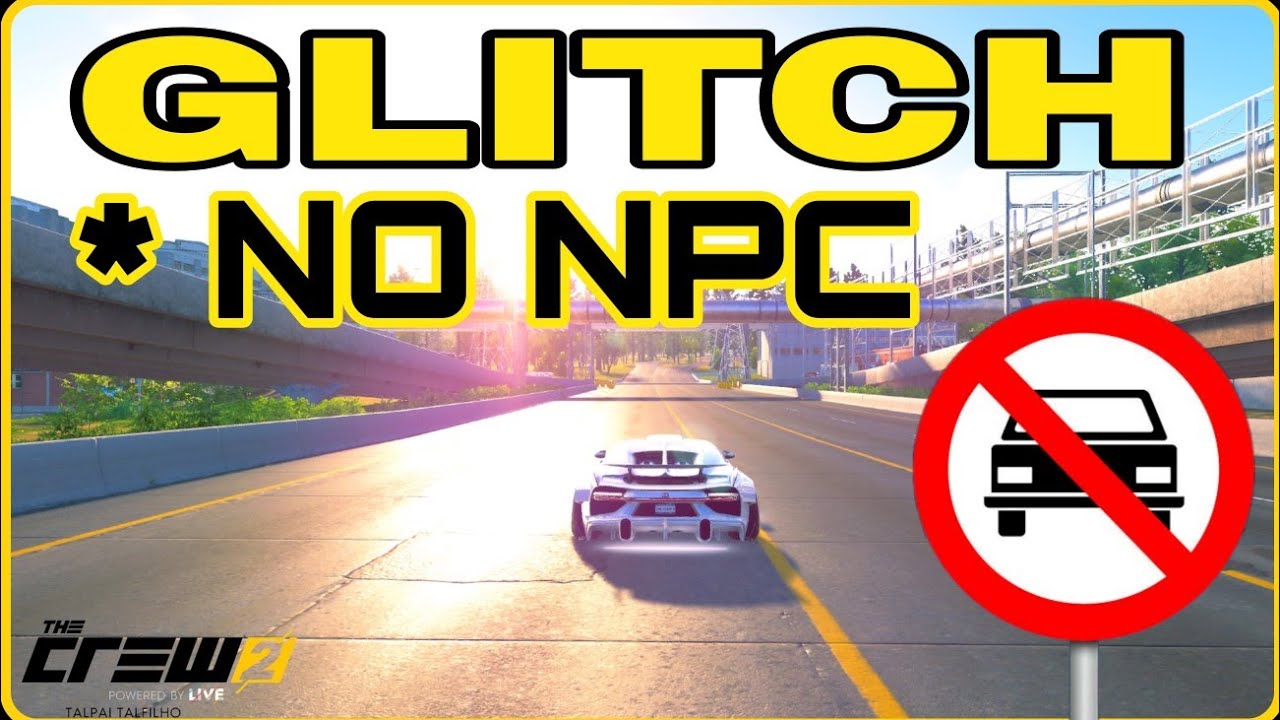
The Crew 2 ⭐️ No Traffic Glitch - How To Guide 2023 July (PC)
Автор: 📺Tailland TV📺
Загружено: 2023-07-18
Просмотров: 6889
Описание:
It`s a little different from Playstation, so watch these steps carefully:
00:00 - Start The Game.
00:04 - Immediately look at the world map and go to the desired race.
00:07 - Drive forward to open the garage door.
00:13 - Press B and enter photo mode.
00:19 - Go up to maximum height with Right-Shift key. If you were fast enough you will see that no cars have spawned yet.
00:30 - Esc key to leave photo mode, then Esc key again to get into the game menu.
00:36 - Chose activities/Your desired race.
00:43 - Immediately drive into the garage to trigger the race.
THIS IS IT....
If you are lucky, you now have activated the no-traffic glitch in your game.
If not, try again.
BUT! Your chances are best to try right after you (re)started the game.
01:05 - First start.. No traffic confirmed. As you can see, the cars in front of you disappear.
01:50 - Restart the race. Still no traffic.
02:30 - Restart the race again. Still no traffic.
03:00 - Event aborted. Start a brand new race. STILL no traffic.
Enjoy.
This video is not cut by the way.
Ingame ID PC: "GER_tailland".
Occupation: Keyboard Driver and Pro Settings enthusiast.
Enjoy my vids and ask any questions you may have.
UPDATE:
Youtube`s algorith has decided that the downvotes on this video were enough to bury my next videos at THE END of the searches for new Crew 2 videos, EVEN IF you directly type the title of my video as a search term. Result: 95% less views. Nice. Thanks, youtube.
Повторяем попытку...
Доступные форматы для скачивания:
Скачать видео
-
Информация по загрузке:




![The Crew 2 | New York [22:51:361 - World Record]](https://imager.clipsaver.ru/hr6oS7fgbJ4/max.jpg)







![The Crew 2 | New York [22:48:947 - World Record]](https://imager.clipsaver.ru/251GogX84Lk/max.jpg)