🎬 How to Do a Freeze Frame Transition in Premiere Pro (Step-by-Step Guide!)
Автор: Miracamp
Загружено: 2025-05-30
Просмотров: 252283
Описание:
Want to level up your video edits with a smooth freeze frame transition? In this quick tutorial, I’ll show you exactly how to create a cinematic freeze frame effect in Adobe Premiere Pro!
Steps Covered:
Duplicate your clip 🎞️
Right-click then Add Frame Hold 📸
Slide the frame hold 12 frames left ⏪
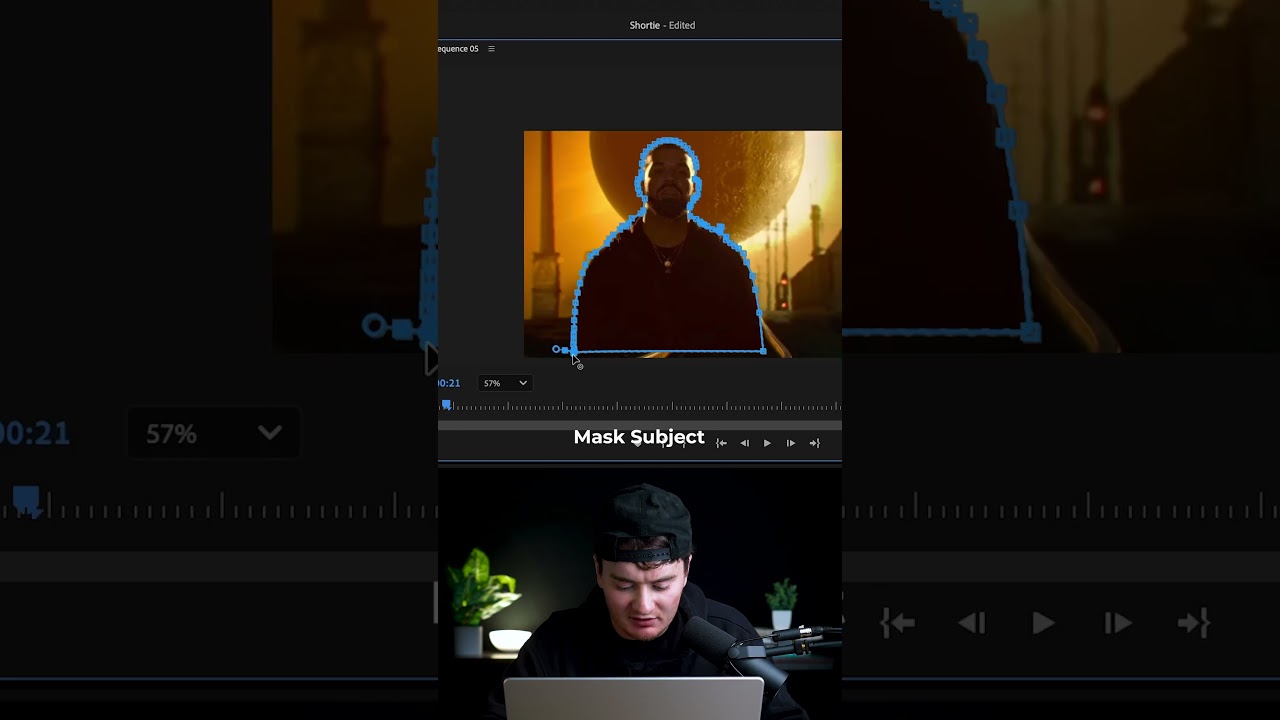
Mask your subject 🎭
Nest the masked frame hold 🧩
Add the Transform effect 🔍
Keyframe anchor point, scale & position 🎯
Animate it off-screen ➡️
Set shutter angle to 200 for that smooth motion blur ✨
Perfect for video transitions, Reels edits, TikTok videos, and YouTube Shorts - whether you're making travel vlogs, cinematic reels, or aesthetic edits! 🌟
👉 Follow for more Premiere Pro tutorials and editing hacks!
🎥 #PremierePro #VideoEditingTips #FreezeFrameTransition #VideoEditing #CreativeTransitions
Повторяем попытку...
Доступные форматы для скачивания:
Скачать видео
-
Информация по загрузке: