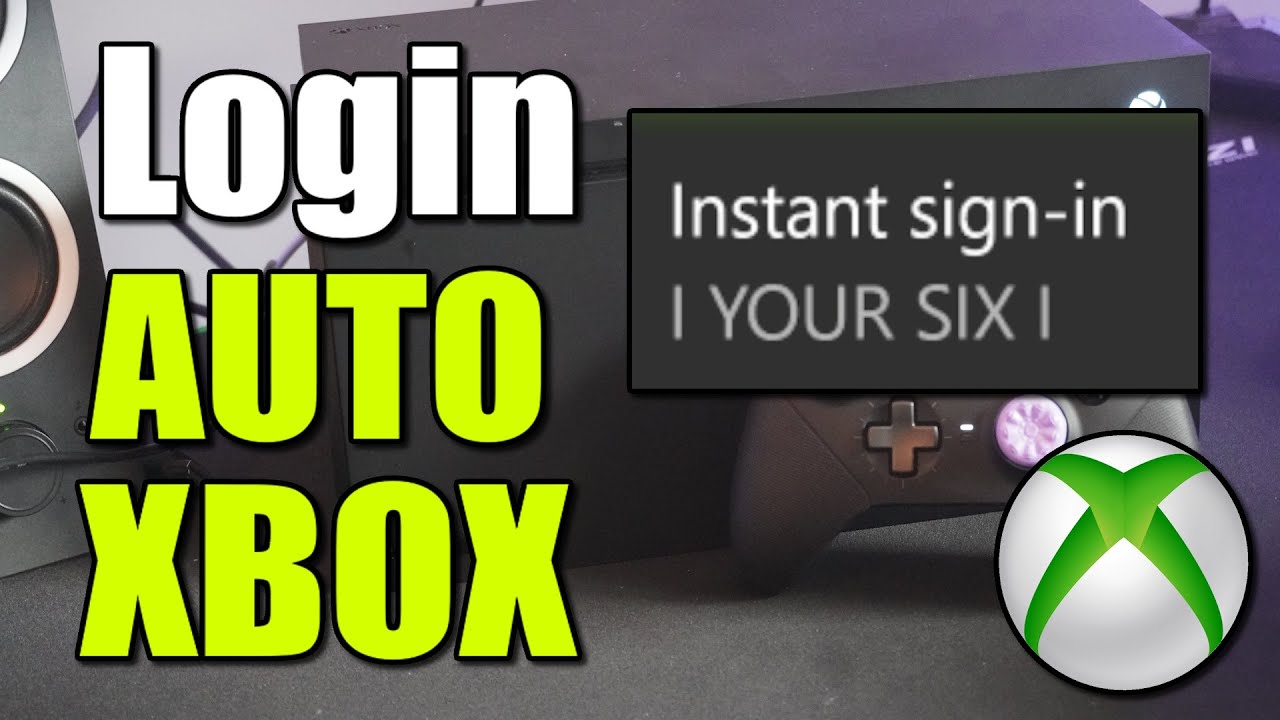
How to Login Automatically with Account on Xbox Series X|S (Best Method)
Автор: YourSixStudios
Загружено: 2025-08-10
Просмотров: 2043
Описание:
Having your Xbox Series X|S automatically sign in to your profile is a great way to jump right into your games without any extra steps. This is especially useful in a single-user household or if you have a designated "main" profile.
Here is the best method to set up automatic sign-in on your Xbox Series X|S:
Open the Guide. Press the Xbox button on your controller to open the guide menu.
Go to Settings. Navigate to Profile & system - Settings.
Find Sign-in & Security. In the Settings menu, go to Account - Sign-in, security & PIN.
Change Preferences. Select Change my sign-in & security preferences.
Set to Instant Sign-in. In this menu, you will see a few options for how to sign in. The one you are looking for is Instant sign-in.
Select Your Account. Choose your account from the list. Once selected, your Xbox will automatically sign in to this profile every time you turn on the console.
If you have multiple profiles on your console, you can only set one to instant sign-in. This will be the default profile that logs in, bypassing the account selection screen.
...
Twitter: https://twitter.com/YourSixStudios?la...
Twitch: / yoursixstudios
Discord: / discord
Instagram: / yoursixstudios -
((( Subscribe to my LIVE STREAMING )))
((( Gaming Channel "YourSixGaming" )))
/ @yoursixgaming ...
((( Subscribe to my ADVENTURE CHANNEL )))
((( Travel, Cameras & More "YourSixAdventures)))
/ @yoursixadventures
Повторяем попытку...
Доступные форматы для скачивания:
Скачать видео
-
Информация по загрузке: