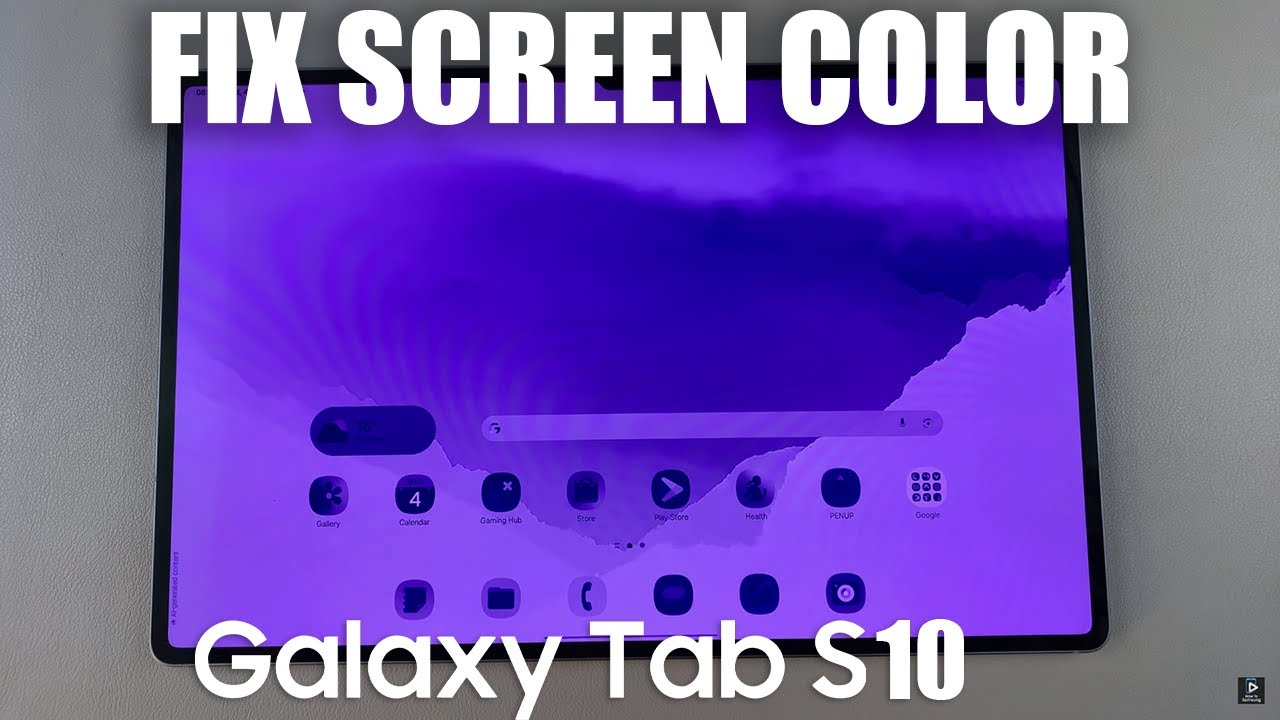
How To FIX Screen Color On Samsung Galaxy Tab S10 / S10 Ultra
Автор: How To Samsung
Загружено: 2025-06-05
Просмотров: 768
Описание:
In this video, I’ll show you how to fix screen color issues like yellow tint, oversaturated colors, or dull display on your Samsung Galaxy Tab S10 or S10 Ultra.
With just a few tweaks in settings, you can restore natural, vibrant, or accurate colors depending on your preference.
How To FIX Screen Color On Samsung Galaxy Tab S10 / S10 Ultra
Open the Settings app.
Tap on modes & routines
Select sleep
Click on turn off to disable sleep mode
If the screen is not fixed, go back to the main settings menu
Select display
Switch to light mode
If the problem persists, Go to the main menu
Select accessibility
Tap on vision enhancement
Find and disable Color inversion, color correction & color filter
Samsung Galaxy Tab S10 Ultra: https://amzn.to/4jlwH6z
#GalaxyTabS10 #S10Ultra #FixScreenColor #SamsungDisplaySettings #ColorCorrection #AMOLEDDisplayFix
----My Gear for YouTube videos----
Main Camera (iPhone 13 pro): https://amzn.to/3GZztve
Tripod: https://amzn.to/35acqRa
Cell Phone Tripod Adapter: https://amzn.to/3v3wFuI
Lights: https://amzn.to/3vkoGK7
As full disclosure, I use affiliate links on this channel and purchasing through these links earns me a small commission. The price you pay will be the same!
Website: https://www.webproeducation.org
Facebook: / webproeducation.org
Twitter: / webpro_e
Instagram: / webproeducation
Повторяем попытку...
Доступные форматы для скачивания:
Скачать видео
-
Информация по загрузке:


