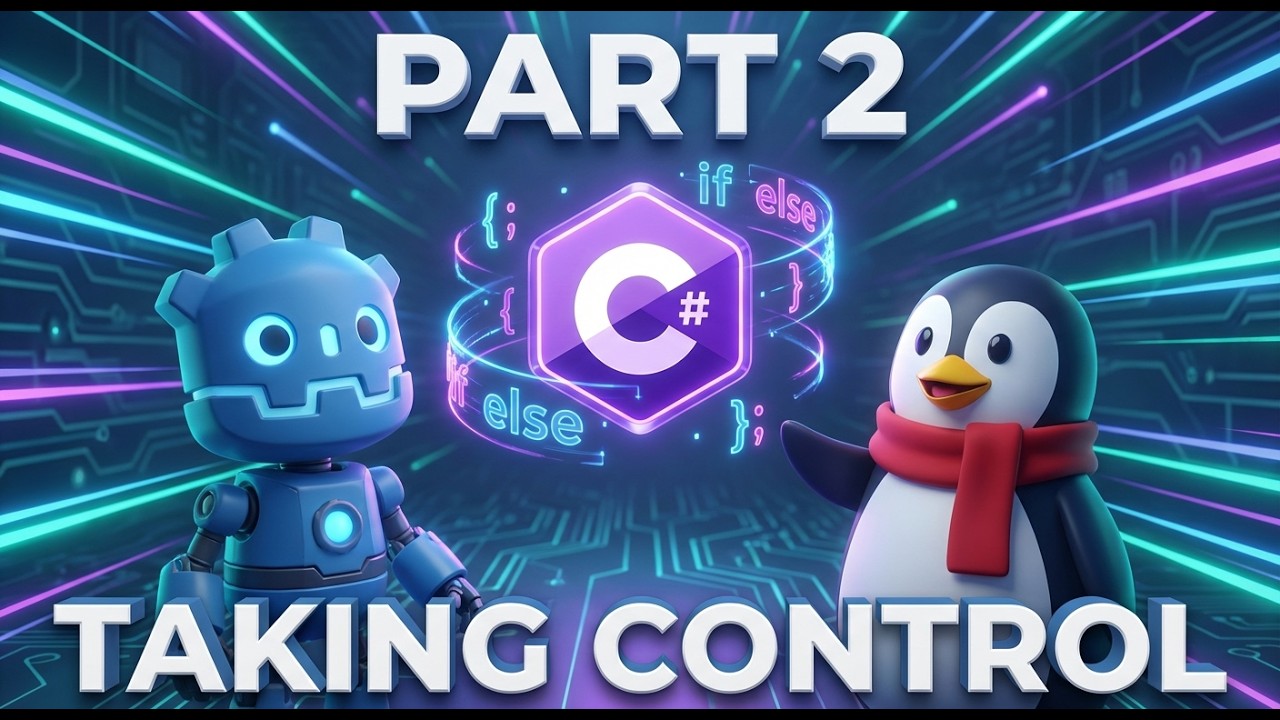
Giving Your Game a Brain: Logic & Input in Godot C#
Автор: Jax's Development Den
Загружено: 2026-02-19
Просмотров: 5
Описание:
In Part 1, we made a cube spin just to see how C# feels to write. Today, we’re actually crossing the bridge to make our code interactive. I’m showing you how to use the Input Map and if statements to give your objects a brain, moving from "watching" a scene to actually "controlling" it.
I’ve shown you how to make the cube spin while you're holding a key, but now it's your turn to play around. Try to turn that logic into a toggle. One press starts the spin, and another press stops it. You'll need a bool variable to track the state—check the comments if you get stuck on the "strobe light" flickering issue!
RESOURCES & LINKS
Godot .NET Edition: https://godotengine.org/download
The .NET SDK: https://dotnet.microsoft.com/download
VS Code Extension: C# Dev Kit
Discord: https://discord.jaxdanger.com
Повторяем попытку...
Доступные форматы для скачивания:
Скачать видео
-
Информация по загрузке: