TUTORIAL: PIXAR Intro HD
Автор: Ballyweg
Загружено: 2012-02-22
Просмотров: 479742
Описание:
Template Files: http://ballyweg.net/pixar.html
Easy tutorial on how to make your own personalized, custom Pixar Animation Studios intro in full HD.
Vote: http://ballyweg.net/tutorials.html
FIX for missing files: • FIX: Missing files / Rainbow test screen
Software needed:
Adobe After Effects CS4 or newer (CS4, CS5, CS5.5, CS6, CC)
Blender 2.79b from https://download.blender.org/release/...
QuickTime from https://support.apple.com/kb/DL837?lo...
1. Unzip the downloaded zip folder
2. Press TAB, edit, TAB
3. Adjust character spacing
4. Right Click on the L
5. Press TAB, edit, TAB
6. Right Click on main title
7. Press TAB, replace overlapping letter with a space, TAB
8. Adjust word spacing
9. Right Click the subtitle
10. Press TAB, edit, TAB
11. Change frame number from 100 to 225
12. Left click and drag on green arrow to adjust location
13. Press I, insert keyframe
14. Go to Render tab
15. Click Animation
16. Wait till rendering finished
17. Open Pixar.aep in After Effects
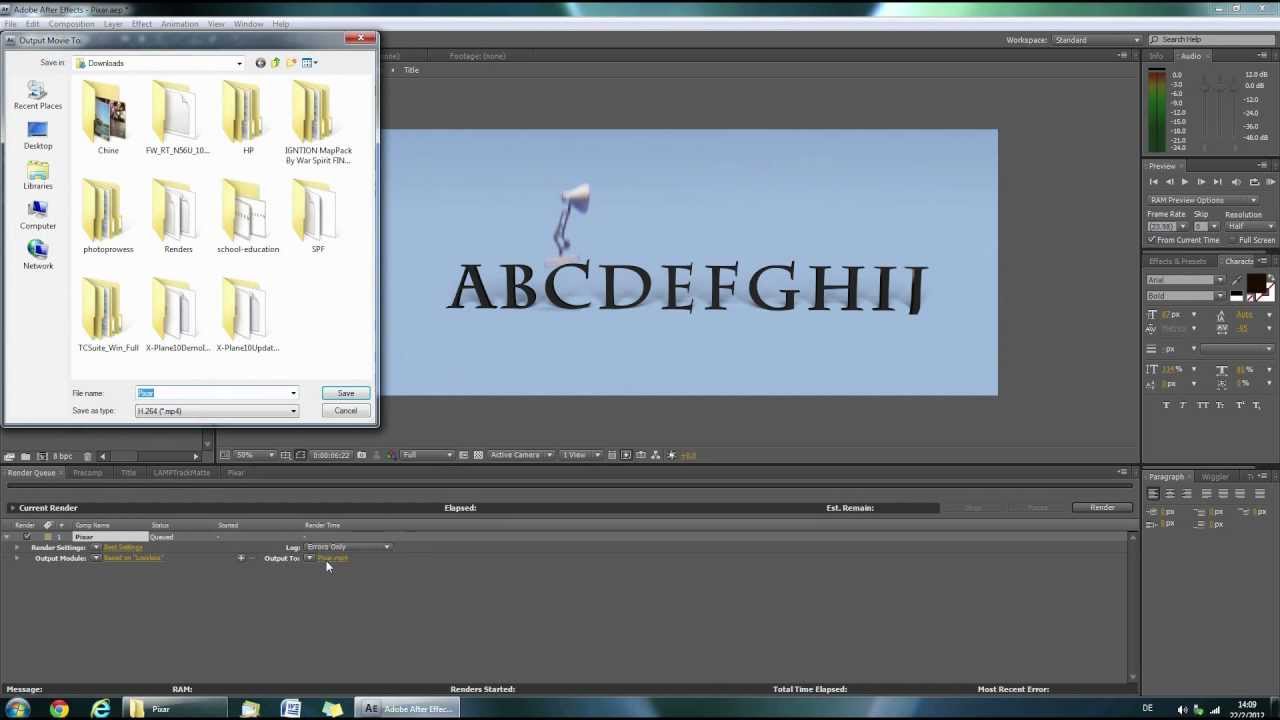
18. Click Composition, Add to render queue
19. Click Lossless and change it Format to H.264
20. Click Render
Watch in Full HD!
http://ballyweg.net/
Повторяем попытку...
Доступные форматы для скачивания:
Скачать видео
-
Информация по загрузке:







![Введение в интерфейс Adobe After Effects. Эпизод 2/48 [Adobe After Effects для начинающих]](https://imager.clipsaver.ru/O6KRRQm6meY/max.jpg)