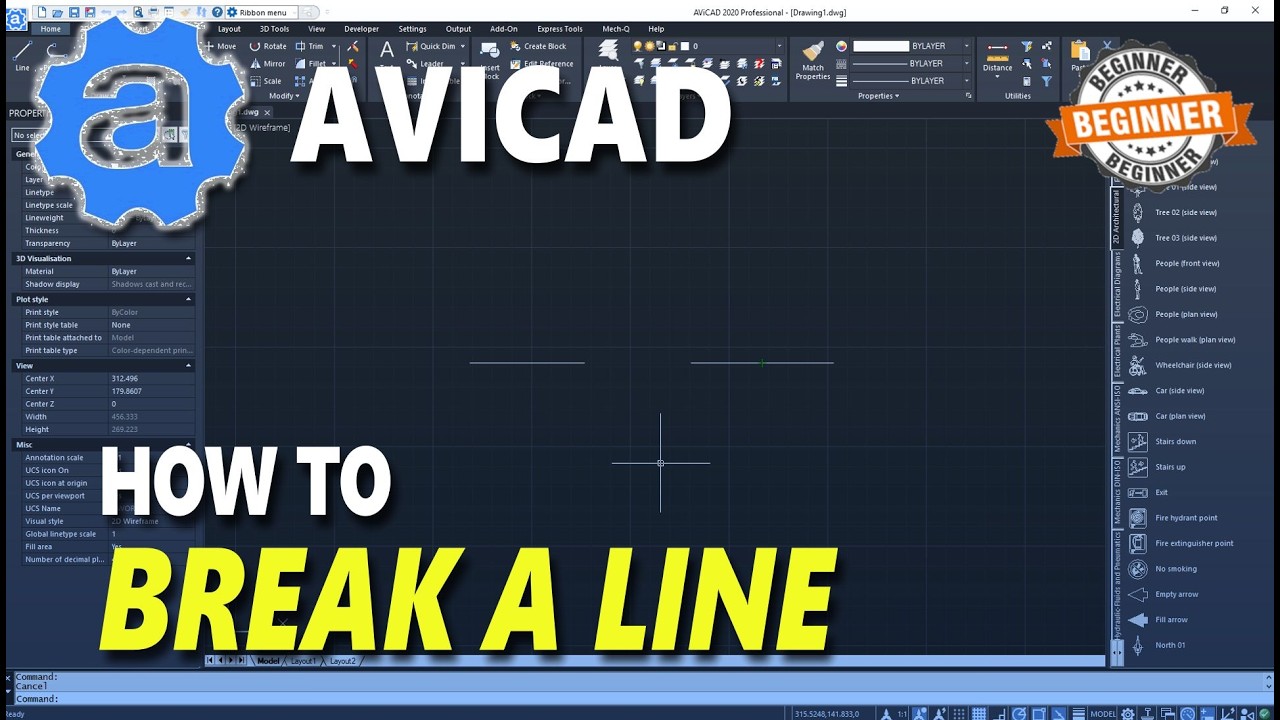
AviCAD How To Break A Line
Автор: Mufasu CAD
Загружено: 2026-02-23
Просмотров: 11
Описание:
Breaking a line in *AviCAD* is a simple editing task that allows you to split one line into two separate segments. This is commonly done when you need to insert a gap, modify part of a drawing without affecting the entire line, or prepare the line for trimming or extending. To break a line, you typically use the *BREAK* command, which can be accessed from the Modify toolbar or by typing `BREAK` into the command line and pressing Enter. Once activated, you select the line you want to modify.
After selecting the line, AviCAD will prompt you to specify the first break point. Click directly on the line where you want the break to start. Then, specify the second break point. If you choose the same point for both selections, the line will simply split into two separate lines at that location. If you select two different points, the segment between them will be removed, creating a gap in the line. This method gives you precise control over how and where the line is divided.
Using object snaps (OSNAP) in AviCAD can help ensure accuracy when choosing break points, especially when working with intersections, midpoints, or endpoints. Zooming in before selecting points can also improve precision. After completing the break command, you can further edit the new line segments independently, making it easier to adjust your drawing without redrawing entire sections.
#avicad #tutorial #howto
Повторяем попытку...
Доступные форматы для скачивания:
Скачать видео
-
Информация по загрузке:


![AviCAD 2021 7x6M Apartment Floor Plan Tutorial For Beginner [COMPLETE]](https://imager.clipsaver.ru/2OuuYzUEH0M/max.jpg)


![AviCAD 2021 Basic 3D Modeling For Beginner [COMPLETE]](https://imager.clipsaver.ru/NSBBkeZ35dU/max.jpg)