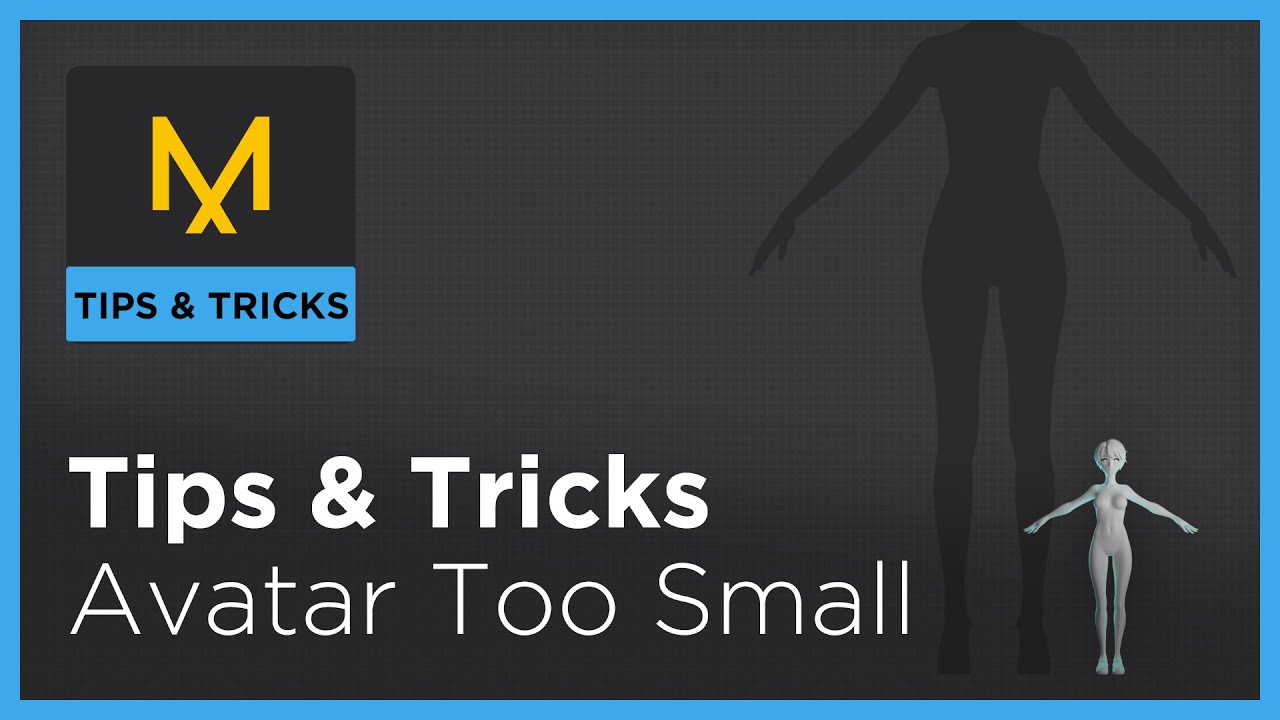
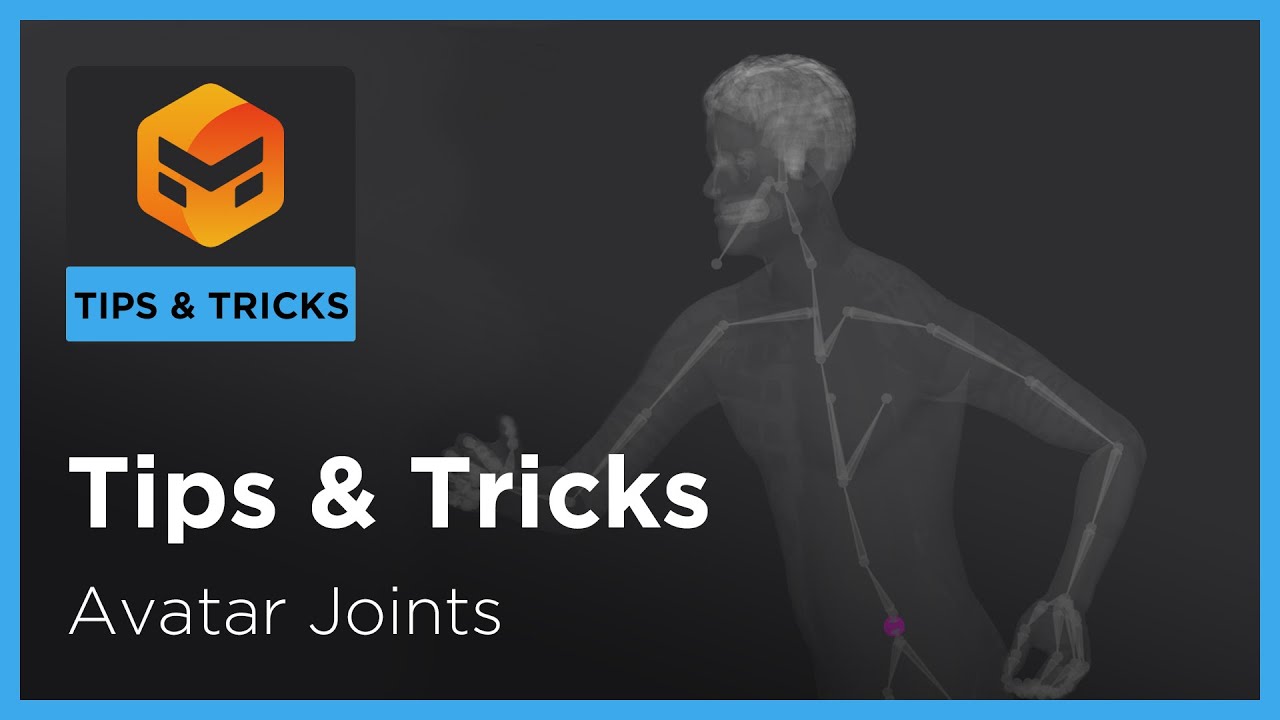
Tips & Tricks: Troubleshooting - Avatar Too Large
Автор: Marvelous Designer
Загружено: 2021-09-01
Просмотров: 10597
Описание:
Troubleshooting Tricks to check if your imported avatar is too large.
The avatar being imported is slowly imported smaller and smaller in the video for trouble shooting examples.
Resizing IN APP only works for .OBJ aka files that will not contain animation
Software: Marvelous Designer
0:00 Intro
0:25 Human Scale / Best Practice
1:24 Measure avatar height
2:47 Can't import avatar/lag
3:40 avatar not fitting in scene/ on grid
4:52 Avatar barely touching grid
6:52 Mesh is dense at base size/ 2D pattern circumference check/ compare free garment scale
9:00 cannot see workspace or avatar at all / MD10 check obj scale
9:46 no arrangement points, too many lines in sewing relationship in 3D window, dense wrinkles for 20 PD,
11:30 collision thickness appears closer than usual / still blocky wrinkles, slow simulation
14:30 outro
Повторяем попытку...
Доступные форматы для скачивания:
Скачать видео
-
Информация по загрузке: