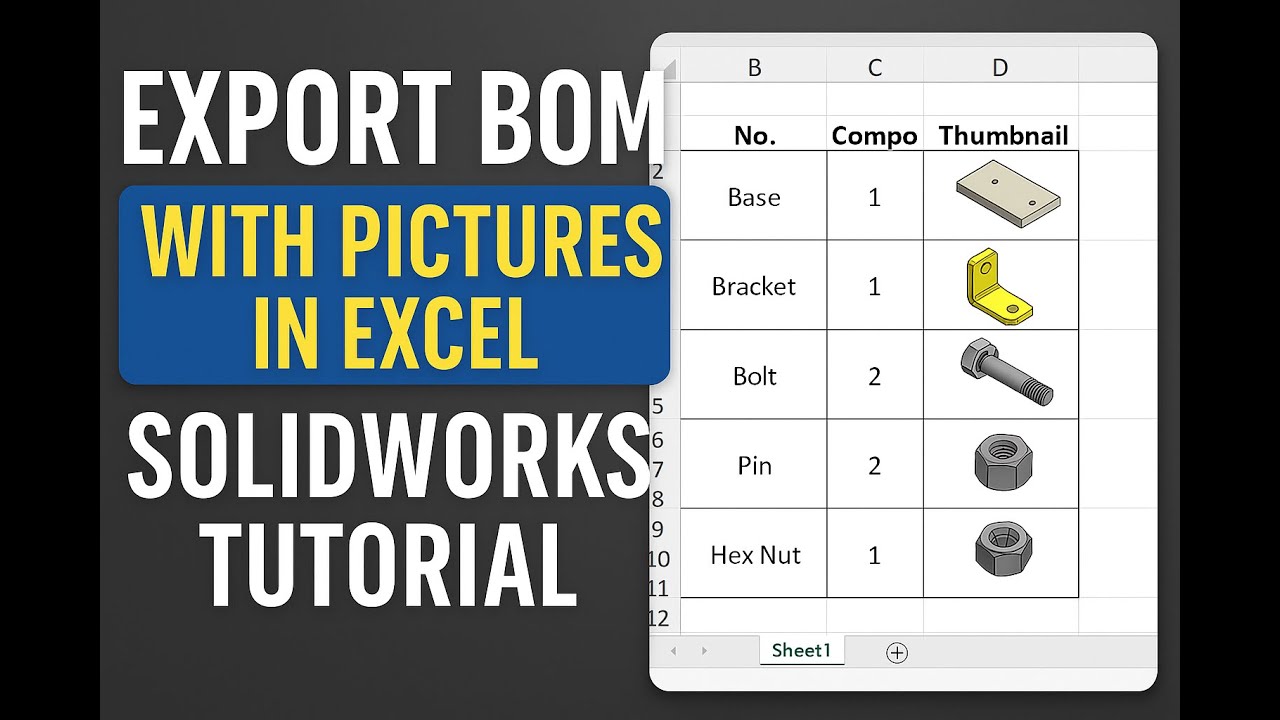
“How to Export BOM with Pictures in Excel SOLIDWORKS Tutorial”
Автор: 🔧 SOLIDWORKS#DEEP#DIVE.
Загружено: 2025-04-10
Просмотров: 1897
Описание:
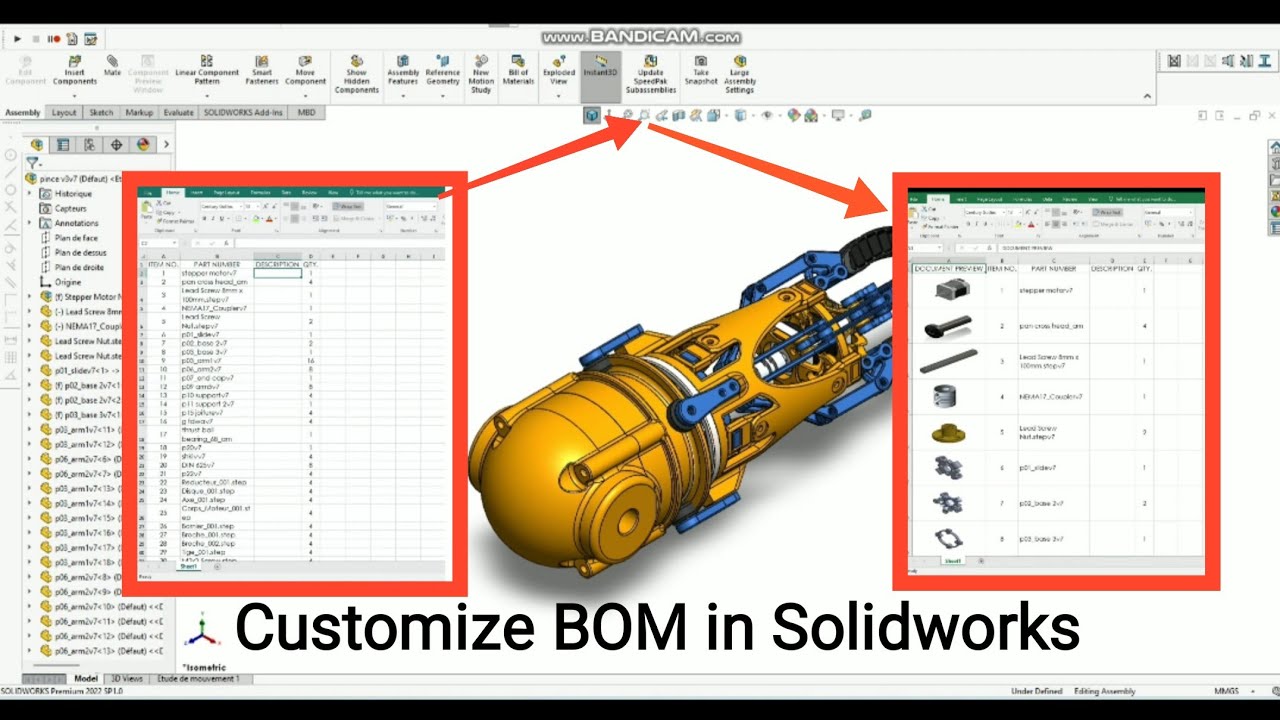
Are you looking to export a Bill of Materials (BOM) from SOLIDWORKS that not only includes part names and quantities, but also clear thumbnail images for each component? You’re in the right place!
In this detailed, step-by-step SOLIDWORKS tutorial, I’ll walk you through the complete process of exporting a fully visual BOM directly into Microsoft Excel. This is especially useful for engineers, designers, and students who want to create more informative and visually organized BOMs for presentations, manufacturing documentation, or assembly guides.
🔍 In this video, you’ll learn how to:
Set up and customize a BOM table in SOLIDWORKS
Automatically include part images (thumbnails or previews) in your BOM
Export the BOM to Excel with all images intact
Format your Excel sheet for better readability and professional presentation
Whether you're working on a personal project, preparing technical documentation, or streamlining your workflow, this tutorial will help you make your SOLIDWORKS BOMs more visual, effective, and impressive.
✅ Tools Used:
SOLIDWORKS
Microsoft Excel
#SolidWorks #BOM #Excel #CADtutorial #SolidWorksTips #EngineeringDesign #3DModeling #DesignEngineering #SolidWorksTutorial #MechanicalDesign
#SolidWorksBOM #BillOfMaterials #SolidWorksToExcel #CAD #Manufacturing #ProductDesign
Повторяем попытку...
Доступные форматы для скачивания:
Скачать видео
-
Информация по загрузке: