Mastering SLS 3D Printing: First Print Workflow on the Sinterit Lisa X - Vision Miner (2024)
Автор: Vision Miner
Загружено: 2024-05-07
Просмотров: 5890
Описание:
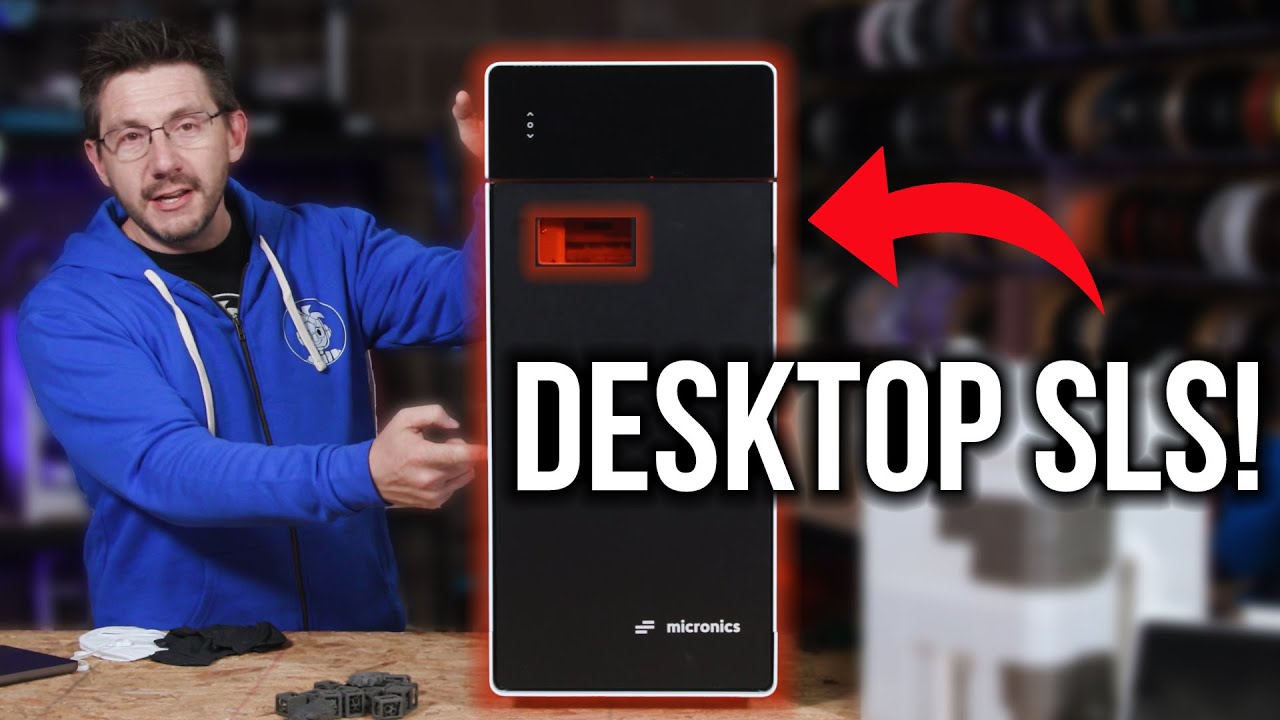
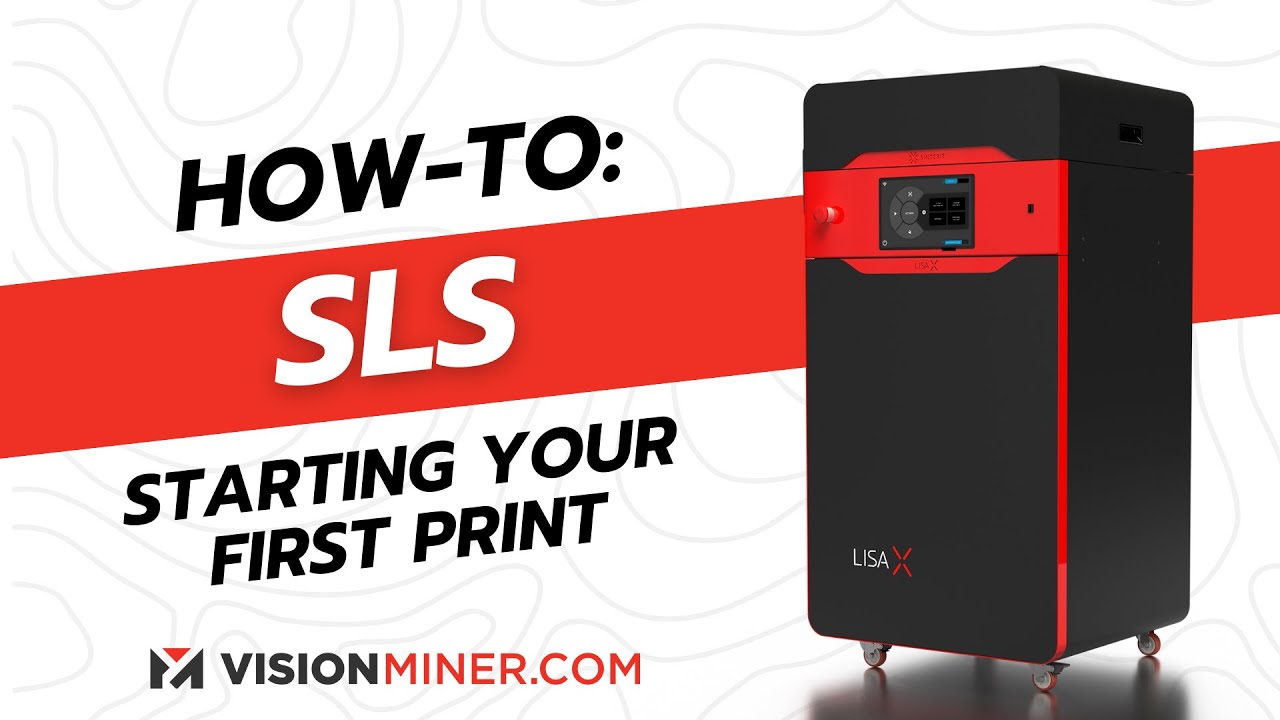
Today, we show you how to run your first print job on the Sinterit Lisa X SLS 3D printer. In this comprehensive guide, we walk you through every step, from loading the print job and preparing the powder to sandblasting and finishing your printed parts. Whether you're new to SLS printing or a seasoned professional, this guide will help you streamline your workflow and ensure a successful first print.
Step-by-Step Guide:
Loading the Print Job
The first step in getting your Lisa X ready is to send the sliced file over Wi-Fi to the printer. Navigate through the user-friendly interface to find your recently uploaded print file and load it into the system. Once you've selected the file, unlock the printer lid and position the build and fill beds correctly.
Powder Loading and Bed Preparation
Now it's time to load the powder. Pour the powder into the machine using the provided funnel, ensuring it's distributed evenly across the build bed. Use the packing tool to densely compress the powder within the chamber. This step is crucial for creating a stable foundation for your print.
After compressing the powder, clean any excess powder from under the guides and level the powder bed to achieve a smooth surface.
Guide Bar Cleaning and Auto-Leveling
Next, clean the guide bars using specialized cloths to prevent any debris buildup. It's also essential to clean the pyrometer window with ethyl rubbing alcohol, ensuring accurate temperature readings during printing. Adjust the bed leveling if necessary and confirm that the surface is smooth.
Initiating the Print
With the powder loaded and the bed leveled, close the printer lid securely and reset the security system. The Lisa X will then run a series of self-checks to test the motors, lasers, infrared bulbs, and fans. After the system confirms everything is functioning correctly, start the print, which should take about 10 hours to complete.
Depowdering Process
Once the print job is finished, position the IO box over the build bed and raise the powder cake into the box. Carefully break apart the powder cake by hand to reveal your printed parts. Separate them from the powder and store the parts in a clean area.
Printer Cleaning and Powder Refreshing
With the parts removed, it's time to clean the printer. Use the provided vacuum hose and attachments to clean any remaining powder from the machine, including the guides and overflow bin. Measure and add fresh powder to rejuvenate the used powder, then sift and mix it thoroughly to ensure it's ready for the next print job.
Sandblasting and Part Finishing
For a consistent surface finish, connect the sandblaster hose to the powder handling station. Evenly sandblast your parts to remove excess powder and refine their appearance. If you're working with small parts, place them in a tin to prevent them from flying around during sandblasting.
Final Steps and Recommendations
After sandblasting, inspect your parts to ensure a high-quality finish. Consider how SLS 3D printing can benefit your business by enabling you to produce complex parts in-house, reducing the need for costly molds. Contact Vision Miner for expert guidance and support, or to learn more about how the Sinterit Lisa X can fit into your production workflow.
Why Buy From VisionMiner?
Unmatched Support: Still uncertain about what machine suits your needs? Shoot a part over to us. Let's hop on a live video demo, and we'll guide you, ensuring that you invest in the scanner that truly meets your business requirements.
More than Just Sales: At VisionMiner, our goal is to form partnerships with our clients. We strive not just to sell, but to provide solutions tailored to your unique needs.
At Vision Miner, we specialize in Functional 3D printing, especially high-performance plastics like PEEK, ULTEM, PPSU, PPS, CFPA, and more. We also have extensive experience with 3D scanners, and a whole array of solutions available for purchase. If you're interested in using functional 3D printing and materials in your business, feel free to reach out, and we can help you make the right choice for your application.
At Vision Miner, we're committed to helping you find the right 3D printing solution for your business. Whether it's the Sinterit Lisa X or other 3D printing equipment, we have the expertise to assist you. Contact us at (833) 774-6863 or [email protected], and let us improve your 3D printing workflow today!
00:00 Introduction
00:25 Loading the Print Files
01:12 Filling with PA12 Powder
02:55 Leveling the Powderbed
04:19 Clean & Prepare Chamber + Sensors
06:40 Starting the Print & Printer Self Checks
07:51 Removing & Depowder the Parts
08:26 I/O Box
09:19 Start PHS
09:59 Depowdering Tips
13:09 Cleaning Lisa X & PHS
15:01 Empty Overflow Bin
15:40 Refreshing Powder
17:37 Sandblasting Tips
20:01 Sandblast Small Parts
20:47 Examine Parts
21:49 Where to buy?
Повторяем попытку...
Доступные форматы для скачивания:
Скачать видео
-
Информация по загрузке: