GOOGLE Pixel Watch 4 41mm - How to Change Screen Brightness
Автор: HardReset.Info
Загружено: 2026-01-22
Просмотров: 38
Описание:
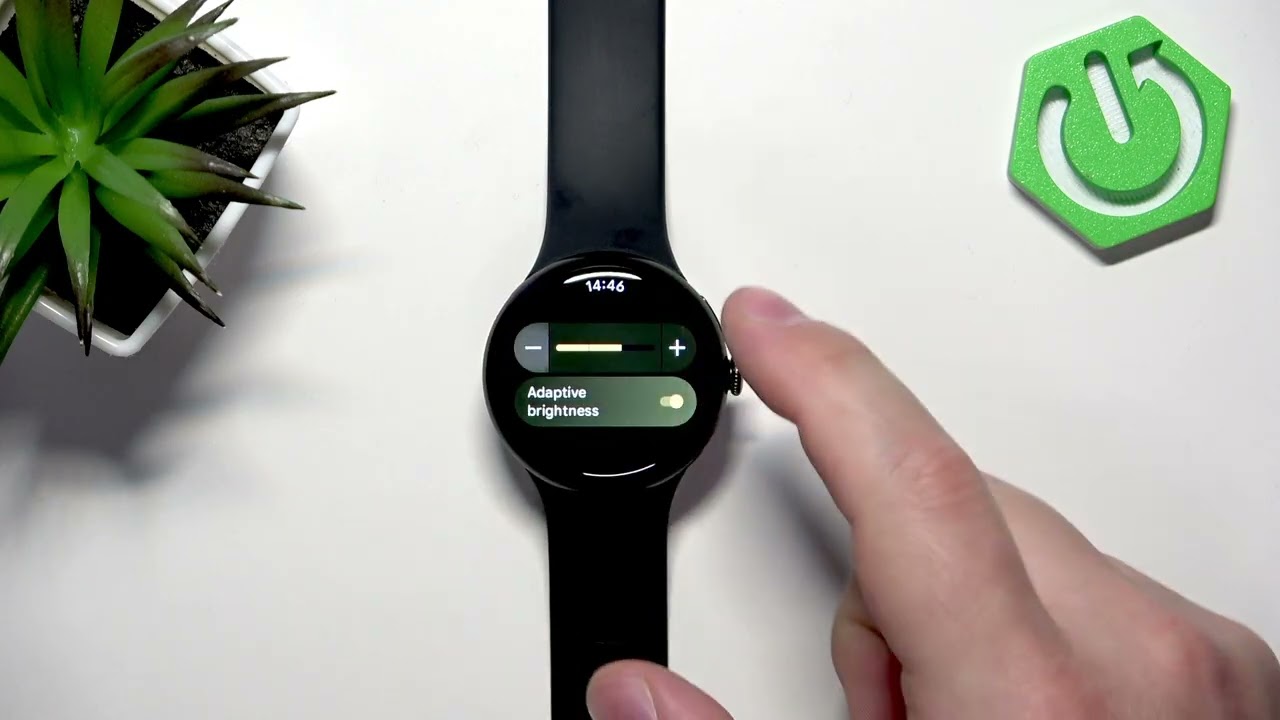
Learn how to change the screen brightness on your GOOGLE Pixel Watch 4 41mm. In this short, clear video I show step-by-step how to wake the watch, open the quick settings panel, tap the sun (brightness) icon, and adjust the brightness level. I also explain adaptive brightness: what it does, how to tweak its intensity, and how to disable it if you prefer a fixed brightness. These instructions apply to Pixel Watch 4 41mm running Wear OS and help when the screen is too dim in daylight or too bright at night. Follow along to set the best brightness for your needs.
How to change screen brightness on GOOGLE Pixel Watch 4 41mm?
How to disable adaptive brightness on Pixel Watch 4 41mm?
Where is the brightness control on GOOGLE Pixel Watch 4 41mm?
0:00 Welcome and overview
0:07 Wake the watch and press the crown
0:18 Open the Quick Panel (swipe down)
0:24 Tap the Brightness (sun) icon
0:35 Adaptive brightness explained and adjust intensity
0:54 Disable adaptive brightness and set manual level
1:28 Save setting and return to watch face
1:31 Outro and subscribe
#PixelWatch4 #GooglePixelWatch #Brightness #WearOS
Find out more:
https://www.hardreset.info/devices/go...
Follow us on Instagram ► / hardreset.info
Like us on Facebook ► / hardresetinfo
Tweet us on Twitter ► / hardreseti
Support us on TikTok ► / hardreset.info
Use Reset Guides for many popular Apps ► https://www.hardreset.info/apps/apps/
Повторяем попытку...
Доступные форматы для скачивания:
Скачать видео
-
Информация по загрузке: